Vertical Curve Table in Excel: Design Levels, High Point and K-Value Check
- XLSX
- 14 KB
- Version 1.0
- English
- October 23, 2026
Ready to download
Editable Excel file
This sheet is also available in: العربية
Where two grades meet on a road profile the break is not left sharp but joined by a parabolic vertical curve that gives smooth driving and adequate sight distance. Computing it by hand is tedious: tangent level and offset at every station.
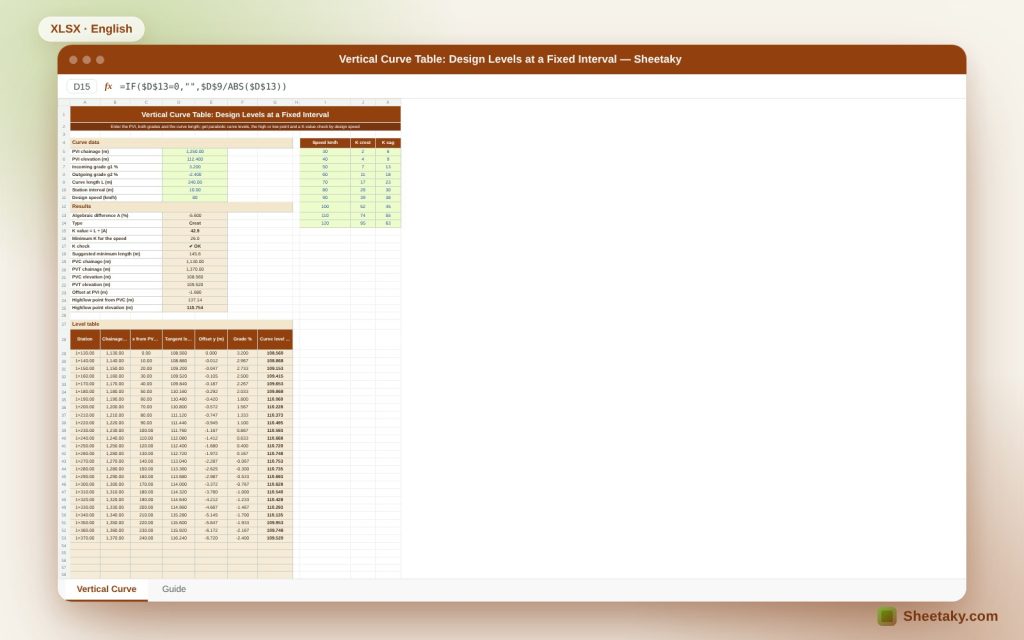
This sheet builds the whole table: enter PVI chainage and level, both grades, the curve length and the station interval, and it produces a level table ready for setting out, the high or low point, and checks K against design speed and suggests a minimum length.
Who is it for?
- Road and infrastructure engineers
- Surveyors and setting-out engineers
- Road contractors
- Highway students
What is inside the sheet?
- Inputs for PVI, two grades, curve length, interval and speed
- Crest or sag detected automatically
- K value, minimum K for the speed and a suggested minimum length
- PVC and PVT chainage and level and the offset at the PVI
- The high or low point, its position and level
- A 45-station table with chainage as 1+250, x, tangent, offset, grade and level
- A tangent and curve chart and a guide
How to use it
- Enter PVI chainage and level and the grades g1 and g2.
- Enter curve length, interval and design speed.
- Read the K check and the results.
- Copy the level table to drawings or the setting-out instrument.
Formulas used
A = g2 − g1 (in percent)K = L ÷ |A|PVC level = PVI level − g1/100 × L/2Offset y = A × x² ÷ (200 × L)Curve level = tangent level + yHigh point x = −g1 × L ÷ A from PVC
Worked example from the sheet itself
A PVI at 1+250 at level 112.40 m, incoming grade +3.2% and outgoing −2.4%, curve length 240 m and speed 80 km/h.
- The algebraic difference is −5.6%, so it is a crest, with K = 42.9 above the minimum 26, so the check passes, and the suggested minimum length is 145.6 m.
- The curve starts at PVC 1+130 at level 108.560 and ends at PVT 1+370 at 109.520, with an offset at the PVI of −1.680 m.
- The highest point is 137.14 m from the PVC, at 1+267.14 and level 110.754 m.
The K value
K is the horizontal length needed to change the grade by 1%. The larger K is, the smoother the curve and the longer the sight distance. Minimum K rises with speed and differs between a crest (governed by stopping sight distance) and a sag (governed by headlight distance and comfort).
High or low point
It lies where the grade is zero, and helps with drainage at sags or kerb setting. If it falls outside the curve length there is no high or low point inside it and the sheet writes “Outside the curve”.
Offset at the middle
The offset y is proportional to the square of the distance x, so it is largest at the middle under the PVI, where it equals A·L÷800.
K references
The default table values are examples from highway design references for stopping sight distance. Compare them with your national road code before relying on them.
Tips for best results
- Use a 10 m interval on roads and 5 m for high precision.
- Check the sign of each grade before entering it.
- Print the table for the setting-out crew.
- Make the curve length a multiple of the interval.
Frequently asked questions
Does it support sag curves?
Yes, the type is detected from the sign of A.
How many stations fit?
45 stations, that is 440 m at a 10 m interval.
Can I change the K values?
Yes, in the right-hand list.
What does 1+250 mean?
Station 1,250 m; one kilometre and 250 metres.
Download the sheet
Press the download button at the top of the page to get the Excel file. It includes a full guide sheet, yellow input cells and formulas protected from accidental edits. The sheet is also available in Arabic from the language switcher.
A calculation aid; verify your adopted road code.
Related sheets
Land surveying
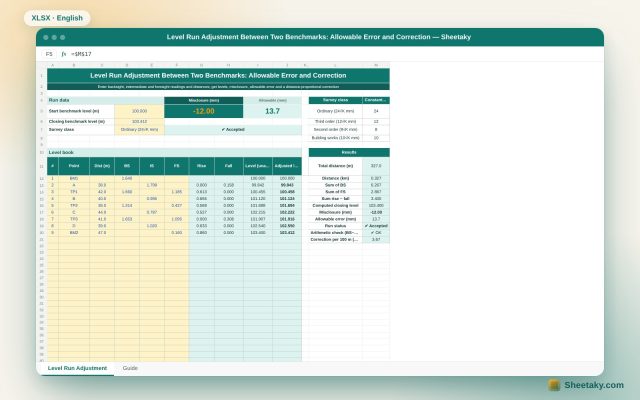
Level Run Adjustment in Excel: Misclosure, Allowable Error and Correction
An Excel sheet for a level book between two benchmarks of known level: it computes levels by the…
Land surveying
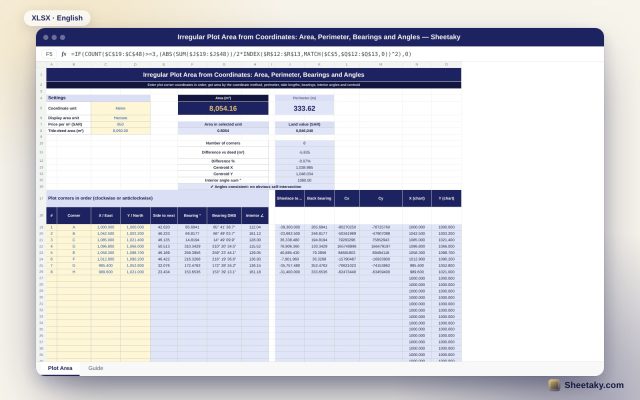
Irregular Plot Area from Coordinates in Excel: Area, Perimeter and Bearings
An Excel sheet that computes the area and perimeter of an irregular plot from its corner coordinates, with…
Land surveying
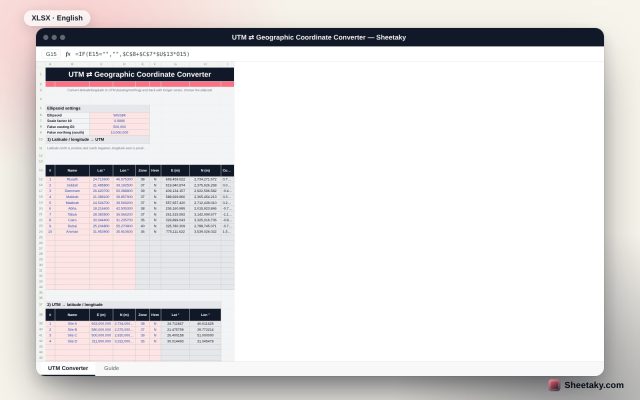
UTM and Latitude/Longitude Converter in Excel: Precise Krüger Series and Automatic Zone
An Excel sheet that converts latitude and longitude to UTM (easting and northing) and back with Krüger series…