UTM and Latitude/Longitude Converter in Excel: Precise Krüger Series and Automatic Zone
- XLSX
- 18 KB
- Version 1.0
- English
- October 23, 2026
Ready to download
Editable Excel file
This sheet is also available in: العربية
Site data reaches you sometimes as geographic coordinates from a GPS or online maps and sometimes as UTM from the surveyor drawing. Between the two, engineers lose time on online converters and copy figures by hand, where mistakes creep in.
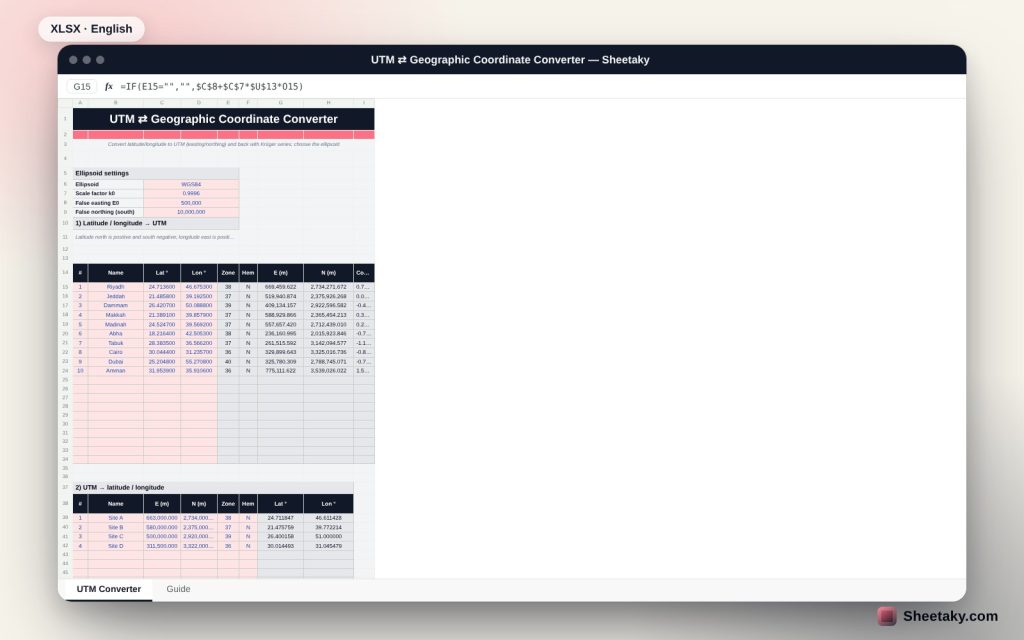
This sheet solves it inside your file: type latitude and longitude for twenty points and get the zone, hemisphere, E and N and grid convergence, and convert the other way from UTM to decimal degrees and then degrees, minutes and seconds, using precise Krüger series.
Who is it for?
- Surveyors and setting-out engineers
- GIS and mapping engineers
- Road and pipeline contractors
- Anyone receiving GPS coordinates that CAD needs
What is inside the sheet?
- Conversion of 20 points from geographic to UTM
- Reverse conversion of twelve points from UTM to geographic
- UTM zone, hemisphere and grid convergence automatically
- Ellipsoid choice: WGS84, GRS80 and Clarke 1880
- Computed ellipsoid constants shown for review
- Degrees, minutes and seconds display
- A guide with accuracy notes and limits
How to use it
- Pick the ellipsoid (default WGS84).
- Enter latitude and longitude to get zone, E and N.
- For the reverse enter E, N, zone and hemisphere.
- Copy the result to your CAD or setting-out instrument.
Formulas used
n = f ÷ (2 − f) and A = a ÷ (1 + n) × (1 + n²/4 + n⁴/64 + …)ξ′ = arctan(t ÷ cos Δλ) and η′ = artanh(sin Δλ ÷ √(1 + t²))ξ = ξ′ + Σ αj sin(2jξ′) cosh(2jη′)E = E0 + k0 · A · η and N = N0 + k0 · A · ξZone = ⌊(longitude + 180) ÷ 6⌋ + 1
Worked example from the sheet itself
Riyadh at latitude 24.7136 and longitude 46.6753 is in zone 38 north: E = 669,459.622 and N = 2,734,271.672.
- Jeddah in zone 37 gives E = 519,940.874 and N = 2,375,926.268, and Cairo is in zone 36.
- From UTM zone 38 with E = 663,000 and N = 2,734,000 the sheet returns latitude 24.711847 and longitude 46.611428, that is 24°42′42.649″ N.
- Results matched an independent calculation with Snyder series to under a millimetre.
Why Krüger
Krüger series in n (the third flattening) are accurate to well under a millimetre within ±3° of the central meridian and use short formulas that run in Excel cells. Older formulas give similar accuracy within the zone but are longer.
Zone and hemisphere
Each zone is 6 degrees wide, numbered from 180° west of Greenwich. The northern hemisphere needs no northing offset, while for the southern one 10,000,000 m is added automatically.
Grid convergence
True north differs from grid north by a small angle that grows with distance from the central meridian. The sheet shows it for anyone converting survey bearings.
Limits of use
The sheet does not replace the coordinate system adopted for your project. Some countries and cities use local grids with their own scale and offset parameters, so confirm before relying on it.
Tips for best results
- Enter 6 decimal places of degrees for centimetre accuracy.
- Check the zone for sites near a zone boundary.
- Keep a copy with your project reference coordinates.
- Verify one known point before converting the rest.
Frequently asked questions
Does it support the southern hemisphere?
Yes, the 10,000,000 m offset is added automatically.
Can I use another ellipsoid?
Pick from the list or add one with its radius and flattening.
Does it work in Google Sheets?
Yes, the functions used are available there.
How accurate is it?
Under a millimetre within ±3° of the central meridian.
Download the sheet
Press the download button at the top of the page to get the Excel file. It includes a full guide sheet, yellow input cells and formulas protected from accidental edits. The sheet is also available in Arabic from the language switcher.
A helper tool; verify your project adopted coordinate system.
Related sheets
Land surveying
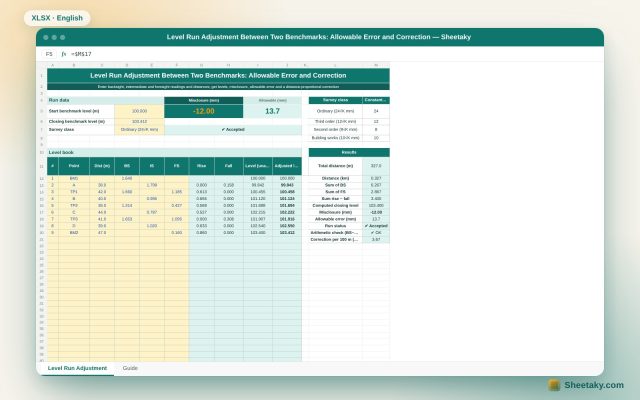
Level Run Adjustment in Excel: Misclosure, Allowable Error and Correction
An Excel sheet for a level book between two benchmarks of known level: it computes levels by the…
Land surveying
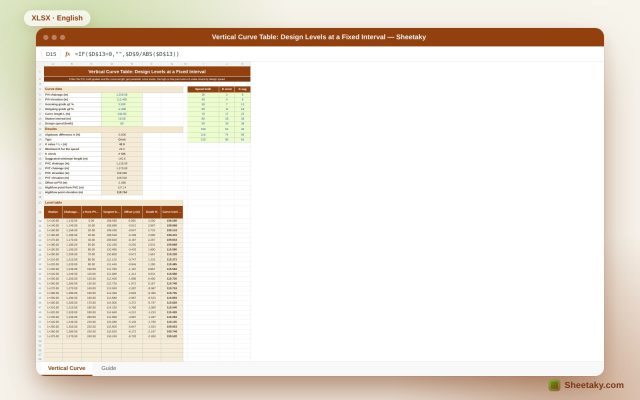
Vertical Curve Table in Excel: Design Levels, High Point and K-Value Check
An Excel sheet for designing a parabolic vertical curve between two grades: it gives a level table at…
Land surveying
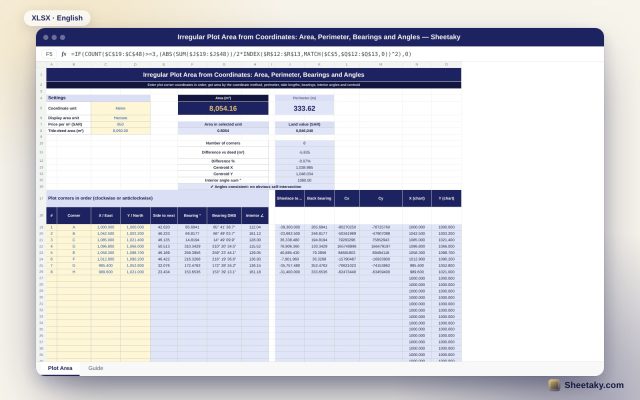
Irregular Plot Area from Coordinates in Excel: Area, Perimeter and Bearings
An Excel sheet that computes the area and perimeter of an irregular plot from its corner coordinates, with…