Slope and Gradient Calculator in Excel: Percent, 1:n and Angle for Every Segment
- XLSX
- 16 KB
- Version 1.0
- English
- October 23, 2026
Ready to download
Editable Excel file
This sheet is also available in: العربية
Every surveyor knows the question: is a sewer slope enough for water to flow? Does a road grade stay within the limit? The calculation is simple for one segment, but it repeats across dozens of stations and goes wrong when direction and sign get mixed up.
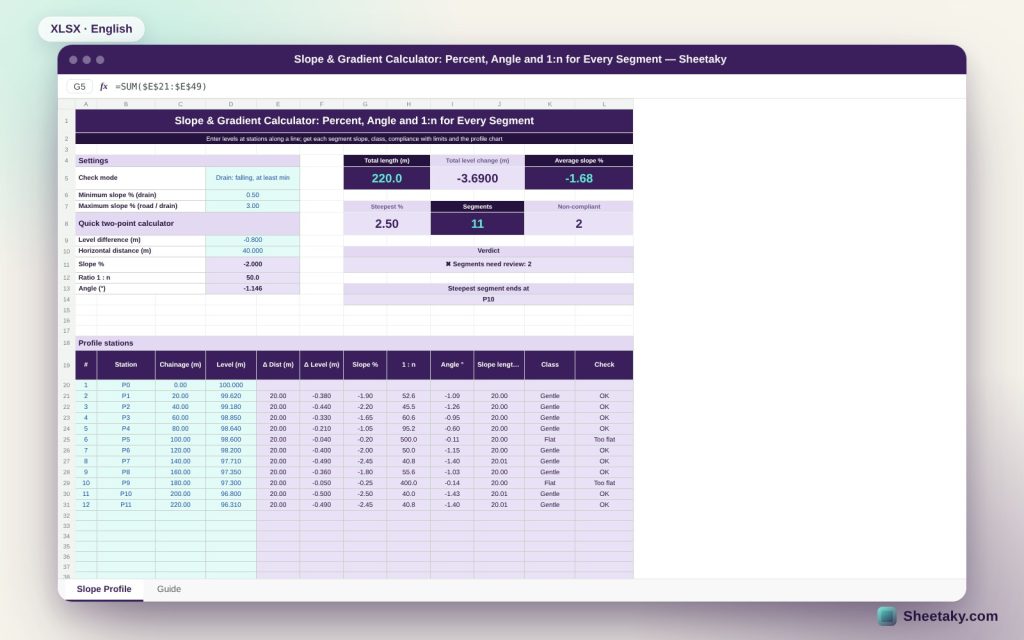
This sheet takes chainage and level at each station and computes for every segment the percent slope, 1:n ratio, angle, slope length and class, then checks it against a minimum and maximum you set and gives an overall verdict and a longitudinal profile chart.
Who is it for?
- Surveyors and setting-out engineers
- Road and infrastructure engineers
- Sewer and stormwater contractors
- Civil engineering students
What is inside the sheet?
- Up to 30 stations with chainage and level
- Two check modes: road with a maximum, drain falling with minimum and maximum
- Percent slope, 1:n, angle and slope length per segment
- Classes: flat, gentle, moderate, steep, very steep with editable limits
- Cards: total length, level change, average slope and steepest slope
- An overall verdict and the steepest segment
- A quick two-point calculator, two charts and a guide
How to use it
- Pick the check mode and enter the minimum and maximum slope.
- Enter chainage and level for each station.
- Read the slope and check for each segment.
- Review the verdict and the steepest segment.
Formulas used
Slope % = (level difference ÷ horizontal distance) × 100Ratio 1:n where n = distance ÷ |level difference|Angle = arctan(level difference ÷ distance)Slope length = √(distance² + level difference²)Average slope = total level change ÷ total distance
Worked example from the sheet itself
A 220 m drain profile with twelve stations every 20 m from level 100.00 down to 96.31.
- Total level change is −3.69 m, average slope −1.68% and the steepest 2.50% ending at P10.
- Only two segments are below the 0.5% minimum: P4 to P5 at 0.20% and P8 to P9 at 0.25%, so the sheet flags them for review.
- In the quick calculator a drop of 0.80 m over 40 m gives −2.0%, that is 1:50 and −1.146°.
Negative and positive slope
The sign follows the direction of increasing chainage. Drains must fall, with a negative slope at least equal to the minimum; if a positive slope appears the sheet calls it uphill and counts it as non-compliant.
Minimum and maximum
A minimum slope protects against silting and standing water, a maximum against high velocity and scour in drains and against skidding on roads. The defaults are examples, so replace them with what your project code requires.
Why the 1:n ratio helps
Instruments, field notes and contractor drawings sometimes state the grade as 1:50 or 1:100. The sheet gives both forms so you can transfer the figure to a drawing without converting by hand.
Horizontal distance
The sheet assumes horizontal distances as on drawings. If you measured slope distance, convert it first, otherwise the slope will read slightly lower than reality.
Tips for best results
- Use shorter segments where the grade changes.
- Record the invert, not the cover level, for sewers.
- Keep a copy of the sheet for each line.
- Compare the result with the approved drawing before execution.
Frequently asked questions
How many stations fit?
30 stations on the page.
Can I change the class limits?
Yes, in the right-hand list.
Does it work for cross sections?
Yes, by entering offset from the centreline instead of chainage.
What is the difference between slope and ratio?
Slope is a percentage and 1:n expresses the same value as horizontal units per unit of rise.
Download the sheet
Press the download button at the top of the page to get the Excel file. It includes a full guide sheet, yellow input cells and formulas protected from accidental edits. The sheet is also available in Arabic from the language switcher.
A calculation aid; confirm the limits required by your project code.
Related sheets
Land surveying
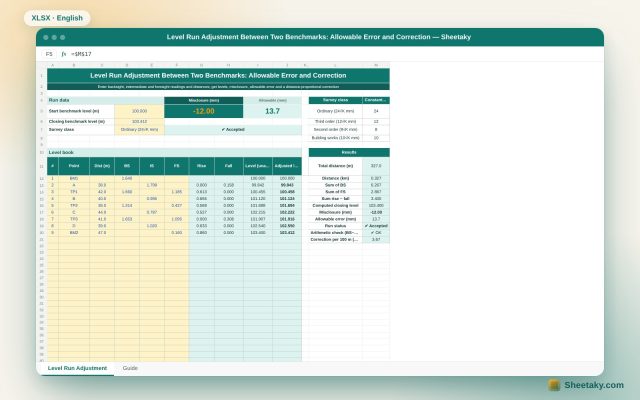
Level Run Adjustment in Excel: Misclosure, Allowable Error and Correction
An Excel sheet for a level book between two benchmarks of known level: it computes levels by the…
Land surveying
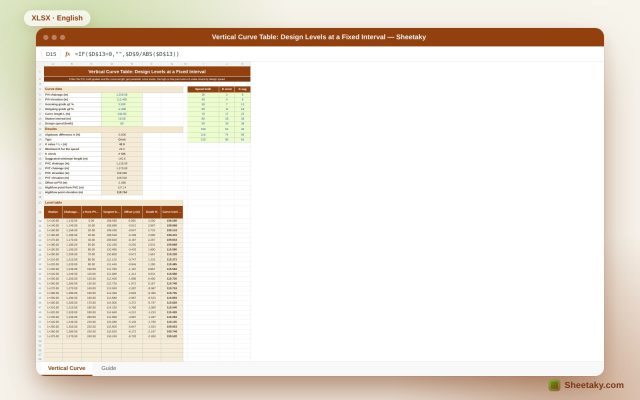
Vertical Curve Table in Excel: Design Levels, High Point and K-Value Check
An Excel sheet for designing a parabolic vertical curve between two grades: it gives a level table at…
Land surveying
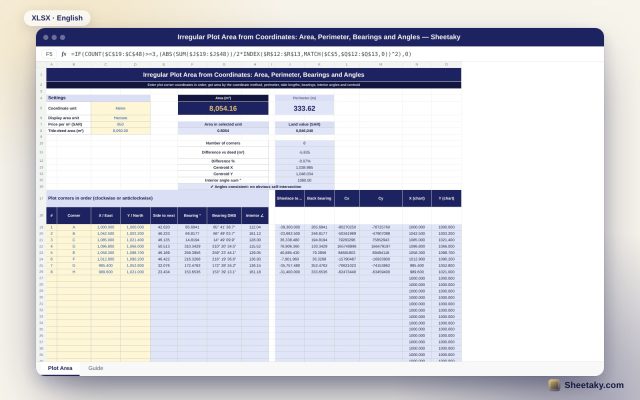
Irregular Plot Area from Coordinates in Excel: Area, Perimeter and Bearings
An Excel sheet that computes the area and perimeter of an irregular plot from its corner coordinates, with…