Level Run Adjustment in Excel: Misclosure, Allowable Error and Correction
- XLSX
- 15 KB
- Version 1.0
- English
- October 23, 2026
Ready to download
Editable Excel file
This sheet is also available in: العربية
After a long day of levelling you come back with a book of readings: backsights, intermediates, foresights and turning points. The first question is whether the run closed on the known point; the second, if it did not close exactly, whether the error is within tolerance; the third, how to distribute the error over the points.
This sheet answers all three: enter readings and distances and it computes rise, fall and levels, compares the computed closing level with the known one, estimates the allowable error by class (c × √K), then distributes the correction by distance and gives the adjusted levels.
Who is it for?
- Surveyors and setting-out engineers
- Quality controllers and site surveyors
- Surveying students
- Civil works contractors
What is inside the sheet?
- A 40-row book: point, distance, backsight, intermediate, foresight
- Rise, fall and levels before and after adjustment
- Four survey classes with editable constants
- Misclosure in millimetres, allowable error and a verdict
- An arithmetic check: sum of BS − sum of FS
- Correction per 100 m and total distance
- A levels chart and a guide
How to use it
- Enter the start and known closing levels and pick the class.
- Enter the points with their readings and distances.
- Read the misclosure and verdict.
- Use the adjusted levels.
Formulas used
Rise/fall = previous reading − current readingLevel = previous level + rise − fallMisclosure = computed level − known levelAllowable error = c × √K (mm) with K in kmCorrection at a point = −misclosure × (cumulative distance ÷ total distance)
Worked example from the sheet itself
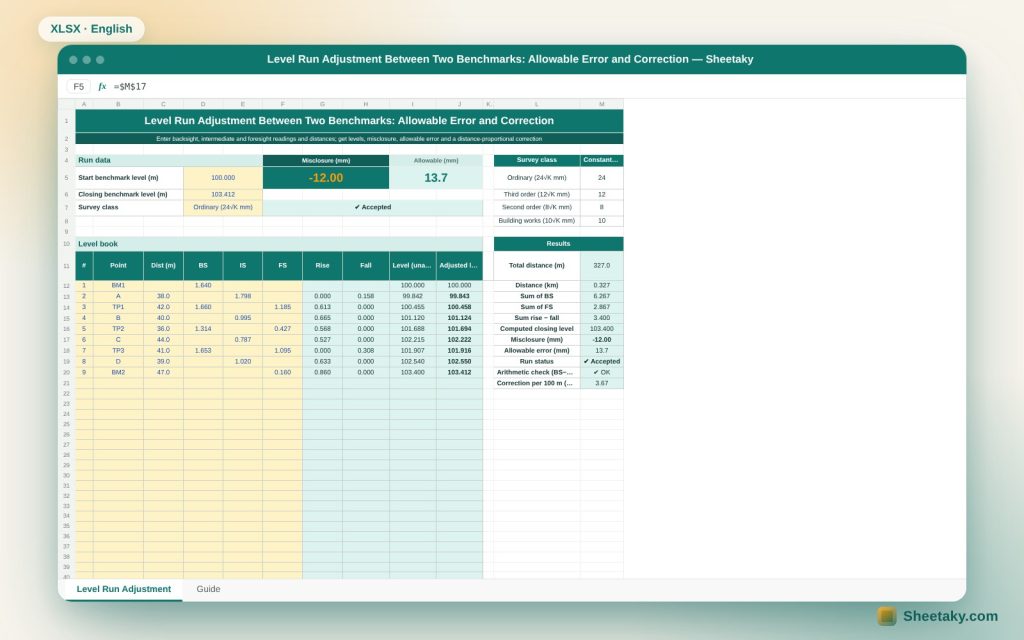
A run from BM1 at 100.000 to BM2 known at 103.412 through nine points including three turning points, 327 m (0.327 km) long.
- Sum of backsights is 6.267 and sum of foresights 2.867, a difference of 3.400, matching (103.400 − 100.000), so the arithmetic is sound.
- The computed closing level is 103.400, so misclosure is −12.0 mm against an allowable 24×√0.327 = 13.7 mm for ordinary class: the run is accepted.
- The correction is 3.67 mm per 100 m, so point D moves from 102.540 to 102.550.
Rise and fall method
Each reading is compared with the previous one at the same setup: smaller means rise, larger means fall. At a turning point the foresight and the backsight are written on the same line and the sheet knows the backsight belongs to the next setup.
Allowable error
The allowable error grows with the square root of distance because reading errors accumulate randomly. The default constants (24, 12, 8 and 10 mm) are common examples, so use what your project or municipal specification requires.
Distributing the correction
The error is spread over the points in proportion to their cumulative distance, so the last point takes the full correction and matches its known level. This assumes the error is uniform; if one reading has a gross mistake, redo that setup.
The arithmetic check
Sum of backsights minus sum of foresights must equal the level difference between start and end. If not, the mistake is in booking not in the field, so correct the sums first.
Tips for best results
- Keep backsight and foresight distances equal.
- Close every run on a known point.
- Record readings in millimetres immediately.
- Redo the setup if the error exceeds the limit.
Frequently asked questions
How many rows fit?
40 rows.
Can I use a closed loop?
Yes, make the closing point the same as the start.
Does it suit multi-line networks?
It adjusts one line between two points; for a network use a copy per line.
What does ordinary class mean?
General engineering levelling with a 24 mm constant; change the constant to suit your specification.
Download the sheet
Press the download button at the top of the page to get the Excel file. It includes a full guide sheet, yellow input cells and formulas protected from accidental edits. The sheet is also available in Arabic from the language switcher.
A calculation aid; adopt the accuracy specification of your project.
Related sheets
Land surveying
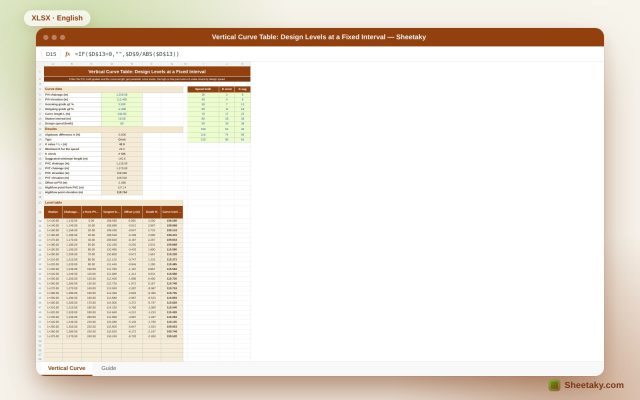
Vertical Curve Table in Excel: Design Levels, High Point and K-Value Check
An Excel sheet for designing a parabolic vertical curve between two grades: it gives a level table at…
Land surveying
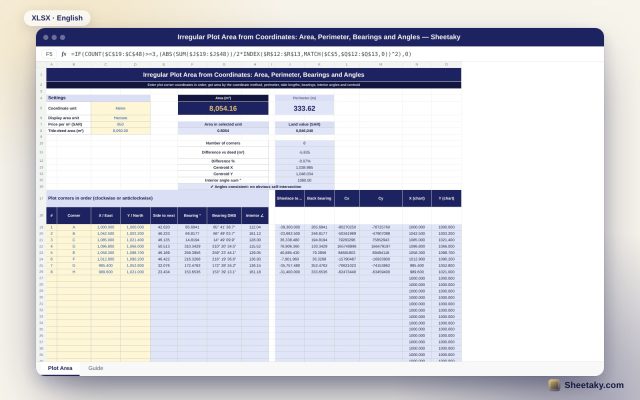
Irregular Plot Area from Coordinates in Excel: Area, Perimeter and Bearings
An Excel sheet that computes the area and perimeter of an irregular plot from its corner coordinates, with…
Land surveying
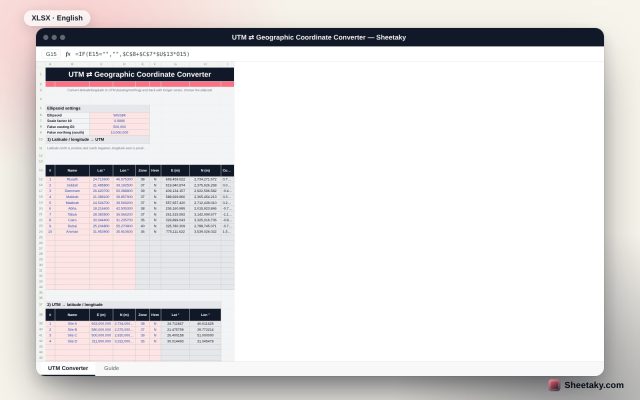
UTM and Latitude/Longitude Converter in Excel: Precise Krüger Series and Automatic Zone
An Excel sheet that converts latitude and longitude to UTM (easting and northing) and back with Krüger series…