Horizontal Circular Curve Setting-Out in Excel: Curve Elements, Deflection Table and AutoCAD Commands
- XLSX
- 16 KB
- Version 1.0
- English
- October 23, 2026
Ready to download
Editable Excel file
This sheet is also available in: العربية
Where a road, railway or pipeline changes direction, a circular curve joins the two straights and turns smoothly. The design fixes the radius and deflection angle, while the surveyor needs the curve elements and its points on the ground to set them out.
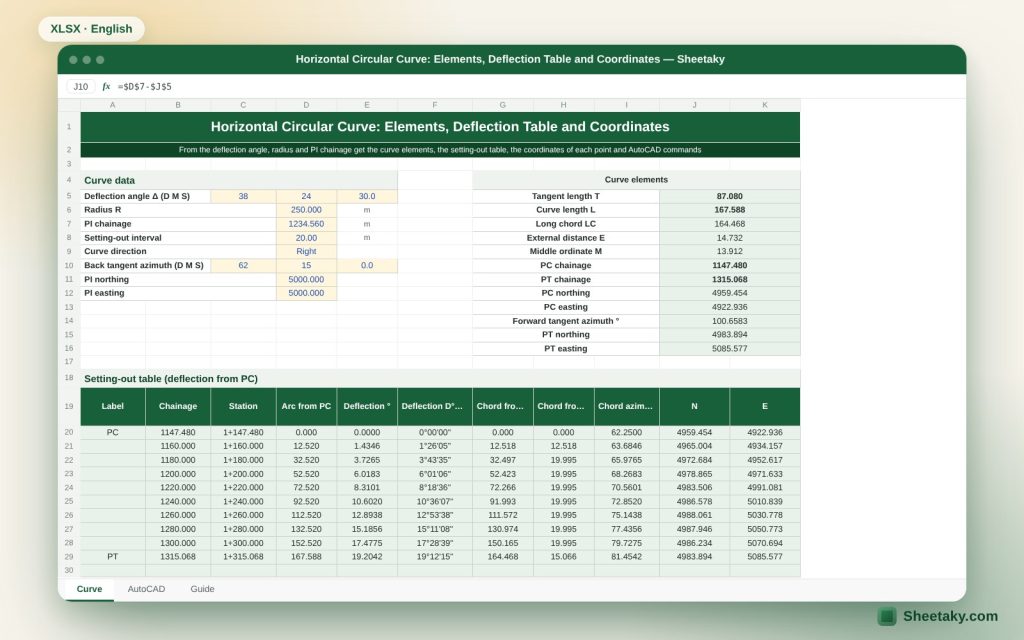
This sheet computes the main curve elements from the radius, deflection angle and the coordinates of the intersection point, then produces the setting-out table by the deflection angle method: for each station on the curve the angle from the tangent and chord, its coordinates, and AutoCAD commands to draw the curve as an arc, as a polyline and as points.
Who is it for?
- Road, railway and infrastructure engineers
- Surveyors setting out curves
- Students of highway and surveying courses
- Designers who want to check curve elements
What is inside the sheet?
- Entry of radius, deflection angle, intersection point PI and the first tangent direction
- Curve elements: T, L, LC, E, M and degree of curve
- The PC and PT with coordinates, checked two ways
- A setting-out table with deflection angles, chords and coordinates
- AutoCAD commands: PLINE, ARC and points
- A guide sheet
How to use it
- Enter the radius R, deflection angle Δ, coordinates of the intersection PI and the incoming tangent direction.
- Choose the deflection to the right or left.
- Read the elements and the coordinates of PC and PT.
- Choose a chord length (such as 10 or 20 m) so the table generates the stations.
- Use the deflection angle of each station on the instrument at PC, and copy the AutoCAD commands if you want to draw.
Formulas used
Tangent T = R × tan(Δ ÷ 2)Curve length L = R × Δ (radians)Long chord LC = 2R × sin(Δ ÷ 2)External distance E = R × (1 ÷ cos(Δ ÷ 2) − 1)Middle ordinate M = R × (1 − cos(Δ ÷ 2))Deflection angle for a chord c = (c ÷ R) ÷ 2 in radians
Worked example from the sheet itself
A curve of radius 200 m and deflection 40°, applying the equations.
- T = 200 × tan 20° = 72.794 m and L = 200 × 0.69813 = 139.626 m.
- LC = 2 × 200 × sin 20° = 136.808 m, E = 12.836 m and M = 12.061 m.
- For a 20 m chord the deflection angle = (20 ÷ 200) ÷ 2 = 0.05 radian = 2°51′53″.
Elements of a simple circular curve
The intersection point PI is where the two tangents meet. The point of curvature PC and the point of tangency PT lie on the two tangents, each a distance T from PI. The deflection angle Δ is the angle between the extension of the first tangent and the second, and equals the central angle subtended by the arc. All other elements derive from R and Δ.
The long chord LC joins PC to PT, the external distance E is the distance from PI to the middle of the arc, and the middle ordinate M is the distance between the middle of the arc and the middle of the long chord. These are useful for checks on site: you can measure M after setting out, for instance, to confirm the curve.
The deflection angle method
You set the instrument on PC and sight PI (the tangent). For each point on the curve you turn a deflection angle equal to half the central angle of the arc from PC to that point, and measure the chord from the previous point. The accumulated angle at the last point PT must equal Δ ÷ 2, which is an excellent check: if it does not, there is an error in the computation or the input.
Because the first chord is usually shorter than the rest (so that stations fall on whole numbers), the sheet computes a special angle for it and for the last chord, then the regular chords in the middle.
Double check of the end point
The sheet computes the coordinates of PT in two ways: from PI and the tangent length, and from PC by the long chord and its angle. The two results must agree. A difference means the input is inconsistent, for example a second tangent direction that does not match Δ.
On site you can check by closure: on reaching PT by the deflection method, measure to the PT computed from the second tangent; millimetre differences are acceptable and centimetres mean you re-do it.
What the sheet does not cover
- Transition (spiral) curves used on highways and railways.
- Compound and reverse curves.
- Vertical curves and superelevation.
- Sight distance and design speed.
- Take these from the road code and the owner’s specification.
Field tips for setting-out
- Set out PC, PI and PT first from coordinates and check the distances between them.
- Choose a suitable chord: 10 m on sharp curves and 20 m on wide ones.
- Put permanent marks on the tangents outside the excavation limits.
- Measure the middle ordinate M after setting-out to confirm.
- Record the deflection angles in the field book beside each station.
Drawing in AutoCAD
The sheet gives a PLINE command through the station points and an ARC command from PC through a middle point to PT. The first (a segmented line of chords) differs in accuracy from the second (a true arc), so use the arc for the final drawing and the points for setting-out. Try the commands on a copy of the drawing first.
Tips for best results
- Check that the chords add up to the curve length L.
- Keep the deflection table with the curve data in the project file.
- Take R and Δ from the approved drawing, not from measurement.
Frequently asked questions
Does it support a transition curve?
No, it is for a simple circular curve.
What is the degree of curve?
It is the angle of an arc whose length is a standard chord (usually 20 m or 100 ft) and is used in some manuals.
Does it work for a left-hand curve?
Yes, choose the deflection to the left.
How many stations does it generate?
Up to 40 stations.
Download the sheet
Press the download button at the top of the page to get the Excel file. It includes a full guide sheet, yellow input cells and formulas protected from accidental edits. The sheet is also available in Arabic from the language switcher.
The sheet is a calculation aid. The geometric design of the curve is the designer’s responsibility.
Related sheets
Land surveying
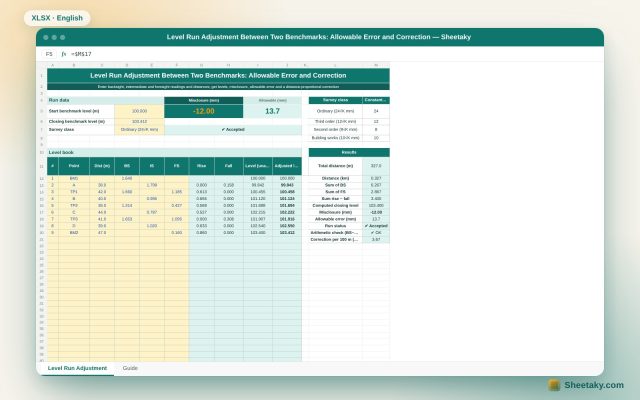
Level Run Adjustment in Excel: Misclosure, Allowable Error and Correction
An Excel sheet for a level book between two benchmarks of known level: it computes levels by the…
Land surveying
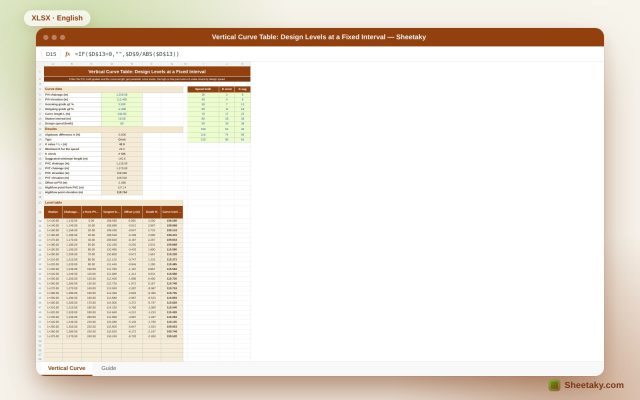
Vertical Curve Table in Excel: Design Levels, High Point and K-Value Check
An Excel sheet for designing a parabolic vertical curve between two grades: it gives a level table at…
Land surveying
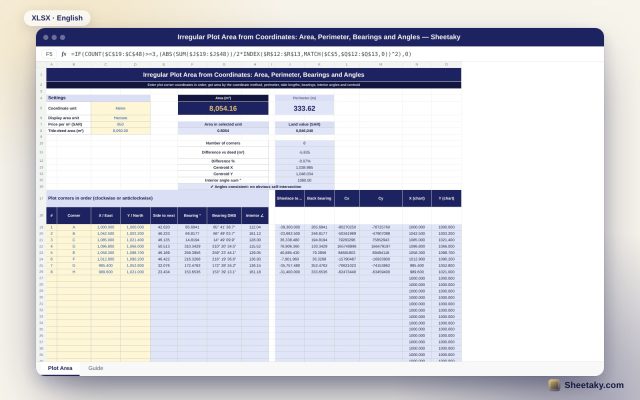
Irregular Plot Area from Coordinates in Excel: Area, Perimeter and Bearings
An Excel sheet that computes the area and perimeter of an irregular plot from its corner coordinates, with…