Cut and Fill Volume by the Square Grid Method in Excel, with a Balanced Formation Level
- XLSX
- 10 KB
- Version 1.0
- English
- October 23, 2026
Ready to download
Editable Excel file
This sheet is also available in: العربية
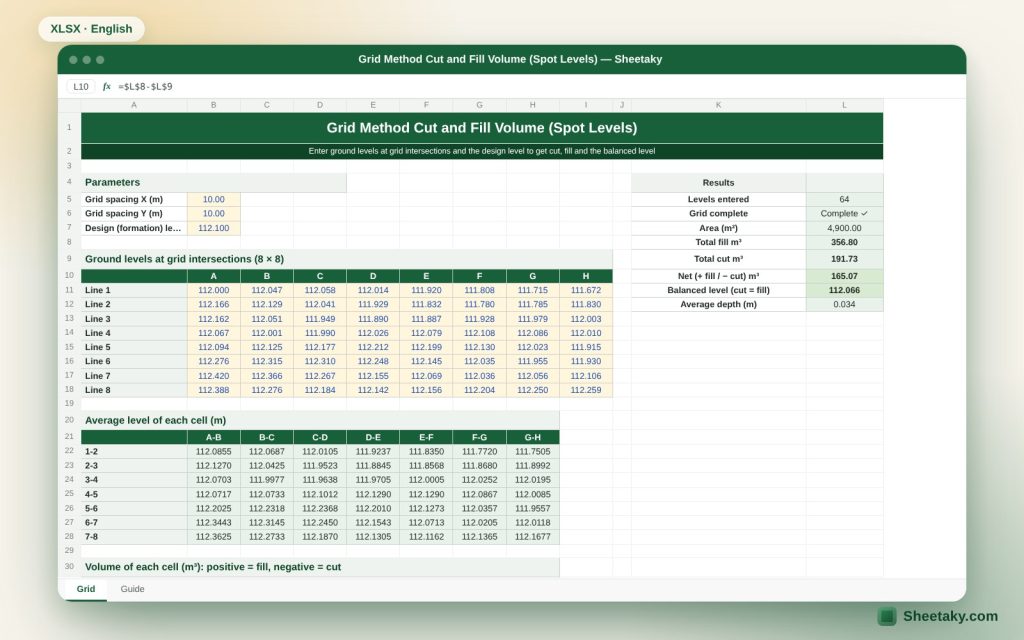
When levelling land for a building, playground or car park, the first question is how many cubic metres will be cut and how many filled. The site is often wide and unsuited to longitudinal sections, so you use the square grid: divide the site into equal squares and take the ground level at each corner.
This sheet works on a grid of up to eight by eight corners, that is seven by seven squares. You enter the side of the square, the corner levels and the design level, and it computes cut and fill for each square and for the whole site, and if you wish gives the balanced level that makes cut roughly equal fill.
Who is it for?
- Site engineers levelling land and platforms
- Contractors pricing levelling work
- Engineers of playgrounds, car parks and warehouses
- Students
What is inside the sheet?
- An 8×8 level input grid
- Square side and design level
- Cut and fill per square in cubic metres
- Total cut, fill and difference
- Balanced formation level (the average)
- Estimated cost and shrinkage factor
- A guide sheet
How to use it
- Divide the site into equal squares of a suitable side (such as 10 m) and take the ground level at each corner with a level.
- Enter the levels in the yellow grid in the same order as on site.
- Enter the design level or let the sheet suggest the balanced level.
- Read the cut and fill per square and for the whole site.
- Enter the unit rate for cost.
Formulas used
Square area = side²Square mean level = (sum of its four corner levels) ÷ 4Square height = mean level − design levelVolume = square area × height (positive cut, negative fill)Balanced level = average of the square means
Worked example from the sheet itself
A square with a 10 m side and corners 101.2, 101.4, 101.0 and 101.4 has a mean of 101.25.
- With a design level of 101.00 the height is 0.25 m and the cut = 100 × 0.25 = 25 m³.
- With a design level of 101.50 the fill is 25 m³ also, as -0.25.
How the square grid method works
You divide the site into regular squares and take the level at each corner. The method assumes the ground inside a square is flat at the mean of its four corners, so the volume is the square’s area times the difference between its mean level and the design level. Positive means the ground is above design so you cut, and negative means fill.
Its strength is speed and ease of execution on site with one level, and it suits flat, uniform sites. It loses accuracy when the ground is very undulating, which needs smaller squares.
Choosing the grid size
The smaller the square the higher the accuracy and the more readings. For flat land 10 to 20 metres is enough, and for undulating land 5 metres or less. But do not exceed 8×8 corners in this sheet; for a bigger site split it into parts and compute each separately.
Make sure the squares are equal, and that the corners represent the actual ground and not a tree or a heap.
The balanced formation level
If you only need the land flat with no fixed level, the best level is the one that makes cut equal fill, so nothing is imported or exported. In a regular grid it is the average of the square means.
But the real factor is affected by soil swell and shrink, so if fill needs more cut than its volume, raise the level slightly to reduce the cut. Use the sheet’s shrinkage factor and then change the level until cut balances adjusted fill.
Limits of the method
- It does not give the volume of side slopes at the edges of the site.
- It does not include topsoil stripping.
- It assumes a uniform plane inside each square.
- On long sites it is better to compare with cross-sections.
Common mistakes
- Levels entered with rows and columns swapped.
- Unequal squares.
- Mixing the ground level with the design level.
- Forgetting the shrinkage factor in the cost.
Tips for best results
- Peg out the grid on the ground and name the corners before observing.
- Use the balanced level as a starting point and then adjust it to the design.
- Keep the level book to review the corner readings.
Frequently asked questions
How many corners does it support?
A grid up to 8×8 corners, that is 49 squares.
Does it compute side slopes?
No, it computes inside the grid only.
Is it different from the section method?
Yes, it suits wide sites while sections suit roads and long lines.
Can I control the shrinkage factor?
Yes, you can change it.
Download the sheet
Press the download button at the top of the page to get the Excel file. It includes a full guide sheet, yellow input cells and formulas protected from accidental edits. The sheet is also available in Arabic from the language switcher.
The sheet is an estimating aid. Official quantities are approved by the engineer responsible.
Related sheets
Land surveying
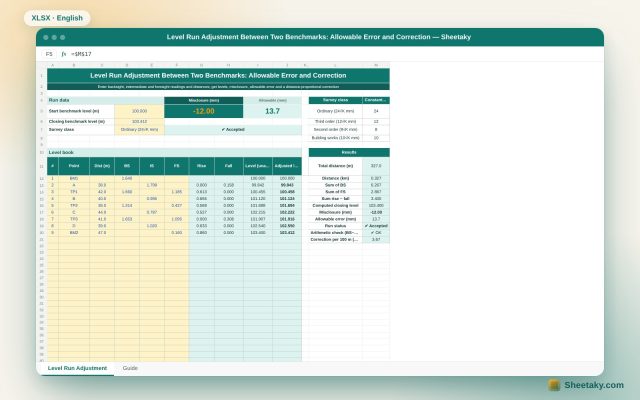
Level Run Adjustment in Excel: Misclosure, Allowable Error and Correction
An Excel sheet for a level book between two benchmarks of known level: it computes levels by the…
Land surveying
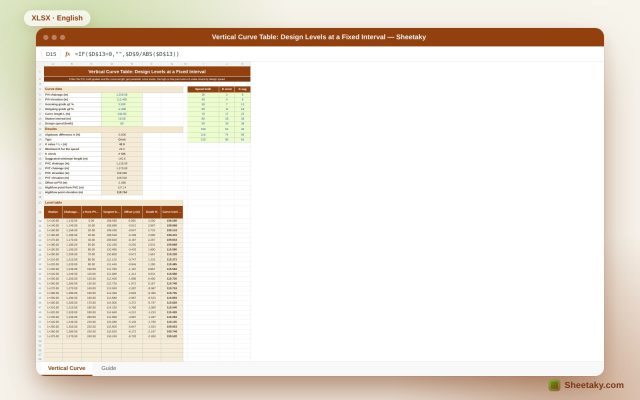
Vertical Curve Table in Excel: Design Levels, High Point and K-Value Check
An Excel sheet for designing a parabolic vertical curve between two grades: it gives a level table at…
Land surveying
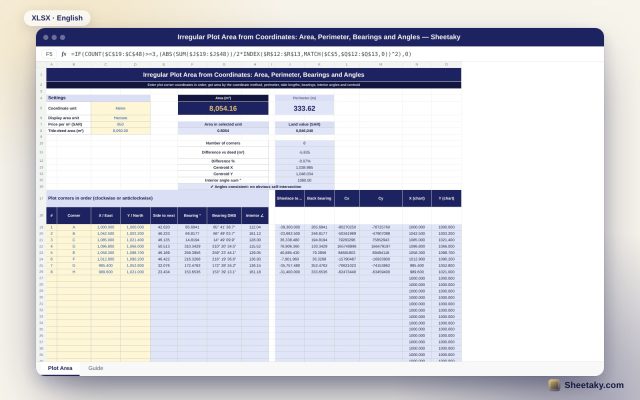
Irregular Plot Area from Coordinates in Excel: Area, Perimeter and Bearings
An Excel sheet that computes the area and perimeter of an irregular plot from its corner coordinates, with…