Total Station Setting-Out Table in Excel: Angle and Distance from the Backsight, with AutoCAD Commands
- XLSX
- 14 KB
- Version 1.0
- English
- October 23, 2026
Ready to download
Editable Excel file
This sheet is also available in: العربية
Setting-out is transferring the design from paper to ground, and everything built afterwards depends on it. Its errors are expensive because they are usually found after the concrete is poured. A total station works by angle and distance, so each design point needs two numbers: how far to turn from the backsight and how far to measure.
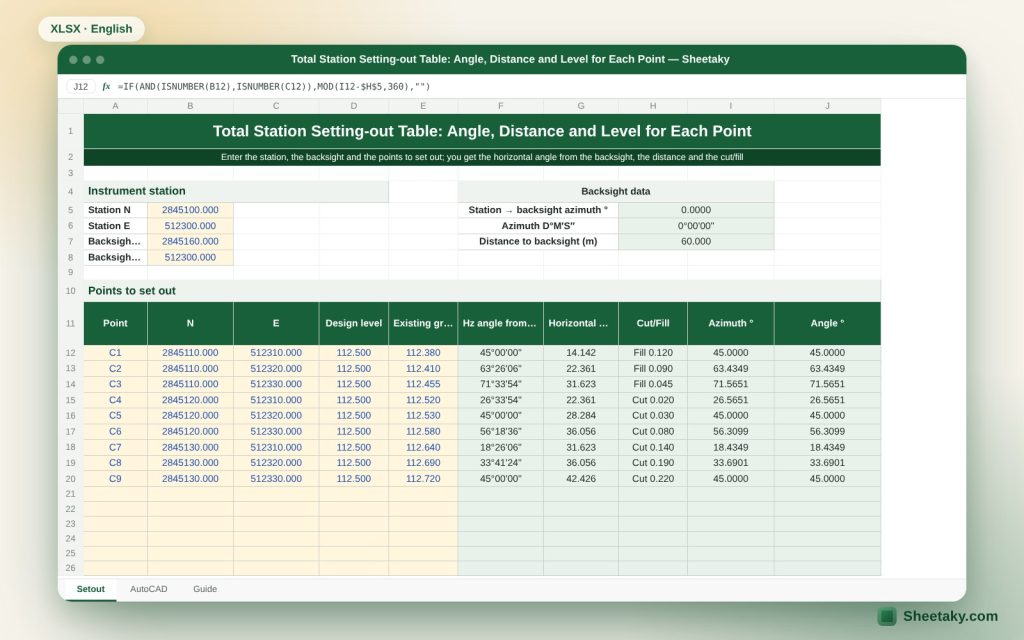
This sheet computes those two numbers for each point from its design coordinates. You enter the instrument station and backsight coordinates, then the points to set out, and it gives the horizontal angle in degrees, minutes and seconds, the horizontal distance, and the design level against the ground level for cut or fill.
Who is it for?
- Site engineers and surveyors setting out buildings, columns and roads
- Contractors who assign setting-out to assistants and want a ready sheet
- Surveying students
- Anyone using a total station without instrument-linked software
What is inside the sheet?
- Entry of the instrument station, backsight, instrument and reflector heights
- A table for forty design points with coordinates and level
- Horizontal angle from the backsight in degrees, minutes and seconds
- Horizontal distance, existing ground level and cut/fill
- A check on the backsight with a second control point
- AutoCAD commands to draw the set-out points
- A guide sheet
How to use it
- Enter the coordinates of the instrument station STN and the backsight BS.
- Enter the design points: name, northing, easting and design level, and the ground level if known.
- Carry the angle and distance of each point to a field notebook or enter them in the instrument.
- In the field sight BS, zero the angle, turn by the computed angle and mark the point at the distance.
- Check by measuring a second control point and record the difference in the check cell.
Formulas used
Line azimuth Az = angle whose tangent is ΔE ÷ ΔNHorizontal angle from BS = Az (STN→point) − Az (STN→BS), normalised to 0–360Horizontal distance = √(ΔN² + ΔE²)Cut/fill = ground level − design level
Worked example from the sheet itself
The instrument station is at (5000, 5000) and the backsight at northing 5100, easting 5000, so its azimuth is 0°.
- A design point at northing 5040, easting 5050 gives ΔN = 40 and ΔE = 50, so the distance is 64.031 m and the azimuth 51°20′25″.
- The angle from the backsight = 51°20′25″ − 0° = 51°20′25″.
- If the design level is 100.00 and the ground 100.35 the cut is 0.35 m.
The idea of angle-and-distance setting-out
You place the instrument on a known point (STN) and sight a second known point (BS), giving a reference line. Every point you want has an azimuth from STN, and the difference between its azimuth and that of BS is the angle you turn from the reference line. You then measure the distance along that direction and land on the point.
This is the polar solution. Modern total stations have setting-out programs that do this internally if you enter the coordinates, but an angle and distance table remains useful when you want to review what the instrument produces, when you have an older instrument, or when you want a sheet to hand to an inexperienced assistant.
Checking the backsight is a step never to skip
The most dangerous setting-out errors are a wrong backsight or an uncentred instrument. So after sighting BS, measure a second known control point (CHK) and compare the angle and distance with the computed ones. A difference larger than your project tolerance (a few millimetres for buildings) means you must set up again. The sheet computes the expected angle and distance to the check point for you to compare.
It is wise to repeat the check from time to time during long work and after any knock to the tripod or a move.
Cut and fill from ground level
The design level against the existing ground level gives the difference: positive means cut (ground above design) and negative means fill. These values are what is usually written on stakes or given to the plant operator.
For foundations and columns the work is by horizontal coordinates and the level is given with a level instrument for better accuracy. Use the cut/fill column as a first guide when you take levels with the total station.
Practical tolerances
- Columns and foundations: usually a few millimetres.
- Pavements and roads: centimetres according to specification.
- Boundaries and general site works: according to specification, usually larger.
- Use what your project specification states.
Common field mistakes
- The recorded reflector height not matching the real one.
- An instrument not levelled or centred.
- Mixing grid and magnetic direction when fixing the BS.
- Swapping northing and easting when transferring coordinates.
- Forgetting scale factor and atmospheric correction on long distances.
Linking the sheet to AutoCAD
On the AutoCAD sheet the sheet gives POINT commands and number texts for the design points, so you can review their positions on the plan before going to site. They follow documented syntax and should be tried on a copy of the drawing.
Tips for best results
- Print the table and take it to site instead of relying on memory.
- Set out the main points first and then the detail.
- Record the result of the control check with the time.
Frequently asked questions
Does it work for an instrument without a setting-out program?
Yes, that is where it helps most: you turn by the computed angle and measure the distance.
What about grid versus magnetic north?
The sheet works on coordinate (grid) directions. When you sight a known point the other kinds do not matter.
Does it compute atmospheric refraction?
No. Enter distances after the instrument’s atmospheric correction.
How many points?
Forty points.
Download the sheet
Press the download button at the top of the page to get the Excel file. It includes a full guide sheet, yellow input cells and formulas protected from accidental edits. The sheet is also available in Arabic from the language switcher.
The sheet is a calculation aid. Check the control point before every setting-out.
Related sheets
Land surveying
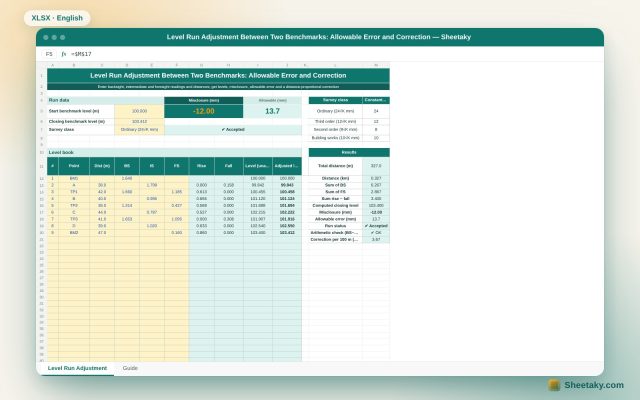
Level Run Adjustment in Excel: Misclosure, Allowable Error and Correction
An Excel sheet for a level book between two benchmarks of known level: it computes levels by the…
Land surveying
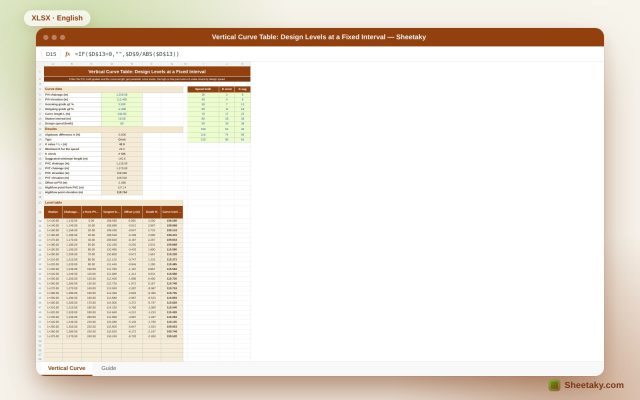
Vertical Curve Table in Excel: Design Levels, High Point and K-Value Check
An Excel sheet for designing a parabolic vertical curve between two grades: it gives a level table at…
Land surveying
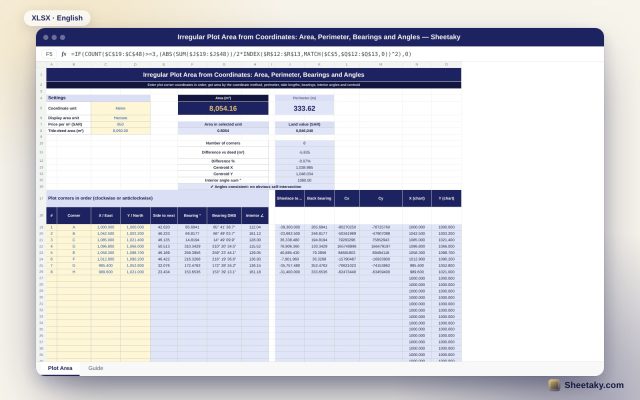
Irregular Plot Area from Coordinates in Excel: Area, Perimeter and Bearings
An Excel sheet that computes the area and perimeter of an irregular plot from its corner coordinates, with…