Rental Property ROI Calculator in Excel: Yield, Cash Flow and a 10-Year Projection
- XLSX
- 12 KB
- Version 1.0
- English
- October 23, 2026
Ready to download
Editable Excel file
This sheet is also available in: العربية
Buying a property to let is a big decision often built on impression: “rent is 6,000 and the price 900 thousand, so the yield is excellent”. Real numbers are subtler: vacancy, months without a tenant, maintenance, fees, insurance and the financing payment. A property can look profitable on paper and have weak cash flow.
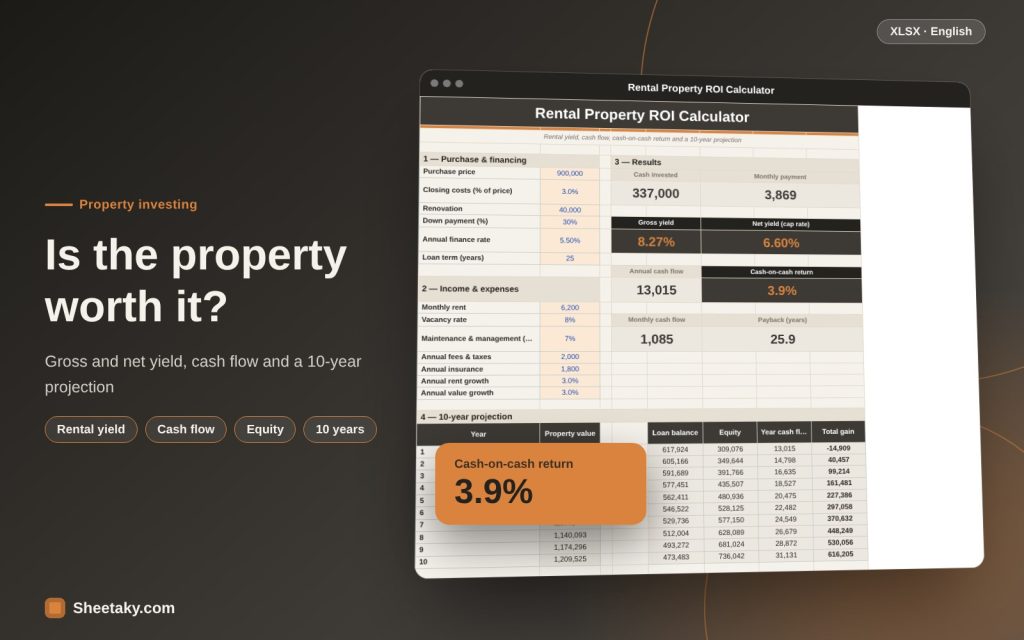
This calculator puts the full picture together. You enter purchase price, down payment and financing, then rent, vacancy and expenses, and it gives gross and net rental yield, annual and monthly cash flow, the return on the cash you paid and its payback, then a 10-year table of property value, loan balance, equity and total gain.
Who is it for?
- Anyone thinking of buying an apartment or shop to let
- Investors comparing two properties
- Owners wanting to know their real yield
- Anyone testing the effect of a higher rate or lower rent
What is inside the sheet?
- Purchase and financing inputs: price, costs, renovation, down payment, rate, term
- Income and expense inputs: rent, vacancy, maintenance, fees, insurance, growth
- Cards: cash invested, payment, gross and net yield, cash flow, cash-on-cash, payback
- A 10-year table: value, loan, equity, cash flow and gain
- A chart and a guide sheet
How to use it
- Enter the purchase price, costs, renovation and down payment.
- Enter the annual finance rate and the term (use a tiny rate such as 0.1% for near zero).
- Enter monthly rent, vacancy and annual expenses.
- Read the yield, cash flow and cash-on-cash return.
- Test a worse case: lower rent, higher vacancy and a higher rate.
Formulas used
Gross yield = annual rent ÷ priceEffective income = rent × 12 × (1 − vacancy)Net operating income = effective income − operating costsNet yield = NOI ÷ priceCash flow = NOI − financing paymentsCash-on-cash = cash flow ÷ cash invested
Worked example from the sheet itself
A purchase at 900,000 with 3% costs, 40,000 renovation and a 30% down payment (337,000 paid in cash).
- Financing at 5.5% for 25 years gives a monthly payment of 3,869.
- Rent of 6,200 a month, 8% vacancy, 7% maintenance and management, 2,000 fees and 1,800 insurance.
- Gross yield is 8.27%, net yield 6.6% and annual cash flow about 13,015, so cash-on-cash is 3.9%.
Gross yield can mislead
Gross yield (annual rent ÷ price) is quoted by everyone because it is easy, but it ignores every cost. A property with 8% gross may deliver only 5% net after vacancy, maintenance and fees, and its cash flow may be weak after the payment. That is why the calculator shows gross and net together.
A working rule: compare properties by net yield and compare financing by cash-on-cash return.
Vacancy and maintenance: the forgotten costs
No property is let all year. Use 5–10% vacancy depending on your area’s market, possibly more for shops. For maintenance set aside a share of rent (5–10%) because faults arrive as surprises. And do not forget agent fees if you use one, and municipal fees or taxes in your country.
The effect of financing (leverage)
Financing raises the return on your money if net yield exceeds the cost of financing, and hurts if it is lower. In the example net yield is 6.6% against financing of 5.5%, so the spread is thin and cash flow stays weak. Try a bigger down payment or a lower price to see the effect.
Financing is a long commitment: a rise in a floating rate can turn cash flow negative.
Equity and value growth
As you repay, the loan balance falls and your equity (value − loan) rises. If value grows 3% a year, a large part of your 10-year gain comes from value growth, not rent. But growth is not guaranteed, so try 0% and −2% as a hedge.
What the calculator does not cover
- Capital gains or rental income tax in your country.
- Selling and brokerage costs.
- Rate changes on floating financing.
- Inflation and the time value of money.
- Note: the calculator is not investment advice, and for a big decision consult a professional.
Tips for best results
- Use real prices and rents from the property’s area.
- Compare two properties with the same calculator.
- Run a pessimistic scenario before deciding.
Frequently asked questions
Does it suit Islamic financing?
Yes, enter the equivalent annual profit rate as the rate.
Does it include taxes?
No, add annual charges to the fees cell.
Does it suit shops and offices?
Yes, with higher vacancy.
Is it investment advice?
No, it is a calculation tool.
Download the sheet
Press the download button at the top of the page to get the Excel file. It includes a full guide sheet, yellow input cells and formulas protected from accidental edits. The sheet is also available in Arabic from the language switcher.
Figures are estimates and not investment advice.
Related sheets
Smart dashboards
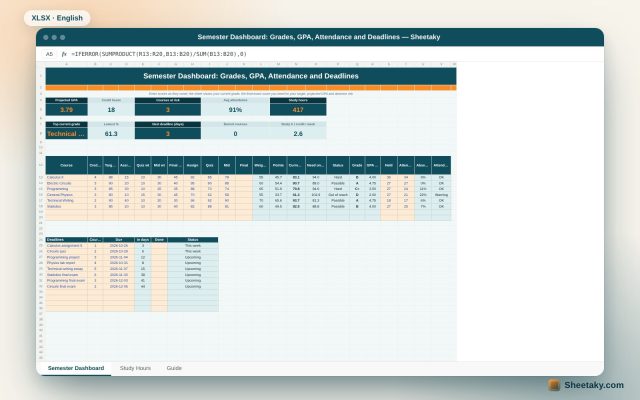
Student Semester Dashboard in Excel: Grades, GPA, Attendance and the Score Needed on the Final
An Excel board for university students: enter assignment, quiz and midterm scores to see your current grade in…
Smart dashboards
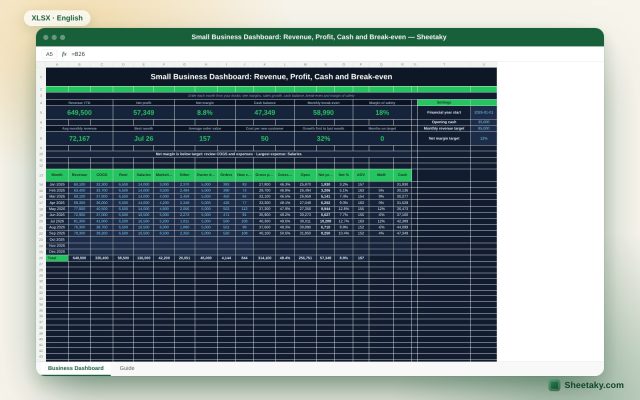
Small Business Dashboard in Excel: Revenue, Profit, Cash and Break-even
A monthly Excel board for a small business: enter revenue, costs and owner draws to calculate profit, margins,…
Smart dashboards
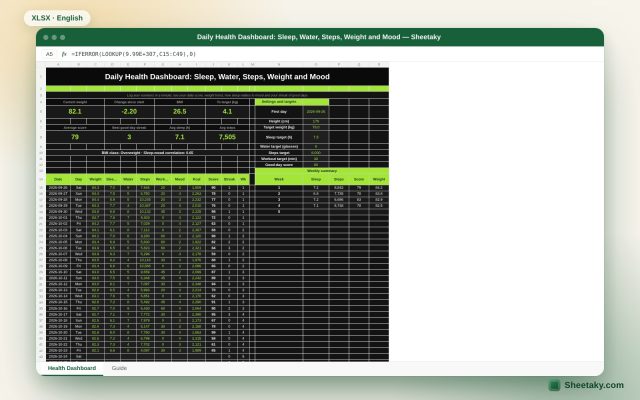
Daily Health Dashboard in Excel: Sleep, Water, Steps, Weight and Mood in One Score
An Excel board to track your daily health: log weight, sleep, water, steps, workout and mood to get…