Daily Habit Tracker in Excel: 30-Day Grid with Consistency and Perfect Days
- XLSX
- 14 KB
- Version 1.0
- English
- October 23, 2026
Ready to download
Editable Excel file
This sheet is also available in: العربية
Small repeated habits change a life more than big passing decisions, but they do not succeed on intention alone. What is not measured is forgotten. When you see a streak of green days it is hard to break, and that is what a habit tracker does: it turns daily behaviour into a picture in front of you.
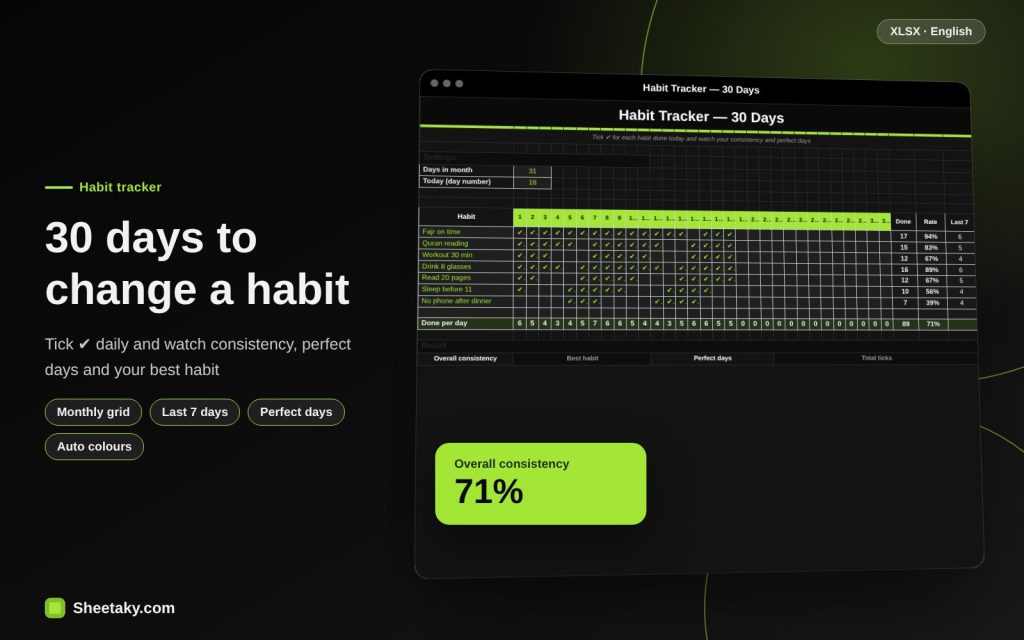
This sheet is a sleek dark monthly grid. You write your habits (up to 8) and pick ✔ in the cell of each day you did them; the cell turns bright green and it counts completions, consistency and the last 7 days, shows your perfect days when you did every habit and your best habit, with a bar chart.
Who is it for?
- Anyone building habits such as prayer on time or daily Quran
- People who want exercise, early sleep and hydration
- Students tracking daily study
- Anyone who likes to see progress visually
What is inside the sheet?
- Up to 8 habits and 31 days
- A ✔ dropdown in each cell
- Bright green for done and dimmed future days
- Count, consistency and last 7 days per habit
- A per-day total row
- Cards: overall consistency, best habit, perfect days, total ticks
- A bar chart and a guide sheet
How to use it
- Write your habits in the first column (start with three to five).
- Enter today’s day number and the days in the month.
- Each day pick ✔ from the list in the cell of the habit you did.
- Watch consistency, the last 7 days and your perfect days.
- Next month copy the file and clear the ticks.
Formulas used
Done = COUNTIF(habit row, "✔")Consistency = done ÷ current dayLast 7 days = ticks between day−6 and todayPerfect day = a day on which every habit was done
Worked example from the sheet itself
Seven habits and 18 days of the month have passed.
- Fajr on time 17 times (94%), water 16 (89%) and Quran reading 15 (83%).
- The weakest habit: no phone after dinner, 7 times (39%).
- Overall consistency is 71% with one perfect day and 89 ticks in total.
Why habit tracking works
Tracking uses several psychological mechanisms: visibility (what you see you do), accountability (you know you will tick or leave it empty) and the reward of colouring. Seconds a day are enough. The key rule: never miss twice. One missed day is a blip; two is the start of a new habit, quitting.
That is why the sheet shows “last 7 days”, to measure your current momentum, not your whole history.
Choosing your habits
Start with small measurable habits: “drink 8 glasses” is better than “look after health”. Tie each habit to a time or event: after Fajr read a page of Quran, after lunch walk ten minutes. Three habits done well beat eight that collapse.
Mix spiritual, physical and mental habits so your day balances. If you want to quit a bad habit, flip it into a positive one: “no phone after dinner”.
Reading the numbers
Consistency above 80% is excellent for a full month, between 50 and 80% means the habit is forming, and under 50% means it is hard or badly timed. Do not punish yourself; change the conditions: make the habit smaller or move its time.
The “perfect days” counter gives an extra goal: a day on which you do all your habits. Do not make it your main worry; hard days may be the most important ones.
Common mistakes
- Starting with too many habits in month one.
- Leaving logging to the end of the week and forgetting.
- Comparing yourself with others instead of last month’s you.
- Abandoning the whole plan after one missed day.
Does it suit worship habits?
Yes, many people use the tracker to keep prayer on time, daily adhkar or Quran reading. It is for organisation and reminders; sincerity is between a person and God, so do not make the grid the goal.
Tips for best results
- Log at a fixed time each night.
- Keep the file on your phone or print it.
- Start with one small habit if you are hesitant.
Frequently asked questions
Can I change the number of days?
Yes, from 28 to 31.
How do I use ✔?
Pick it from the dropdown in the day’s cell.
How many habits?
Eight habits.
Does it work on a phone?
Yes in the Excel app, but the grid is clearer on a large screen.
Download the sheet
Press the download button at the top of the page to get the Excel file. It includes a full guide sheet, yellow input cells and formulas protected from accidental edits. The sheet is also available in Arabic from the language switcher.
A personal organising tool.
Related sheets
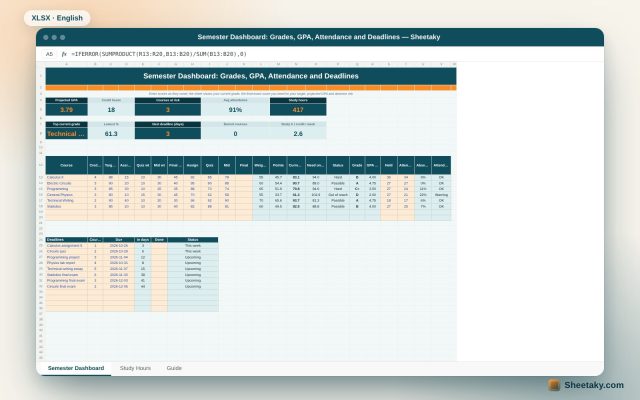
Smart dashboards
Student Semester Dashboard in Excel: Grades, GPA, Attendance and the Score Needed on the Final
An Excel board for university students: enter assignment, quiz and midterm scores to see your current grade in…
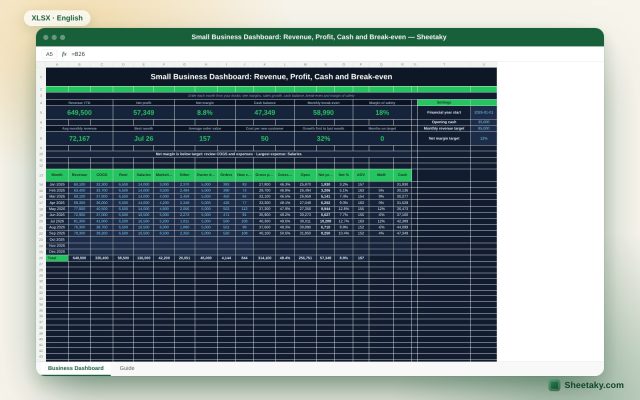
Smart dashboards
Small Business Dashboard in Excel: Revenue, Profit, Cash and Break-even
A monthly Excel board for a small business: enter revenue, costs and owner draws to calculate profit, margins,…
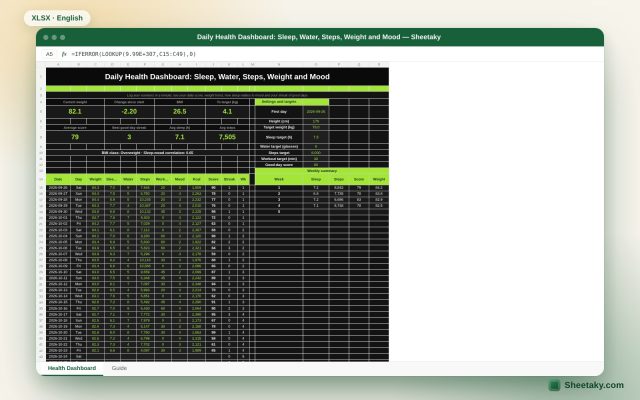
Smart dashboards
Daily Health Dashboard in Excel: Sleep, Water, Steps, Weight and Mood in One Score
An Excel board to track your daily health: log weight, sleep, water, steps, workout and mood to get…