Debt Payoff Planner in Excel: Debt-Free Date and Interest Saved
- XLSX
- 12 KB
- Version 1.0
- English
- October 23, 2026
Ready to download
Editable Excel file
This sheet is also available in: العربية
Most people pay their debts at the minimum every month and wonder why they never end. The minimum is built to keep you in debt as long as possible, and interest eats most of the payment in the early months. The fix is not always more income; it is a clear plan: which debt to attack first and how much a small extra amount changes your freedom date.
This sheet puts all your debts on one board. You enter the balance, annual rate and minimum payment of each debt plus an extra amount you can pay monthly, and it works out how many months you need, your debt-free date and the interest saved compared with paying only the minimums, ranking the debts by the method you choose.
Who is it for?
- Anyone with a credit card, a car loan and a personal loan at once
- Families organising several instalments
- Anyone considering an extra payment without knowing its effect
- Anyone preparing to apply for new financing who wants to reduce commitments first
What is inside the sheet?
- A table of up to 6 debts: balance, APR, minimum payment
- Months to pay and interest for each debt at the minimum
- Priority order: highest APR or smallest balance
- An extra monthly amount and a start date
- Cards: total debt, total payment, months to freedom, date, interest saved
- A balances chart and a guide sheet
How to use it
- Enter each debt: balance, annual rate and minimum payment.
- Enter the extra amount you can pay each month and the start date.
- Choose the method: highest APR (saves money) or smallest balance (gives momentum).
- Read the debt-free date and the interest saved.
- Pay the minimum on all and put the extra on debt number 1.
Formulas used
Months = NPER(rate ÷ 12, −payment, balance)Total interest = payment × months − balanceWeighted rate = sum (balance × rate) ÷ total balanceInterest saved = minimum-only interest − interest with the extra
Worked example from the sheet itself
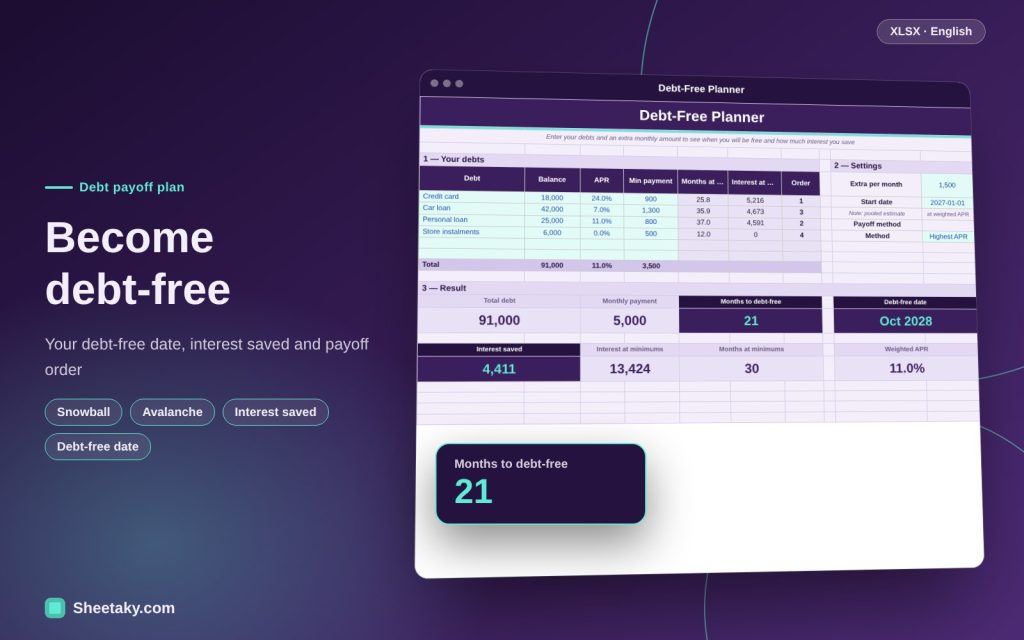
Four debts: a card of 18,000 at 24% with a 900 payment, a car loan of 42,000 at 7% with 1,300, a personal loan of 25,000 at 11% with 800 and store instalments of 6,000 at 0% with 500.
- Total debt is 91,000, minimum payments 3,500 a month and the weighted rate 11%.
- At the minimum you need about 30 months and pay 13,424 in interest.
- Adding 1,500 a month frees you in about 21 months and saves about 4,411 in interest.
Highest APR versus snowball
With “highest APR” (sometimes called the avalanche) you put the extra on the most expensive debt first, which is cheapest mathematically because it stops the biggest interest leak. With the “snowball” you start with the smallest balance to close debts quickly, feel progress and roll its payment onto the next debt.
The money difference is often small compared with the difference in commitment. Someone who needs quick wins to keep going may benefit from the snowball; someone patient saves more with highest APR. The sheet ranks priority both ways so you can compare.
Why paying the minimum takes so long
On a credit card the minimum is often a small percentage of the balance, and the monthly interest eats a large part of it. When interest is close to your payment, principal falls very slowly. If your payment does not even cover the interest the sheet shows “∞”, meaning the debt will never end at that payment.
That is a sign that needs an immediate decision: raise the payment, negotiate with the lender or refinance.
How the sheet estimates
For simplicity the sheet treats your debts as one pooled debt at a weighted rate and computes months with NPER on the total payments plus the extra. This is close to reality when rates are moderately spread, but it is not an exact bank schedule for each debt.
When a debt closes its payment is freed and moves to the next, a rolling approach. Your lender’s official schedule is the reference for exact figures.
Before you pay extra: priorities
- Keep an emergency fund of at least a month so you do not borrow again at the first surprise.
- Do not clear an interest-free debt before a high-interest one without a reason.
- Check early-repayment fees in the loan contract before paying a large lump sum.
- Avoid borrowing new money to pay old debt unless it truly lowers the rate.
Finding an extra amount
Review subscriptions and recurring spending, and route any income increase or bonus straight to debt one. Even 300 a month changes the picture over two years. Try different extra values in the sheet to see the effect before committing.
Tips for best results
- Update balances each month from your statement.
- Celebrate each closed debt; it helps you keep going.
- For fixed-profit financing, enter the equivalent annual rate.
Frequently asked questions
Is the sheet as exact as the bank schedule?
It is a pooled estimate. For exact figures see the lender’s repayment schedule.
Does it suit Islamic financing (murabaha)?
Yes, enter the equivalent annual profit rate as the rate; the arithmetic is the same.
How many debts?
Six debts.
Is it financial advice?
No, it is a calculation and organising tool.
Download the sheet
Press the download button at the top of the page to get the Excel file. It includes a full guide sheet, yellow input cells and formulas protected from accidental edits. The sheet is also available in Arabic from the language switcher.
An approximate calculation tool and not financial advice.
Related sheets
Smart dashboards
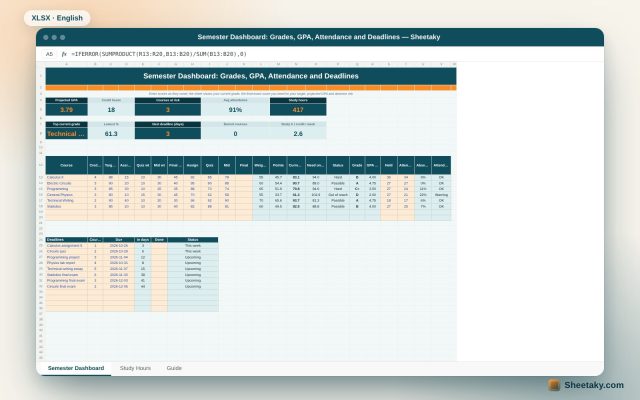
Student Semester Dashboard in Excel: Grades, GPA, Attendance and the Score Needed on the Final
An Excel board for university students: enter assignment, quiz and midterm scores to see your current grade in…
Smart dashboards
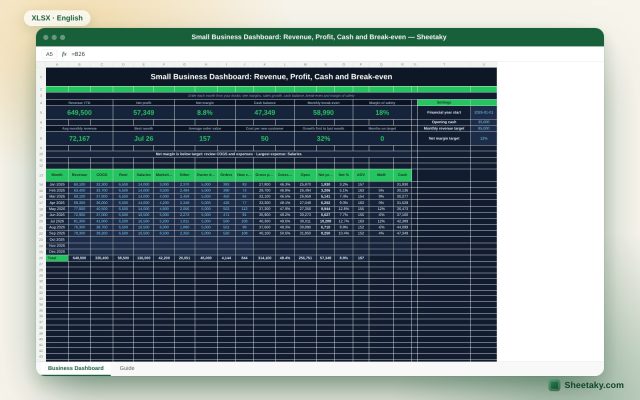
Small Business Dashboard in Excel: Revenue, Profit, Cash and Break-even
A monthly Excel board for a small business: enter revenue, costs and owner draws to calculate profit, margins,…
Smart dashboards
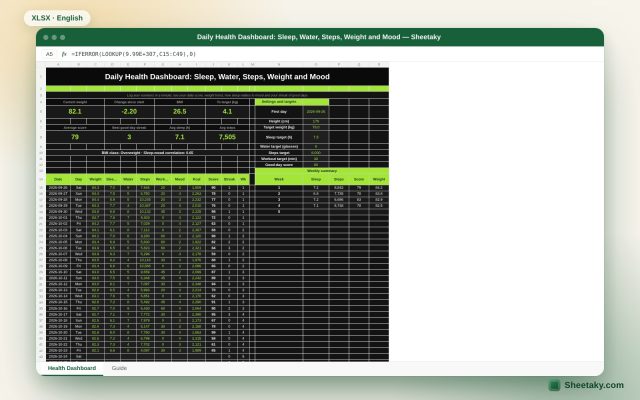
Daily Health Dashboard in Excel: Sleep, Water, Steps, Weight and Mood in One Score
An Excel board to track your daily health: log weight, sleep, water, steps, workout and mood to get…