Submittals Log in Excel: Drawings, Samples, Delays and Float
- XLSX
- 15 KB
- Version 1.0
- English
- October 23, 2026
Ready to download
Editable Excel file
This sheet is also available in: العربية
A single late approval of a sample or drawing can stop whole activities, especially for long-lead items such as lifts, chillers and facades. The problem is that submittals scatter across emails and site papers, so nobody knows which are late and which threaten the programme.
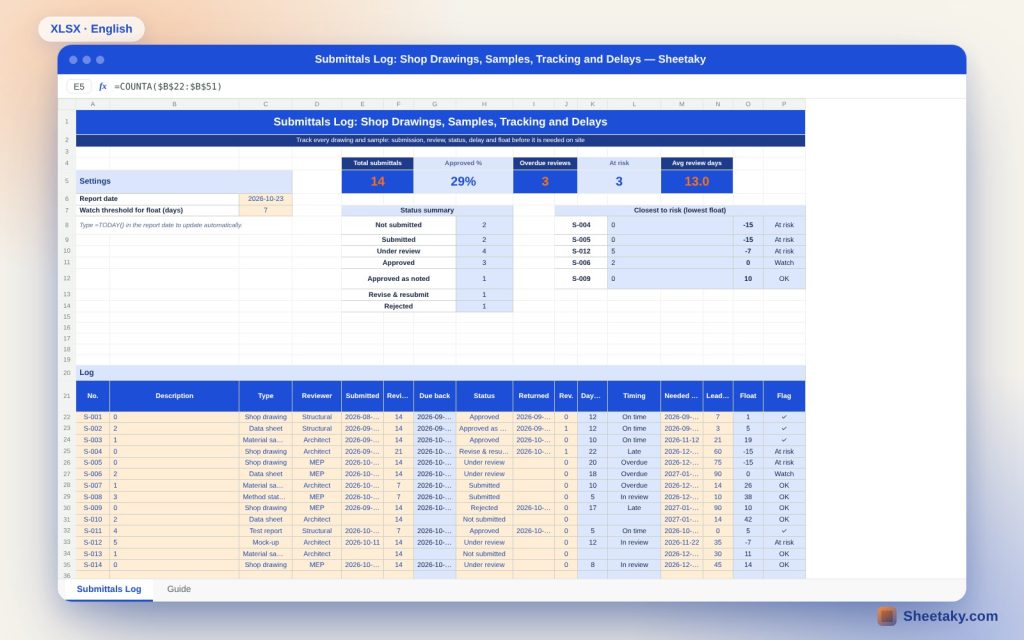
This sheet puts every submittal in one log: it computes the due-back date, actual review days and lateness, then compares the expected return with the date the material is needed on site and its lead time to give float in days and a coloured alert for items at risk.
Who is it for?
- Site engineers and technical offices
- Document controllers and project managers
- Consultants following up contractors
- Procurement managers
What is inside the sheet?
- A 30-item log with type, reviewer, submission date and review days
- An editable status list: not submitted, under review, approved, revise and resubmit, rejected
- Due-back date, actual review days and timing
- Need-on-site date, lead time, float and flag
- Cards: total, approved %, overdue, at risk and average review time
- A status summary and the items closest to risk
- Smart colouring and a guide
How to use it
- Enter the report date.
- Log each submittal with type, reviewer, submission date and allowed review days.
- Update status and return date when the reply arrives.
- Enter need-on-site date and lead time to see float.
Formulas used
Due back = submission date + review daysActual review days = return date (or today) − submission dateExpected return = return date if approved, else the later of due date and todayFloat = need date − lead time − expected returnFlag: at risk if float < 0, watch if ≤ the threshold
Worked example from the sheet itself
14 submittals on a building project: 4 approved (28.6%) and 3 past their review date.
- Three are at risk: aluminium facade and electrical panel drawings at −15 days float and the external wall mock-up at −7.
- The chiller has zero float and is watched because its lead time is 90 days.
- The average review of returned items is 13 days.
Float before delay
A late review may not matter if the material is needed months later, and a small delay may matter greatly with a long lead time. Float combines both in one number of days.
Items not yet submitted
An item not submitted is counted as submitted today and returned in the allowed review days, so you learn early which items must go out this week.
Statuses and outcomes
Approved and approved as noted close the follow-up, while rejected and revise and resubmit stay open and count against float from today. Rename statuses in the right-hand list to match your contract.
Agree the review days
Contracts set review days (often 7 to 21). Enter them for each item so reviewer-side delay shows, which supports an extension-of-time claim.
Tips for best results
- Submit long-lead items first.
- Record the revision number at each resubmission.
- Take the need date from the execution programme.
- Use =TODAY() for the report date.
Frequently asked questions
Can I add a new type?
Yes, edit the type list on the right.
How do I handle a resubmission?
Update the submission date and revision and set status back to submitted.
What does negative float mean?
The expected return will make delivery later than the need date.
How many items fit?
30 items on the page.
Download the sheet
Press the download button at the top of the page to get the Excel file. It includes a full guide sheet, yellow input cells and formulas protected from accidental edits. The sheet is also available in Arabic from the language switcher.
A tracking tool; dates and durations depend on your project data.
Related sheets
Project management & contracting
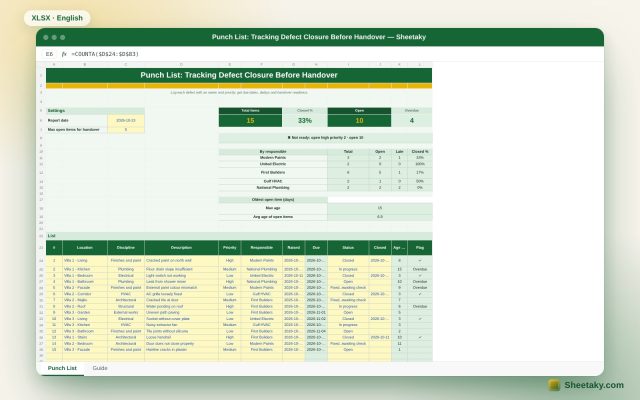
Punch List in Excel: Tracking Closure and Handover Readiness
An Excel punch list for handover: log each item with location, discipline, priority and owner to get due…
Project management & contracting
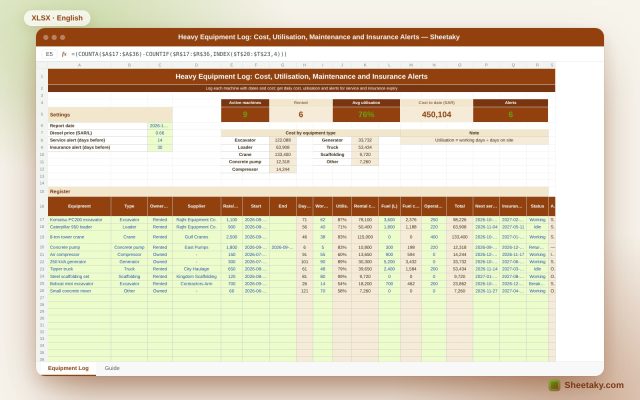
Heavy Equipment Log in Excel: Cost, Utilisation, Maintenance and Insurance Alerts
An Excel register for owned and rented site equipment: start date, daily cost, fuel, operator and utilisation, with…
Project management & contracting
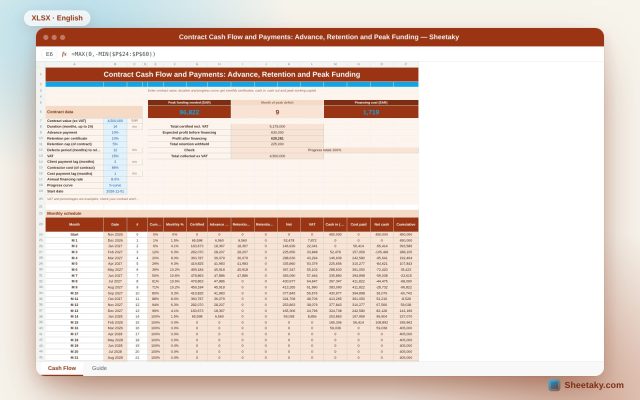
Contract Cash Flow and Payments in Excel: Advance, Retention and Peak Funding
An Excel cash flow for a construction contract: from contract value, duration and progress curve it builds monthly…