Heavy Equipment Log in Excel: Cost, Utilisation, Maintenance and Insurance Alerts
- XLSX
- 15 KB
- Version 1.0
- English
- October 23, 2026
Ready to download
Editable Excel file
This sheet is also available in: العربية
Heavy equipment is among the biggest contractor costs and the leakiest: a rented machine sits a week on site doing nothing, a missed service ends in a breakdown, an insurance policy lapses unnoticed. Without a register all this shows up only in invoices.
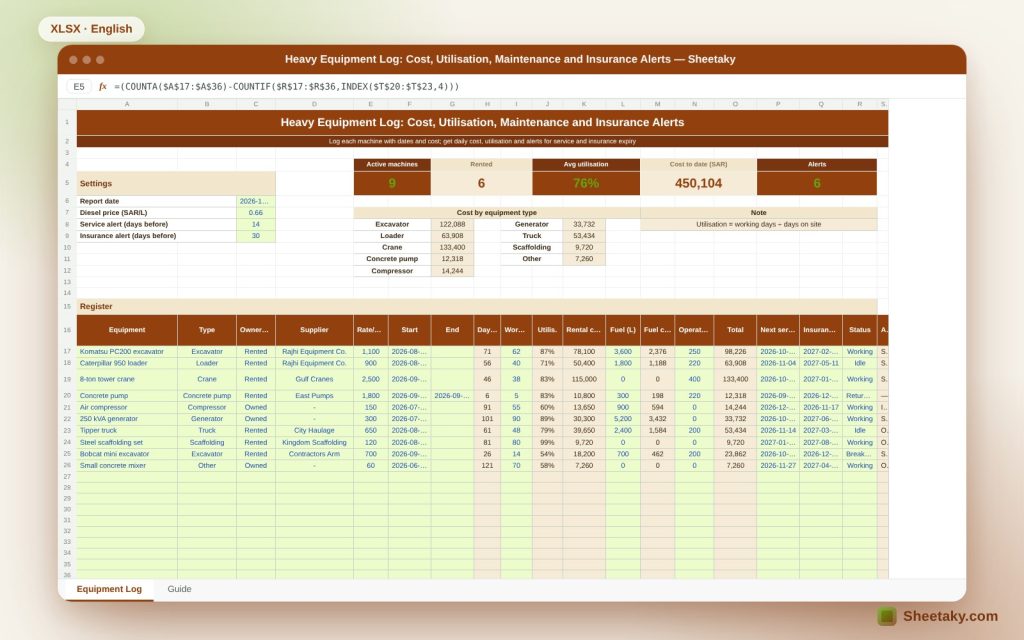
This sheet records each machine with type, owner, daily rate and dates, computes its days on site, rental, fuel and operator cost and utilisation, alerts on service dates and insurance expiry, and totals cost by equipment type.
Who is it for?
- Project managers and site supervisors
- Equipment and workshop officers
- Cost engineers
- Owners of small contracting firms
What is inside the sheet?
- A 20-machine register with type, ownership, supplier and daily rate
- Start and end dates, days on site, working days and utilisation
- Rental, fuel, operator and total cost
- Next service and insurance end dates with alerts
- Machine status: working, idle, breakdown, returned
- Cards: active, rented, average utilisation, cost and alerts
- Cost by type with a chart and a guide
How to use it
- Enter the report date, diesel price and alert periods.
- Log each machine with rate and start date.
- Update working days, litres and service and insurance dates.
- Review alerts, utilisation and cost.
Formulas used
Days on site = (end or today) − start + 1Utilisation = working days ÷ days on siteRental cost = days on site × daily rateFuel cost = litres × price per litreTotal = rental + fuel + days on site × operator
Worked example from the sheet itself
Ten machines: three owned and seven rented, 9 active after the concrete pump was returned.
- Average utilisation is 76% and cost to date 450,104.
- The tower crane is costliest at 133,400, and the excavator 98,226 after 71 days at 87% utilisation.
- Six alerts: the excavator service is overdue, the loader, crane, generator and mini excavator are due for service, and the compressor insurance ends soon.
Utilisation and the rental decision
A rented machine under 50% utilisation means you pay for what is not working. The sheet shades these so you can decide to return the machine or use it on another site.
Owned versus rented
An owned machine is entered at an estimated daily cost covering depreciation, financing and insurance. That lets you compare it with the actual rental and decide to buy or rent.
Alerts
The sheet alerts first for expired insurance, then overdue service, then proximity to either within the alert days you set. A returned machine is not alerted.
Cost by type
The type table adds all excavators, cranes and others, so you see where equipment money goes and can build cost rates for future bids.
Tips for best results
- Record meter hours at each service.
- Tie insurance dates to equipment certificates.
- Return idle machines to the supplier early.
- Update actual days weekly.
Frequently asked questions
How do I treat an owned machine?
Enter its estimated daily cost in the rate field.
What about a returned machine?
Enter the end date and pick the returned status.
Can I add types?
Yes, from the right-hand list.
Is fuel required?
No, leave it blank if you have no record.
Download the sheet
Press the download button at the top of the page to get the Excel file. It includes a full guide sheet, yellow input cells and formulas protected from accidental edits. The sheet is also available in Arabic from the language switcher.
A tracking tool; prices and costs are editable examples.
Related sheets
Project management & contracting
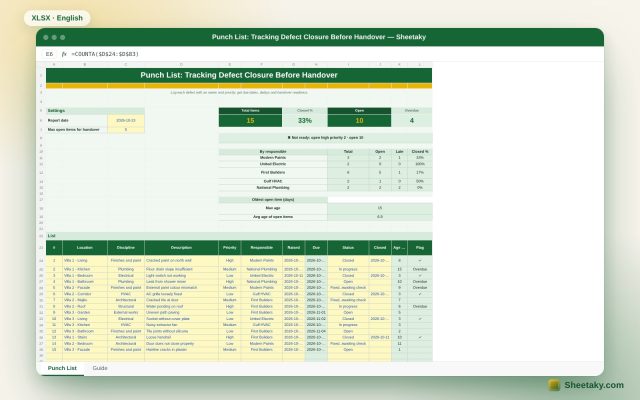
Punch List in Excel: Tracking Closure and Handover Readiness
An Excel punch list for handover: log each item with location, discipline, priority and owner to get due…
Project management & contracting
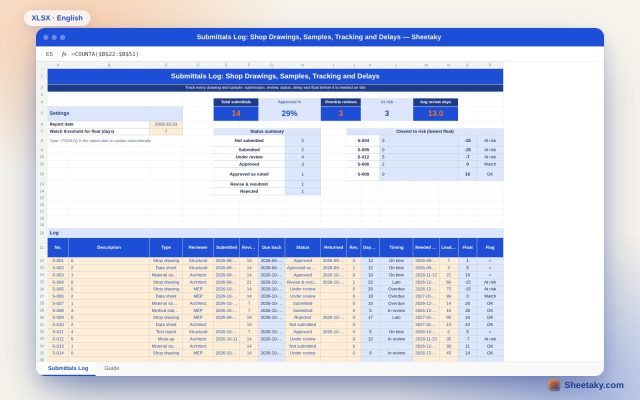
Submittals Log in Excel: Drawings, Samples, Delays and Float
An Excel sheet to track shop drawings, samples and data sheets sent to the consultant: review dates, status,…
Project management & contracting
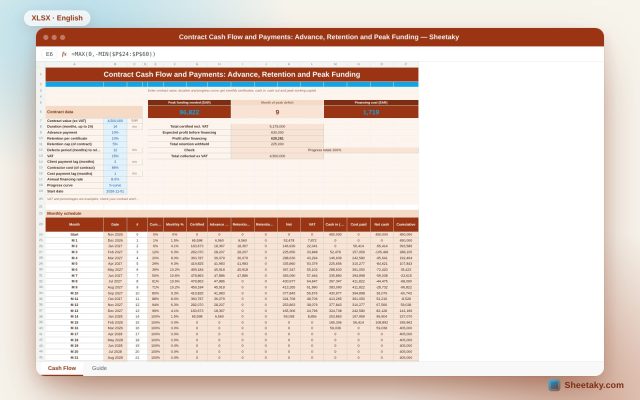
Contract Cash Flow and Payments in Excel: Advance, Retention and Peak Funding
An Excel cash flow for a construction contract: from contract value, duration and progress curve it builds monthly…