Contract Cash Flow and Payments in Excel: Advance, Retention and Peak Funding
- XLSX
- 18 KB
- Version 1.0
- English
- October 23, 2026
Ready to download
Editable Excel file
This sheet is also available in: العربية
A contract can look profitable on paper and still put a contractor into a cash crisis: paying suppliers and labour this month and collecting the certificate two months later, with the owner holding 5% until the defects period ends. The practical question is how much working capital you need and in which month the deficit peaks.
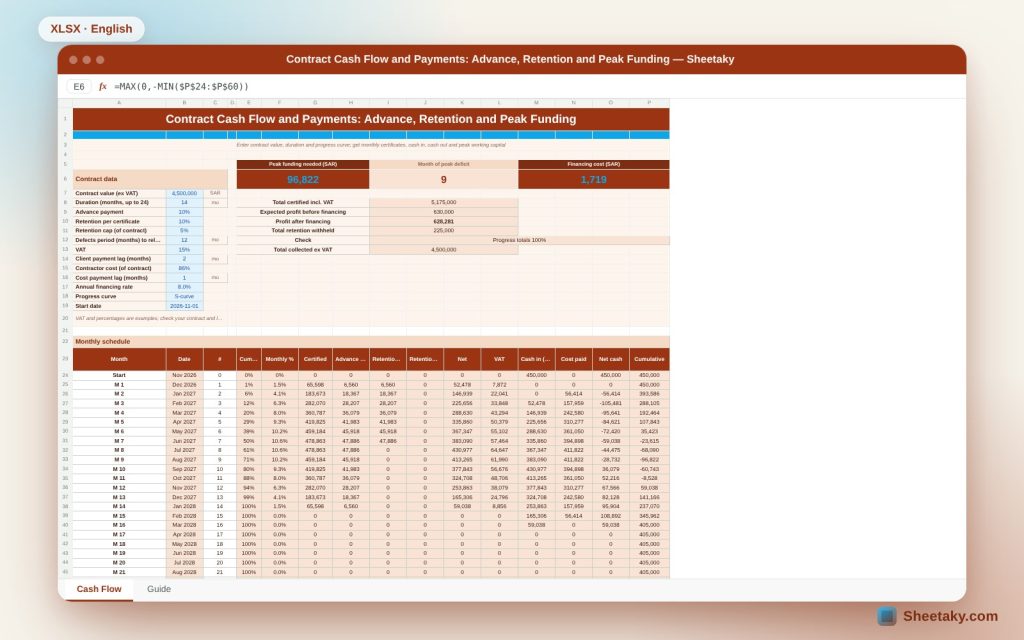
This sheet builds the answer: it spreads contract value over the duration with a progress curve you choose, computes monthly certificate, advance recovery, retention and its release, then places what you collect after the payment lag and what you pay after the supplier lag and gives the cumulative balance, peak deficit and financing cost.
Who is it for?
- Project managers and finance staff in contracting firms
- Cost engineers estimating bids
- Project owners preparing payment schedules
- Small firm owners planning liquidity
What is inside the sheet?
- Contract value, duration, start date and a progress curve (linear, S, front, back)
- Advance payment, retention and its cap, defects period and VAT
- Payment lag, contractor cost, cost payment lag and financing rate
- A 37-month table of certificate, recovery, retention, release, cash in and paid
- A cumulative cash balance with deficit shading
- Peak funding, its month, financing cost and profit after it
- Two charts: cumulative balance and monthly certificate
How to use it
- Enter contract value, duration and start date and pick the curve.
- Set advance, retention, VAT and the payment lag.
- Enter your cost share, supplier lag and financing rate.
- Read peak funding and its month, then try other curves.
Formulas used
Cumulative % on an S-curve = 3t² − 2t³ where t = month ÷ durationCertificate = (cumulative this month − previous) × contract valueAdvance recovery = advance × month progress shareRetention = min(rate × certificate, cap − accumulated)Cash in = month net certificate after the lag; cost paid = cost × month progress after the lagFinancing cost = Σ deficit × rate ÷ 12
Worked example from the sheet itself
A 4.5 million contract over 14 months on an S-curve, with 10% advance, 10% retention capped at 5% and a 12-month defects period.
- Client pays after two months, contractor cost is 86% paid after one month, financing at 8% a year.
- Peak deficit is 96,822 in month 9, financing cost 1,719, so profit after financing is 628,281 of 630,000.
- Retention of 225,000 is released in month 26, taking the final balance to 630,000.
Why a profitable contract shows a deficit
The advance is recovered from certificates, retention is withheld, the owner pays after two months while you pay suppliers after one. These gaps need working capital that never appears in a profit table.
The progress curve
An S-curve means a slow start, a peak in the middle and a slow end, the closest to reality. Try the front-loaded curve to see how it brings forward cash in and out and changes the deficit peak.
Advance and retention
The advance raises liquidity at the start but is recovered gradually by progress. Retention is deducted from each certificate up to its cap and released after the defects period, showing in the right month.
VAT
The sheet shows VAT on the certificate but computes cash in without VAT because it passes through the contractor to the authority. This is a simplification, so check with your accountant and local rules.
Tips for best results
- Tie the curve to your real programme, not a theoretical one.
- Know the actual payment terms in the contract.
- Negotiate a shorter payment lag; it is cheaper than borrowing.
- Update the sheet each quarter as the project progresses.
Frequently asked questions
Does it work for contracts over 24 months?
The limit is 24 months plus 12 for retention; split a longer contract into phases.
Can I enter a custom curve?
This version has four options and you can edit the formulas.
Is financing charged with interest?
Yes, at the annual rate you set on the monthly deficit.
Is it financial advice?
No, it is a simplified estimate.
Download the sheet
Press the download button at the top of the page to get the Excel file. It includes a full guide sheet, yellow input cells and formulas protected from accidental edits. The sheet is also available in Arabic from the language switcher.
A simplified financial estimate, not tax or financial advice.
Related sheets
Project management & contracting
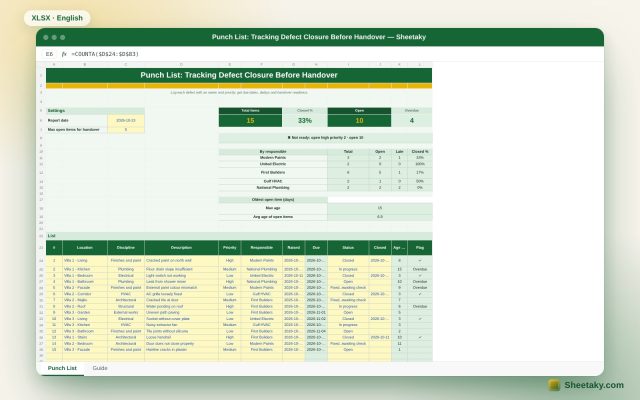
Punch List in Excel: Tracking Closure and Handover Readiness
An Excel punch list for handover: log each item with location, discipline, priority and owner to get due…
Project management & contracting
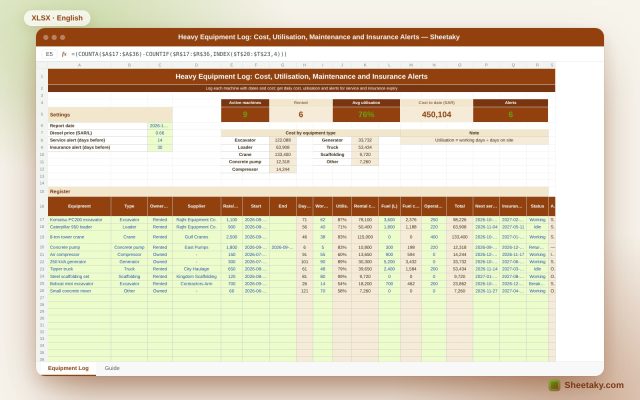
Heavy Equipment Log in Excel: Cost, Utilisation, Maintenance and Insurance Alerts
An Excel register for owned and rented site equipment: start date, daily cost, fuel, operator and utilisation, with…
Project management & contracting
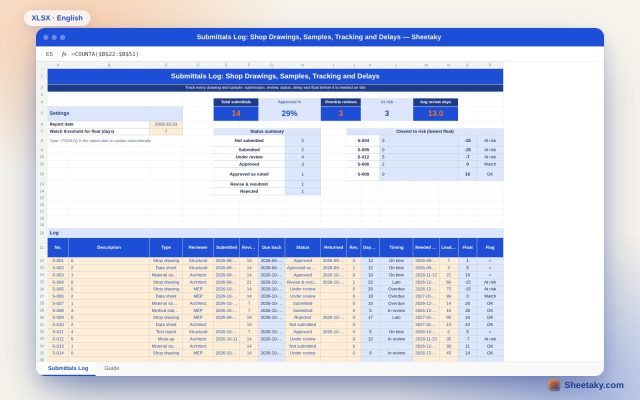
Submittals Log in Excel: Drawings, Samples, Delays and Float
An Excel sheet to track shop drawings, samples and data sheets sent to the consultant: review dates, status,…