Salary Breakdown and Allowances Calculator in Excel: Net Pay, GOSI and Employer Cost
- XLSX
- 19 KB
- Version 1.0
- English
- October 23, 2026
Ready to download
Editable Excel file
This sheet is also available in: العربية
The package in a job offer is neither what the employee receives nor what you pay. The employee loses social insurance and absence from it, while the employer adds its insurance share and an end-of-service accrual. So both sides are often surprised at the first payslip.
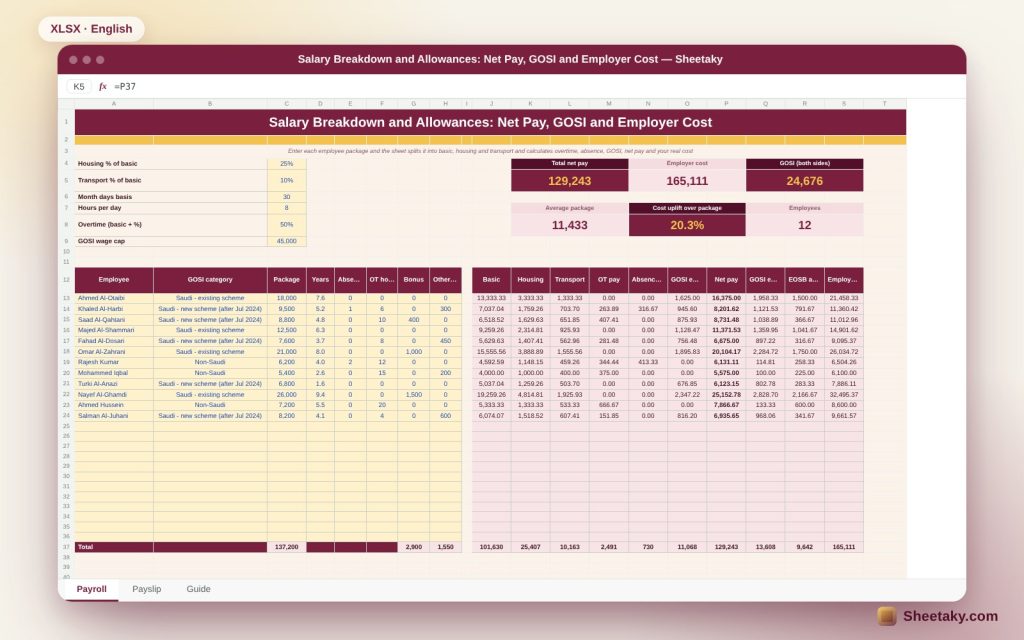
This sheet splits the package into basic, housing and transport at percentages you set, then calculates for each employee overtime, absence deduction and GOSI on basic plus housing, reaching net pay and your real monthly cost, and prints a payslip for whoever you pick.
Who is it for?
- Business owners who prepare salary offers
- HR and payroll officers
- Employees comparing offers
- Accountants estimating the cost of hiring
What is inside the sheet?
- A payroll for twelve employees with room for twenty-four
- Package split into basic, housing and transport at editable percentages
- Three GOSI categories: Saudi existing, Saudi new and non-Saudi
- Overtime pay, absence deduction, bonus and other deductions
- Net pay, employee and employer GOSI and an end-of-service accrual
- A print-ready payslip for any employee
- Two charts for net pay and employer cost
How to use it
- Set housing and transport percentages, the wage cap and the GOSI rates.
- Enter each employee package, category and years of service.
- Record the month absence, overtime, bonuses and deductions.
- Pick the employee on the payslip sheet and print it.
Formulas used
Basic = package ÷ (1 + housing % + transport %)Overtime pay = basic ÷ 30 ÷ 8 × 1.5 × hoursEmployee GOSI = lower of (basic + housing) and the cap × rateNet = package + overtime + bonus − absence − GOSI − deductionsEmployer cost = earnings + employer GOSI + end-of-service accrual
Worked example from the sheet itself
An employee with an 18,000 package: basic 13,333.33, housing 3,333.33 and transport 1,333.33.
- GOSI at 9.75% on 16,666.67 is 1,625 and net pay is 16,375.
- The employer pays 1,958.33 insurance and 1,500 accrual, so the cost is 21,458.33.
- For the whole team: net 129,243 and cost 165,111, which is 20.3% above packages, with GOSI of 24,676 from both sides.
Why the split matters
Social insurance and end-of-service benefits are calculated on specific parts of pay, not all of it. Basic and housing form the insured wage, while transport, bonuses and overtime do not. So the split percentages change net pay and cost together.
GOSI
The deduction depends on the employee category: a Saudi registered before mid-2024 is on the existing scheme, one registered later is on a scheme whose rate steps up yearly, and a non-Saudi has no deduction while the employer pays 2%. Rates sit in an editable table, so update them from the GOSI website; the insured wage has a monthly cap.
Overtime and absence
Overtime is paid at the basic hourly rate plus half, and absence is deducted from the package by days. Both are editable in the settings if your contract differs.
Your real cost
An employee costs more than the package because of your insurance share and the end-of-service accrual. When you offer a package of 18,000 you commit about 21,458 a month. Know the gap before signing the contract.
Tips for best results
- Use the same split percentages across all contracts.
- Update GOSI rates whenever they change.
- Keep a PDF payslip for every month.
- Back every deduction with a written record.
Frequently asked questions
Does it work with the wage protection system?
It is a calculation and planning tool and does not upload files to the wage platform.
Can I add other allowances?
Add them to the package or the bonus depending on their nature.
What about another currency?
Use your own currency; the sheet is not tied to one.
Download the sheet
Press the download button at the top of the page to get the Excel file. It includes a full guide sheet, yellow input cells and formulas protected from accidental edits. The sheet is also available in Arabic from the language switcher.
Management estimates, not legal or tax advice; check current GOSI rates and the labour law.
Related sheets
HR & payroll
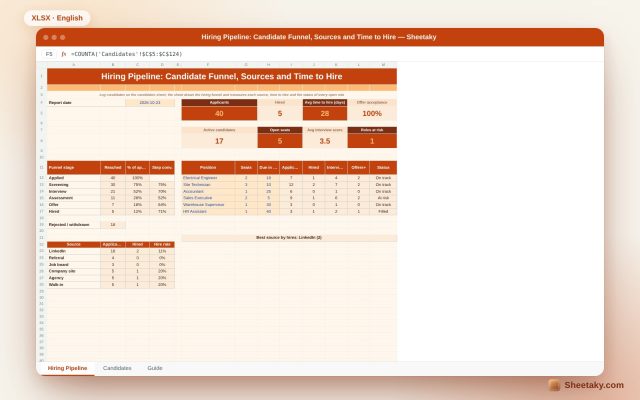
Recruitment Tracker in Excel: Candidate Funnel, Sources and Time to Hire
An Excel sheet to manage hiring: log candidates and stages to draw the hiring funnel and measure each…
HR & payroll
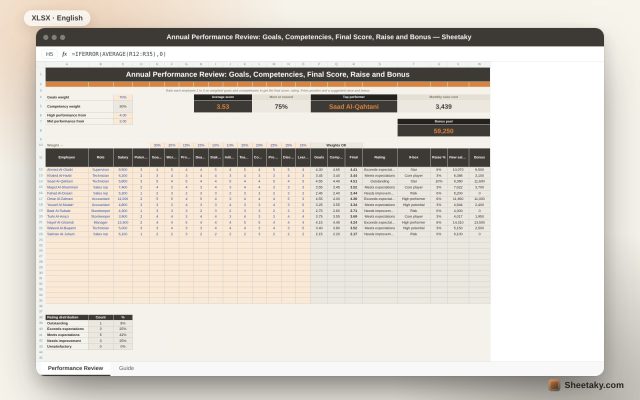
Annual Performance Review in Excel: Goals, Competencies, Final Score, Raise and Bonus
An Excel sheet to review employee performance: rate 1 to 5 on weighted goals and competencies to get…
HR & payroll
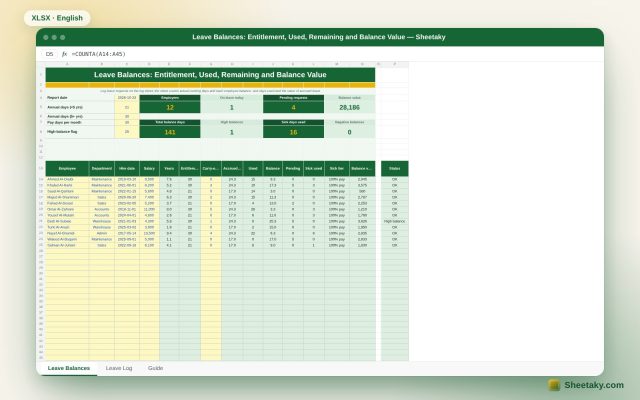
Leave Balance Tracker in Excel: Entitlement, Used, Remaining and Balance Value
An Excel sheet to track annual and sick leave balances per employee: log requests to get actual working…