Annual Performance Review in Excel: Goals, Competencies, Final Score, Raise and Bonus
- XLSX
- 19 KB
- Version 1.0
- English
- October 23, 2026
Ready to download
Editable Excel file
This sheet is also available in: العربية
The annual review often turns into the manager impression of the last two months. The hard worker gets angry, the one who did not progress is relieved, and raises are given with no defensible criterion. The problem is not the people but the lack of a common yardstick.
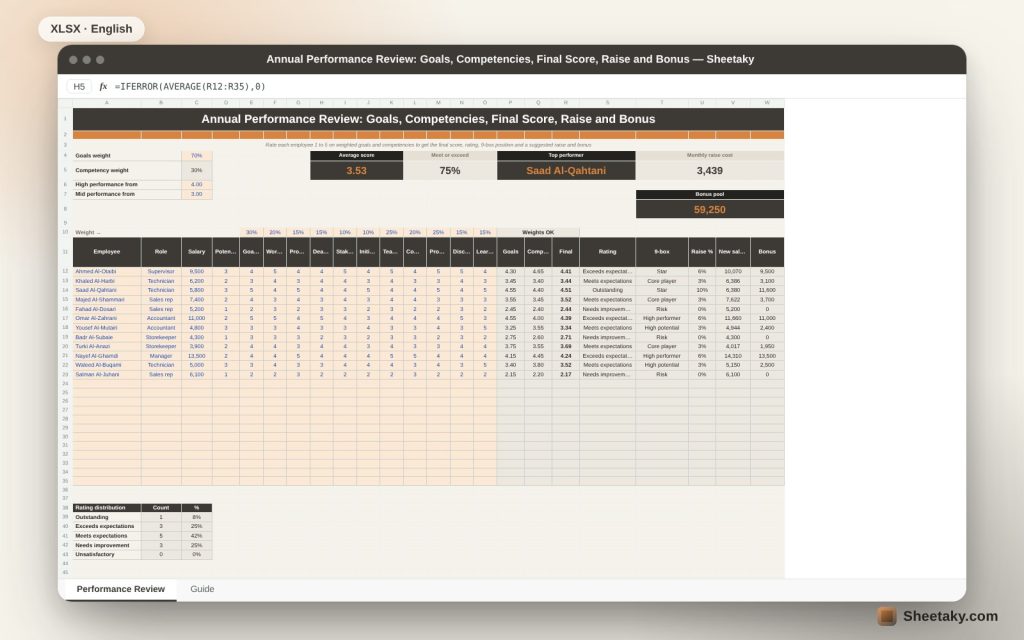
This sheet gives a simple, fair yardstick: six performance indicators and five competencies, each with a weight you set. You rate each employee from 1 to 5 and it calculates the final score, assigns a rating, places the person on the performance-potential grid and suggests a raise and bonus from a table you control.
Who is it for?
- Department and team managers
- HR officers
- Small business owners who review staff themselves
- Anyone planning a raise and bonus budget
What is inside the sheet?
- Reviews for twelve employees with room for twenty-four
- Six performance indicators and five competencies with editable weights
- A check that the weights total 100%
- Five ratings with editable score limits, raise and bonus
- A 9-box grid of performance and potential with box names
- A summary: average score, top performer, raise cost and bonus pool
- A rating distribution and two charts
How to use it
- Set the weights, rating limits, raise and bonus.
- Enter each employee salary and potential from 1 to 3.
- Rate each indicator and competency from 1 to 5.
- Review rating, box and raise cost before the review meeting.
Formulas used
Goals score = Σ(score × weight) ÷ Σ weightsFinal score = goals × 70% + competencies × 30%Raise = salary × rating percentageBonus = salary × rating months
Worked example from the sheet itself
The average score is 3.53 and 75% of the team meet expectations or better.
- An employee with 4.51 is rated outstanding, earning a 10% raise and two months bonus.
- Suggested raises cost 3,439 a month and bonuses total 59,250.
- Three employees need improvement and five meet expectations.
- Two stars sit at the top of the grid: high performance and high potential.
Why weights
Not all indicators are equal: goal achievement matters more for a salesperson than discipline, and the reverse for a storekeeper. Set the weights before the review, not after, so you cannot tune them to produce the answer you already had in mind.
Performance and potential
The 9-box grid separates what someone achieved from what they could reach. High performance with high potential marks a promotion candidate; good performance with limited potential is a valuable pillar who is not expected to be promoted; low performance with low potential needs a clear improvement plan.
Raise and bonus
Linking a raise to the rating makes the decision explainable. You set the percentages and months to fit your budget, and the sheet shows the total cost before you commit.
Fair reviewing
Rate every indicator for every employee in one sitting to reduce recency bias, and give the employee specific examples for each score; a score without an example opens a debate that never ends.
Tips for best results
- Collect examples through the year, not at the end.
- Discuss the review with the employee before announcing a raise.
- Check the distribution: if everyone is outstanding the scale is lenient.
- Keep weights fixed for the same job.
Frequently asked questions
Can I change the indicators?
Edit the names in the column headers and the weights in the weight row.
Is the raise binding?
No, it is guidance subject to company policy.
Does it suit 360 reviews?
You can enter the average of several raters in the cells.
Download the sheet
Press the download button at the top of the page to get the Excel file. It includes a full guide sheet, yellow input cells and formulas protected from accidental edits. The sheet is also available in Arabic from the language switcher.
Figures are illustrative; employment decisions follow company policy and the law.
Related sheets
HR & payroll
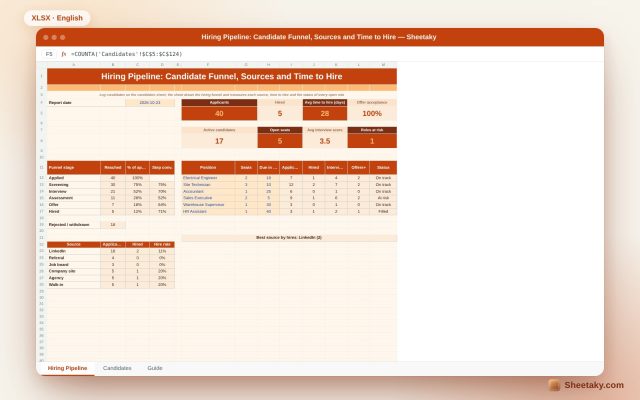
Recruitment Tracker in Excel: Candidate Funnel, Sources and Time to Hire
An Excel sheet to manage hiring: log candidates and stages to draw the hiring funnel and measure each…
HR & payroll
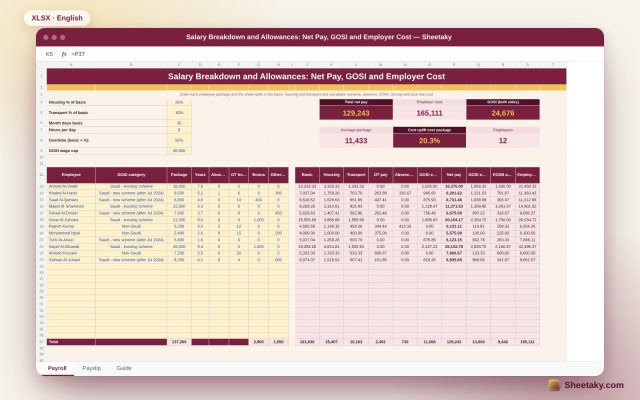
Salary Breakdown and Allowances Calculator in Excel: Net Pay, GOSI and Employer Cost
An Excel sheet that splits a package into basic, housing and transport, then calculates overtime, absence, GOSI, net…
HR & payroll
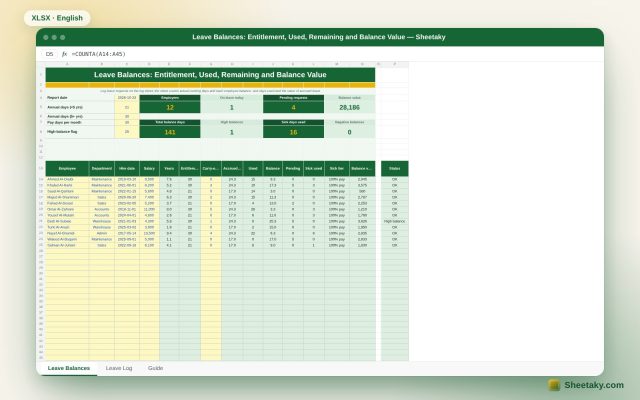
Leave Balance Tracker in Excel: Entitlement, Used, Remaining and Balance Value
An Excel sheet to track annual and sick leave balances per employee: log requests to get actual working…