Shift Schedule in Excel: Coverage, Hours, Overtime and Labour Cost
- XLSX
- 17 KB
- Version 1.0
- English
- October 23, 2026
Ready to download
Editable Excel file
This sheet is also available in: العربية
Scheduling shifts looks simple until leave and swaps pile up: the night has nobody, another employee works a night then a morning with no rest, and at month end you meet overtime you never budgeted. All because the roster is a sheet of paper that neither calculates nor warns.
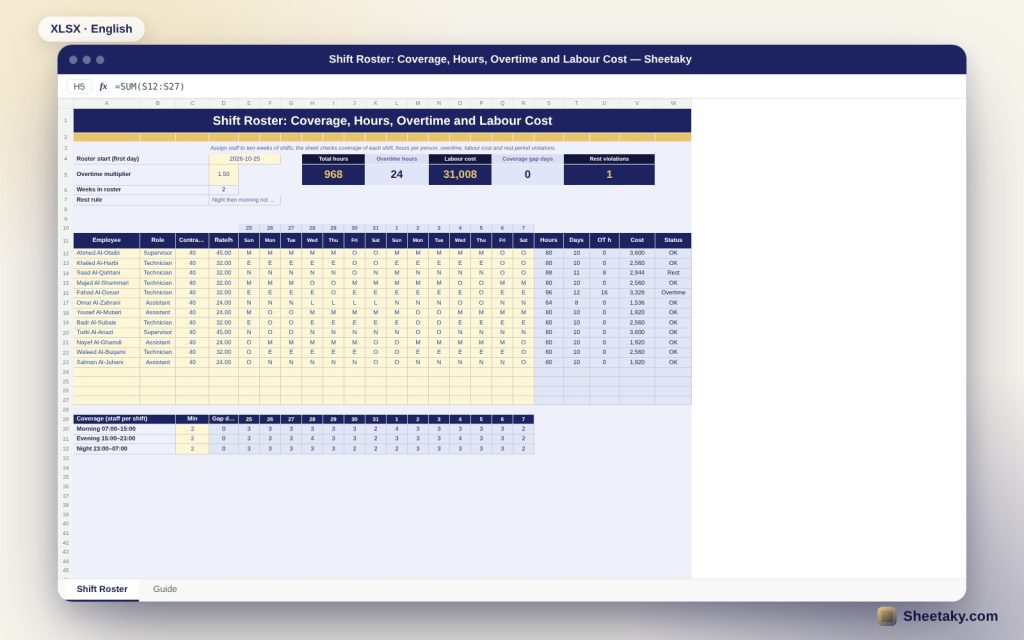
This sheet turns the roster into a control tool. You pick the shift for each person each day from a dropdown, and it counts who is on every shift and colours shortfalls red, totals each person hours, overtime and cost, and flags a night shift followed by a morning shift the next day.
Who is it for?
- Managers of factories, warehouses, restaurants and hospitals
- Shift, security and maintenance supervisors
- Businesses that run around the clock
- HR staff who calculate overtime
What is inside the sheet?
- A two-week roster for twelve staff with room for four more
- An editable shift list with code, hours and whether it counts as a work day
- A coverage table per shift per day with an editable minimum
- Hours, work days, overtime hours and cost per person
- A rest check: night followed by morning
- Cards: total hours, overtime, cost and gap days
- Two charts for hours and overtime
How to use it
- Enter the first day of the roster and edit the shifts if needed.
- Add staff with weekly contract hours and hourly rate.
- Pick the shift for each person each day from the list.
- Fix the red coverage cells and anyone flagged for rest or overtime.
Formulas used
Person hours = sum of shift-code hours in the rowOvertime = hours − (weekly contract hours × weeks)Cost = (hours − overtime) × rate + overtime × rate × multiplierCoverage gap = number of days when headcount is below the minimum
Worked example from the sheet itself
Twelve staff over two weeks total 968 hours at a labour cost of 31,008.
- Overtime is 24 hours: sixteen for a person who worked 12 days and eight for one who worked 11.
- One rest violation for a person who worked a night and then a morning.
- No coverage gap days with a minimum of two per shift.
Coverage before fairness
Before thinking about spreading days fairly, make sure each shift meets its minimum. The sheet counts who is on every shift each day and colours anything below the minimum, so you see next Thursday gap now rather than when the manager calls.
Rest between shifts
Moving from a night shift to a morning shift the next day leaves too little rest and raises errors and accidents. The sheet treats this as a violation and shows it in the status column, and you can adapt the rule to your policy.
Overtime and cost
Overtime is whatever exceeds contract hours in the roster period. Calculating it early lets you rebalance days before it becomes a bill. The hourly rate and overtime multiplier are editable to match your contracts and the labour rules that apply.
Rotating shifts
It is better to rotate people forward from morning to evening to night, because the body adapts more easily to later sleep than earlier sleep. Use the two weeks to draw a regular cycle.
Tips for best results
- Build a template roster and repeat it for the following weeks.
- Keep standby cover for the busiest days.
- Publish the roster at least a week ahead.
- Review overtime weekly, not monthly.
Frequently asked questions
Can I add other shifts?
Yes, edit the code and hours in the shift list.
Does it handle leave?
The leave code counts zero hours and does not count as a work day.
How many staff does it hold?
Sixteen staff in this version.
Download the sheet
Press the download button at the top of the page to get the Excel file. It includes a full guide sheet, yellow input cells and formulas protected from accidental edits. The sheet is also available in Arabic from the language switcher.
Figures are illustrative; working hours and overtime follow your labour law and contracts.
Related sheets
HR & payroll
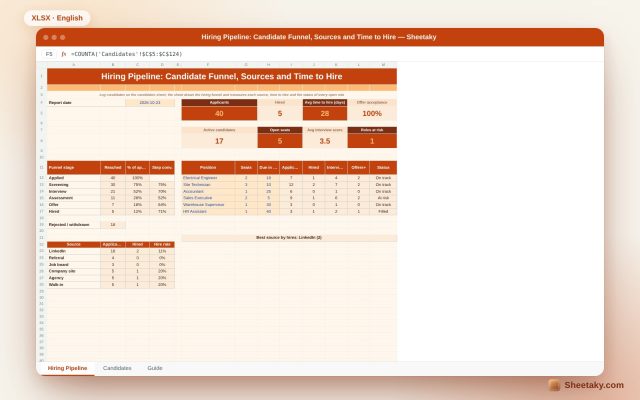
Recruitment Tracker in Excel: Candidate Funnel, Sources and Time to Hire
An Excel sheet to manage hiring: log candidates and stages to draw the hiring funnel and measure each…
HR & payroll
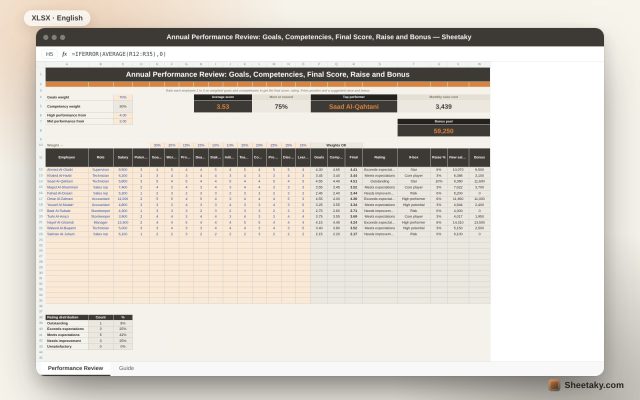
Annual Performance Review in Excel: Goals, Competencies, Final Score, Raise and Bonus
An Excel sheet to review employee performance: rate 1 to 5 on weighted goals and competencies to get…
HR & payroll
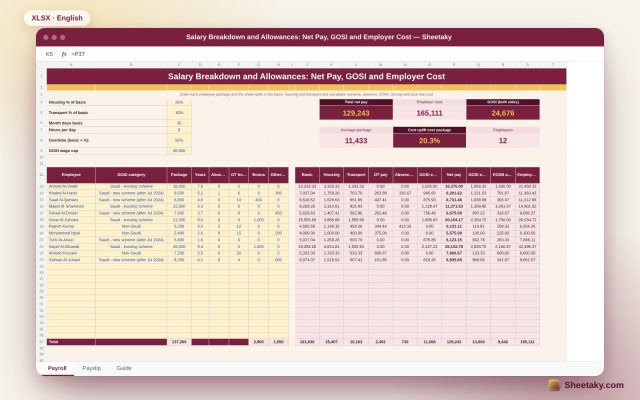
Salary Breakdown and Allowances Calculator in Excel: Net Pay, GOSI and Employer Cost
An Excel sheet that splits a package into basic, housing and transport, then calculates overtime, absence, GOSI, net…