Inventory Management in Excel: Stock, Reorder Points, Dead Stock and ABC Analysis
- XLSX
- 42 KB
- Version 1.0
- English
- October 23, 2026
Ready to download
Editable Excel file
This sheet is also available in: العربية
Most losses in small shops come not from selling but from stock: an item runs out and you lose the customers who wanted it, while another sits on the shelf for a year and freezes your cash. The root problem is that the owner relies on memory or an occasional count, so shortages are found too late.
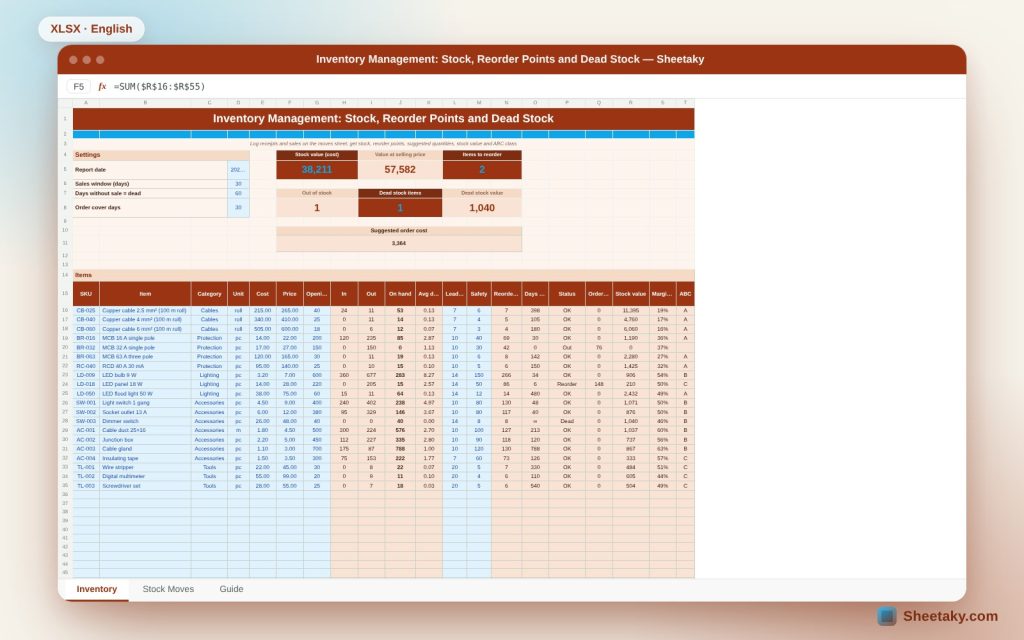
This sheet turns a simple movement log into a decision board. You record every receipt and sale on the moves sheet, and for each item it calculates on-hand stock, average daily sales, the reorder point and the quantity to buy now. It also reveals dead items that have not sold for a while and classifies items into A, B and C by value.
Who is it for?
- Shop owners, wholesalers and retailers
- Warehouse and purchasing staff
- Electrical and maintenance contractors who hold material stock
- Anyone who wants a quick count instead of a long manual stocktake
What is inside the sheet?
- A stock moves sheet with date, item, type, quantity and reference
- A main sheet per item: on hand, average sales, days of cover and status
- Reorder point, suggested quantity and purchase order cost
- Indicators: stock value at cost and at selling price, out-of-stock and dead items
- ABC classification and margin per item
- Editable settings: sales window, dead-stock days and cover days
How to use it
- Enter the report date, the sales window and the dead-stock days.
- Add your items with code, cost, price, opening stock, lead time and safety stock.
- Log every receipt and sale on the moves sheet with its date.
- Review the red items and place the suggested purchase order.
Formulas used
On hand = opening + receipts − salesAverage daily sales = sales in the window ÷ window daysReorder point = average sales × lead days + safety stockSuggested quantity = average sales × (lead days + cover days) + safety − on handStock value = on hand × cost
Worked example from the sheet itself
Stock value at cost is 38,211.20 and at selling price 57,582.
- The 32 A breaker is completely out and the sheet suggests buying 76 pieces.
- The 18 W LED panel has 15 pieces, below its reorder point of 86, so it suggests 148.
- The dimmer switch did not sell in the period and its dead value is 1,040.
- The suggested purchase orders together cost 3,364.
Why a reorder point and not a hunch
The reorder point is the stock level at which you must order immediately. It depends on how fast the item sells and how long an order takes to arrive. An item that sells 3 pieces a day and arrives in 10 days needs 30 pieces just to cover the wait, and you add safety stock for demand swings or a late supplier.
This way the trigger differs by item instead of one fixed number for everything, so cash is not locked in slow items and fast items do not run out.
Dead stock
A dead item is one that has not sold within the number of days you set. Its value is frozen money and it may age or spoil. The sheet shows dead value as its own indicator so you can decide: discount, a bundle offer or a return to the supplier.
ABC classification
An item importance is measured by its stock value. Class A covers the first 80% of value and is the small group that deserves weekly attention, class B runs to 95%, and the rest, C, needs only a monthly look. This focuses your effort where the money is.
Movements are the source of truth
Never edit the balance by hand. If a count differs, record an adjustment movement. That way every number keeps a trail you can audit.
Tips for best results
- Make logging movements a short daily habit.
- Count class A items monthly and the rest quarterly.
- Raise safety stock for items whose supplier is often late.
- Do not buy the suggested quantity before checking seasonal demand.
Frequently asked questions
How many items does it hold?
Dozens of items; copy an item row downwards to extend the range.
Does it support several warehouses?
This version is for one warehouse; use one file per warehouse to track two.
How do I handle returns?
Record them as a receipt with a clear reference or as a negative sale, depending on your policy.
Download the sheet
Press the download button at the top of the page to get the Excel file. It includes a full guide sheet, yellow input cells and formulas protected from accidental edits. The sheet is also available in Arabic from the language switcher.
Figures are illustrative and change with your data; suggested quantities are guidance only.
Related sheets
Business & sales
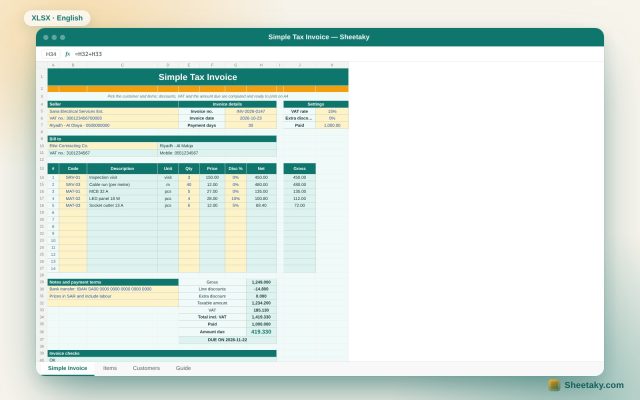
Simple Invoice Template in Excel: VAT, Discounts and the Amount Due
A print-ready Excel invoice: an item and customer catalogue that fills in details automatically, per-line discount, VAT, paid…
Business & sales
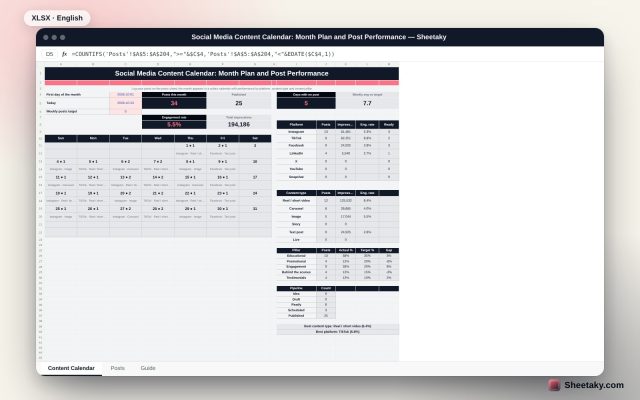
Social Media Content Calendar in Excel: Plan the Month and Measure Every Post
An Excel sheet to plan social media content: log your posts to see the month in a colour…
Business & sales
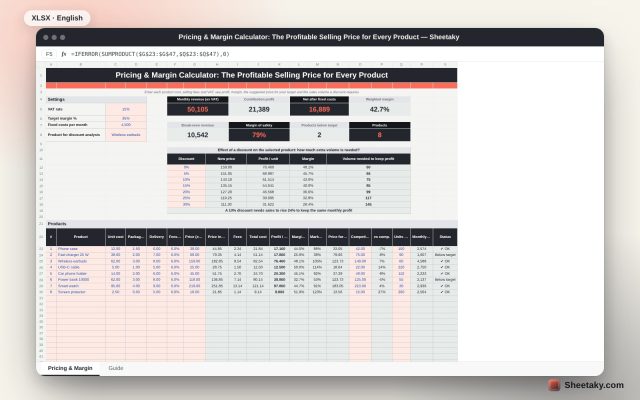
Pricing and Margin Calculator in Excel: The Profitable Selling Price for Every Product
An Excel sheet to price products: enter cost, fees and VAT to see profit, margin, the suggested price…