Rent Collection & Lease Expiry Tracker in Excel for Landlords
- XLSX
- 38 KB
- Version 1.0
- English
- October 22, 2026
Ready to download
Editable Excel file
This sheet is also available in: العربية
With several tenants and payment plans it gets hard to know who is late, by how much, and when each lease ends. The result is late collection or leases that lapse without early renewal.
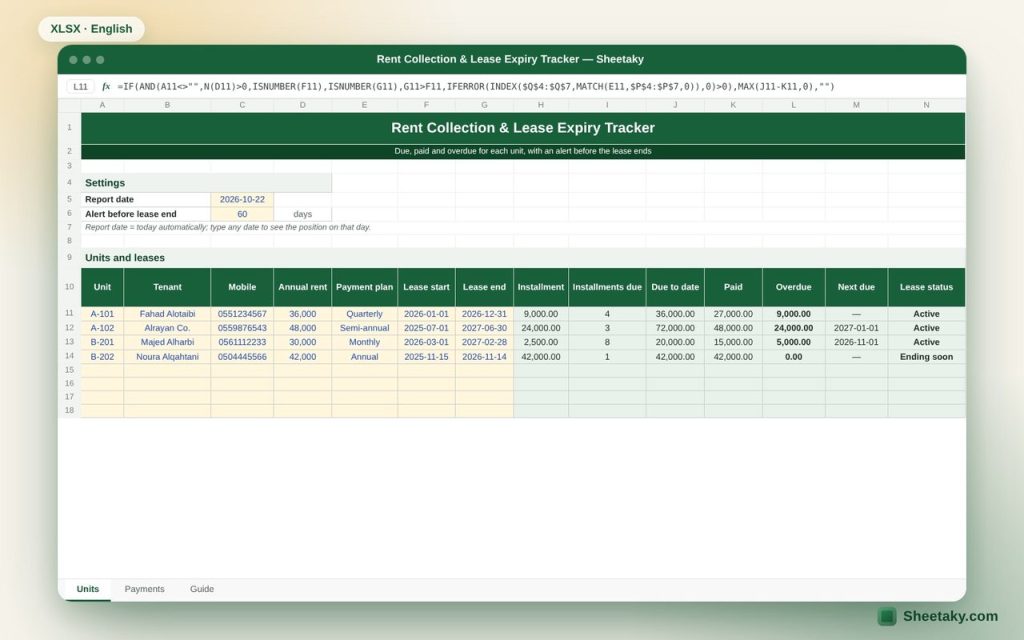
This sheet counts the installments due for each unit up to the report date based on its payment plan, compares them with the payments you logged, and shows overdue amounts in red and leases ending soon in yellow.
Who is it for?
- Owners of residential buildings and compounds
- Small property management offices
- Anyone renting out one or two units who wants simple order
What is inside the sheet?
- Units sheet: tenant, mobile, annual rent, payment plan, lease dates
- Installment amount, installments due, due, paid and overdue
- Next due date and lease status: active, ending soon, expired
- Payments sheet with the unit picked from a list
- An automatic (today) report date you can change
How to use it
- Enter each unit and pick the payment plan.
- Log every payment you receive in the Payments sheet.
- Check overdue amounts and leases ending soon in the Units sheet.
Formulas used
Installment = annual rent × months per installment ÷ 12Installments due = periods started since the lease start up to the report date (paid in advance)Overdue = due − paid
Worked example from the sheet itself
On 22 October 2026, for example: unit A-101 rents for 36,000 a year, paid quarterly from 1 January 2026.
- Four installments are due (36,000) and 27,000 was paid, so 9,000 is overdue.
- Unit B-201 pays 2,500 monthly from 1 March: 20,000 is due and 15,000 paid, so 5,000 is overdue.
Tips for best results
- Log payments as soon as you receive them, with the method.
- Contact tenants at least sixty days before the lease ends.
- Change the report date to see the position at the end of any month.
Frequently asked questions
Are payments in advance or in arrears?
The sheet assumes payment in advance, so the first installment is due on the lease start date.
What about multi-year leases?
They work normally; the sheet counts installments over the whole lease.
Does it send reminders?
It does not send messages, but it colors late payers and expiring leases every time you open it.
Download the sheet
Press the download button at the top of the page to get the Excel file. It includes a full guide sheet, yellow input cells and formulas protected from accidental edits. The sheet is also available in Arabic from the language switcher.
Related sheets
Business & sales
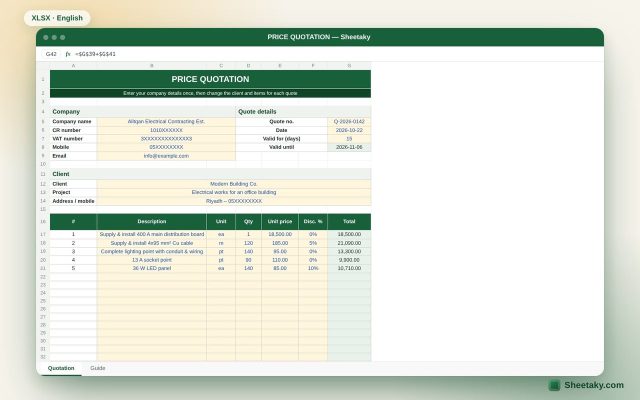
Professional Price Quotation Template in Excel with 15% VAT
A quotation template ready to print or save as PDF: company and client details, up to 20 items…
Business & sales
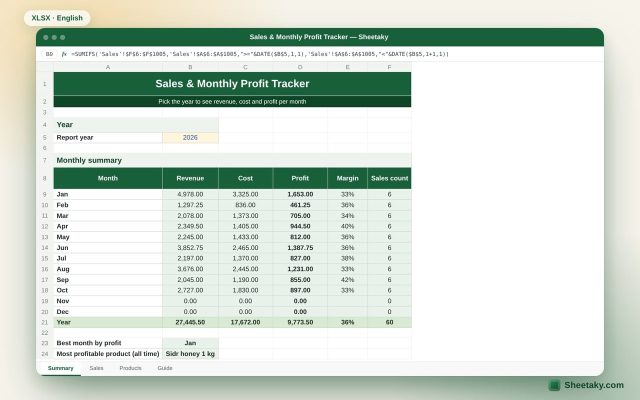
Sales & Monthly Profit Tracker in Excel for Shops and Small Businesses
An Excel sheet where you list your products and log each sale. It calculates revenue, cost and profit…
Business & sales
Tax Invoice Template in Excel with 15% VAT Calculation
A tax invoice template in Excel that calculates item totals, 15% VAT and the amount due automatically.