Professional Price Quotation Template in Excel with 15% VAT
- XLSX
- 12 KB
- Version 1.0
- English
- October 22, 2026
Ready to download
Editable Excel file
This sheet is also available in: العربية
A quotation is the first thing a client sees of your work, and a clean, clear quote improves your chances. Writing each quote from scratch in a word processor takes time and invites totals mistakes.
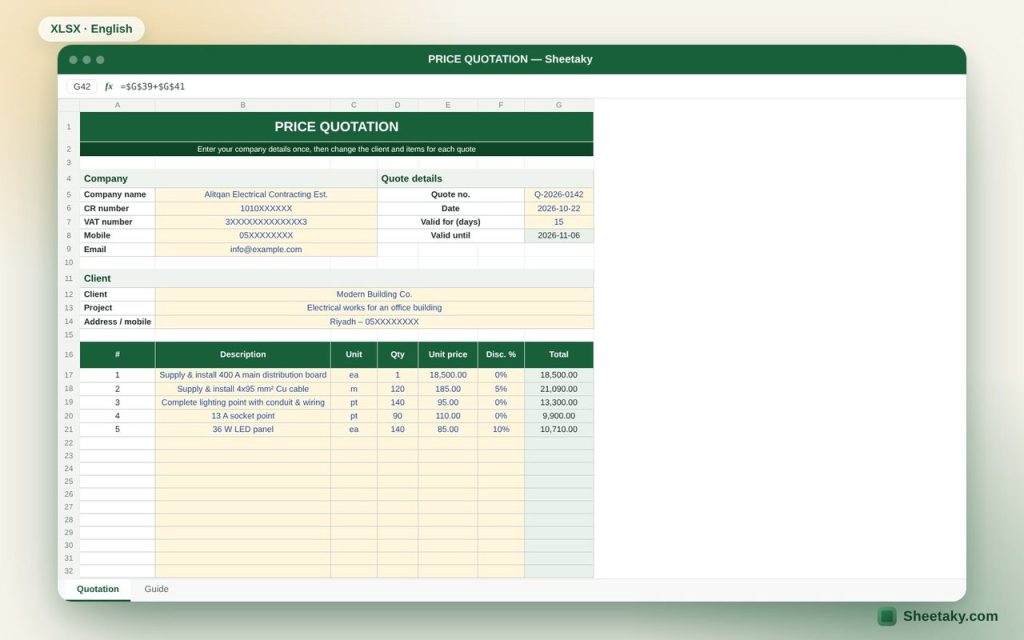
In this template you enter your company details once, then change the client and items for each quote. It calculates totals, discount, VAT and the validity date, and is set to print on one A4 page.
Who is it for?
- Contractors and small companies
- Freelancers and service providers
- Sales staff
What is inside the sheet?
- Company details: name, CR number, VAT number, mobile, email
- Quote number, date, validity and automatic expiry date
- Client and project details
- Twenty items with unit, quantity, price and discount
- Subtotal, extra discount, VAT and total
- Terms and conditions with signature and stamp areas
How to use it
- Enter your company details and save the file as a template.
- Change the quote number, date and client details.
- Enter the items, quantities and prices.
- Review the terms, then print or save as PDF.
Formulas used
Line total = quantity × unit price × (1 − discount)Taxable amount = subtotal − extra discountVAT = taxable × 15%, total = taxable + VAT
Worked example from the sheet itself
A quote for electrical works in an office building with five items, including a main board, cables, lighting points and LED panels:
- The subtotal is 73,500 and VAT is 11,025.
- The total including VAT is 84,525, valid for 15 days from the quote date.
Tips for best results
- Describe each item clearly with the specification or brand to avoid disputes later.
- Set a validity period, especially when material prices move.
- Save each quote as a PDF under its number.
Frequently asked questions
Is a quotation a tax invoice?
No, a quotation does not replace the tax invoice issued from an approved e-invoicing system when you sell.
Can I add my logo?
Yes, unprotect the sheet and insert the logo at the top.
Does it write the amount in words?
No, type it in the terms if you need it.
Download the sheet
Press the download button at the top of the page to get the Excel file. It includes a full guide sheet, yellow input cells and formulas protected from accidental edits. The sheet is also available in Arabic from the language switcher.
Related sheets
Business & sales
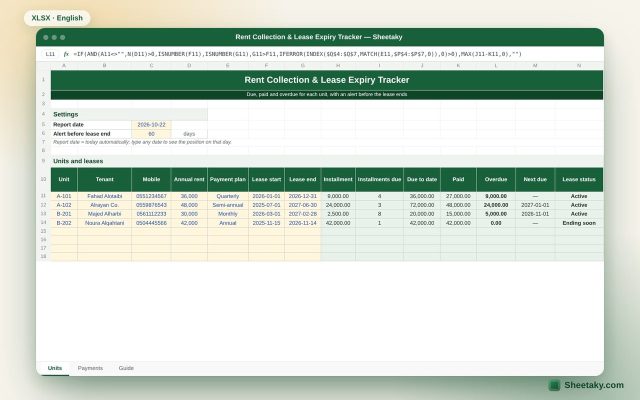
Rent Collection & Lease Expiry Tracker in Excel for Landlords
An Excel sheet for landlords: amount due to date, paid and overdue for each unit, next due date…
Business & sales
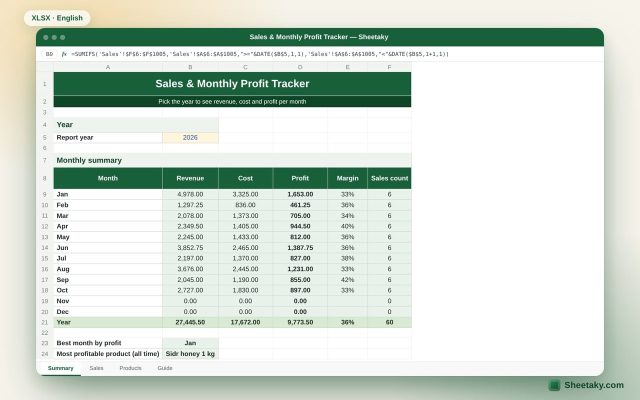
Sales & Monthly Profit Tracker in Excel for Shops and Small Businesses
An Excel sheet where you list your products and log each sale. It calculates revenue, cost and profit…
Business & sales
Tax Invoice Template in Excel with 15% VAT Calculation
A tax invoice template in Excel that calculates item totals, 15% VAT and the amount due automatically.