UPS, Battery Bank and Runtime Calculator in Excel
- XLSX
- 12 KB
- Version 1.0
- English
- October 23, 2026
Ready to download
Editable Excel file
This sheet is also available in: العربية
Many people buy a UPS by kVA alone and find the batteries die after five minutes instead of thirty. The UPS size sets the power; runtime is set by the batteries: their number, capacity, type and depth of discharge, and the discharge rate itself reduces the capacity you can use.
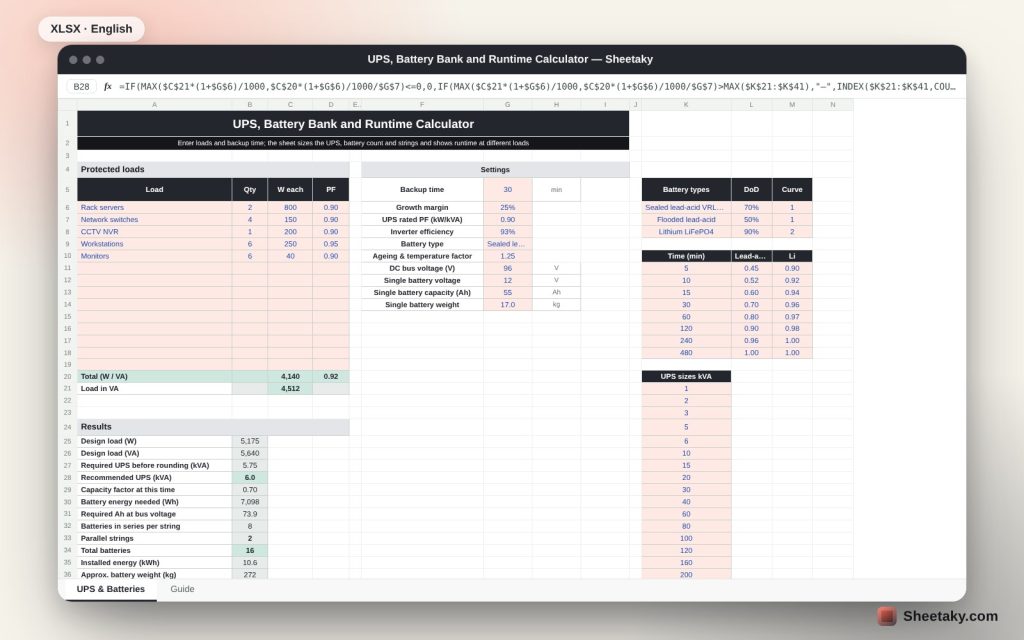
The sheet starts from your real loads in watts and power factor, adds a growth margin and selects a standard UPS. It then calculates the energy the batteries must supply for your backup time, inverter efficiency, depth of discharge, ageing factor and capacity factor at that rate, and gives batteries in series and in parallel plus the expected runtime at 25%, 50%, 75% and 100% load.
Who is it for?
- IT managers and server room owners
- Facilities protecting CCTV, networks and point-of-sale systems
- Contractors and suppliers preparing UPS offers
- Anyone comparing lead-acid and lithium batteries by count and weight
What is inside the sheet?
- A table of up to 14 loads in watts and power factor
- Settings: backup time, growth margin, UPS power factor, inverter efficiency, battery type, bus voltage and battery capacity
- Battery types with depth of discharge, a capacity-vs-time table and a list of UPS sizes
- Results: recommended UPS, energy required, batteries and strings, installed energy and weight
- Charge current and recharge time
- A runtime table at different loads, a chart and a guide sheet
How to use it
- Enter the protected loads with quantity, watts and power factor.
- Set backup time, battery type, bus voltage and single-battery capacity.
- Read the UPS size and the number of batteries and strings.
- Check runtime at partial loads and adjust the numbers until you meet your target.
Formulas used
Design load (W) = total load × (1 + growth margin)UPS (kVA) = larger of VA ÷ 1000 and W ÷ UPS PF ÷ 1000Energy (Wh) = W ÷ inverter efficiency × backup hours ÷ DoD ÷ capacity factor × ageing factorRequired Ah = Wh ÷ bus voltageSeries batteries = bus voltage ÷ battery voltageStrings = ROUNDUP(required Ah ÷ battery Ah)
Worked example from the sheet itself
A small office: two 800 W servers, four 150 W switches, a 200 W NVR, six 250 W workstations and six 40 W monitors, 4,140 W (4,512 VA) in total.
- With a 25% margin the design load is 5,175 W and 5,640 VA, so 5.75 kVA is required and a 6 kVA UPS is selected.
- For 30 minutes on sealed lead-acid batteries (70% DoD, 0.70 capacity factor, 1.25 ageing) the energy is 7,098 Wh, or 73.9 Ah at 96 V.
- With 12 V 55 Ah batteries we need 8 per string and 2 strings: 16 batteries (10.56 kWh) weighing about 272 kg, giving roughly 45 minutes at full load and 89 minutes at half load.
Why kVA alone is not enough
A 6 kVA UPS without enough batteries runs for moments only. The energy stored in watt-hours sets the runtime, and it comes from the batteries, not the UPS.
That is why the sheet calculates energy first and then spreads it over the bus voltage to get the right battery count.
The effect of discharge rate
The harder a battery is worked relative to its size, the less capacity you actually get compared with its label (the Peukert effect). A 100 Ah battery gives well under 100 Ah in a 15-minute discharge.
The sheet includes a capacity-versus-time table for each battery type with approximate editable values; replace them with your manufacturer discharge tables.
Lead-acid or lithium?
Lithium accepts deeper discharge and faster discharge, weighs less and lasts more cycles, but costs more up front. Change the battery type in the sheet to compare count and weight yourself.
Ageing and heat
A battery is replaced when its capacity falls to 80% of new, so we multiply by 1.25. Raise it if the battery room is hot, since every 10 °C above 25 roughly halves life.
Tips for best results
- Match the battery bank to the voltage of the UPS you will buy.
- Leave room for growth instead of reaching 100% of capacity.
- Test batteries regularly and replace them before capacity drops.
- Keep the batteries in a cool room.
Frequently asked questions
Can I extend runtime by adding batteries?
Yes, up to the charger current and UPS limits; raise the time in the sheet to see the new count.
Does it suit industrial UPS?
Yes, for any size as long as you know the bus voltage.
What is the ageing factor?
A margin that keeps the required time when batteries lose 20% of capacity.
Are the runtimes exact?
They are approximate; the final reference is the manufacturer discharge tables.
Download the sheet
Press the download button at the top of the page to get the Excel file. It includes a full guide sheet, yellow input cells and formulas protected from accidental edits. The sheet is also available in Arabic from the language switcher.
Figures are estimates; check the UPS and battery manufacturer tables.
Related sheets
Electrical engineering
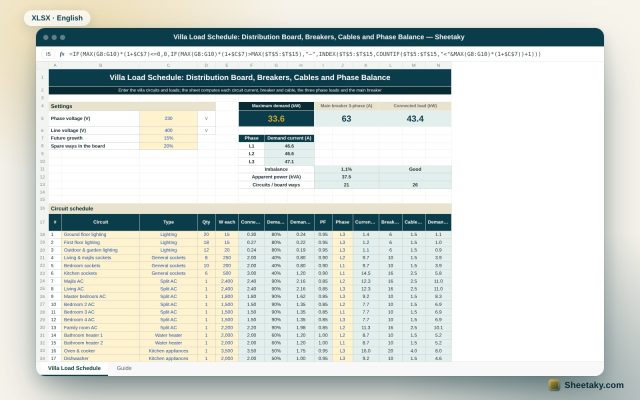
Villa Load Schedule in Excel: Distribution Board, Breakers, Cables and Phase Balance
An Excel villa load schedule: enter the circuits and it computes each circuit current, breaker and cable, sums…
Electrical engineering
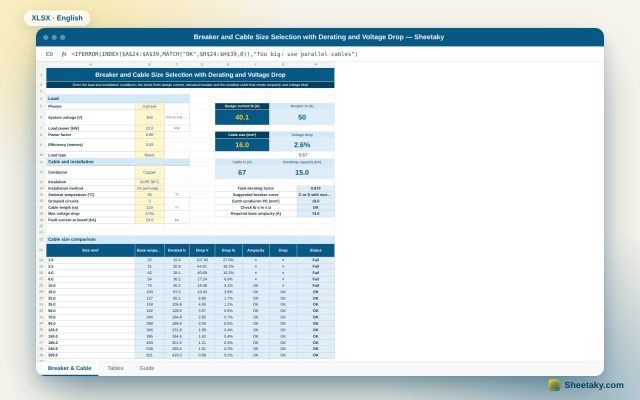
Breaker and Cable Selection Sheet in Excel: Derating, Voltage Drop and Breaking Capacity
An Excel sheet that computes design current, picks the standard breaker, applies temperature, grouping and installation factors to…
Electrical engineering
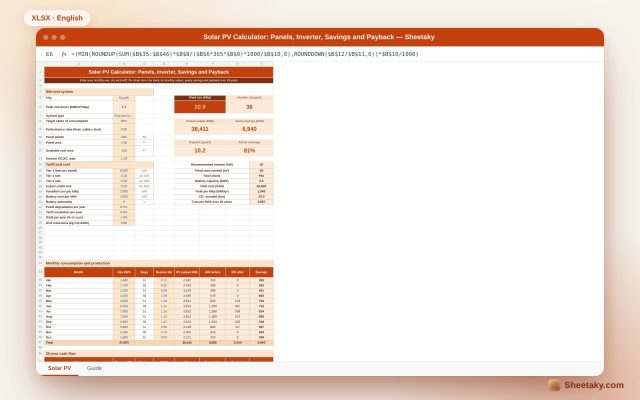
Solar PV Calculator in Excel: Panels, Inverter, Savings and Payback
An Excel sheet that sizes a solar plant from your monthly use and city: panels, inverter, monthly output,…