Solar PV Calculator in Excel: Panels, Inverter, Savings and Payback
- XLSX
- 15 KB
- Version 1.0
- English
- October 23, 2026
Ready to download
Editable Excel file
This sheet is also available in: العربية
Before buying solar panels ask two questions: how much do I need, and what will it really save me? Offers usually give a kWp figure and a total price, but real payback depends on your seasonal monthly use, tariff tiers, exported surplus and panel degradation.
In this sheet you enter the monthly use for the year and pick your city, system type and target share. It calculates plant size, panels, inverter and roof area, then builds a seasonal monthly output, compares your bill before and after, and draws a 25-year cash flow to give payback and cost per kilowatt-hour.
Who is it for?
- Villa and home owners considering rooftop panels
- Shop, small factory and farm owners
- Engineers and solar installers explaining an offer to a client
- Anyone comparing grid-tied, hybrid and off-grid systems
What is inside the sheet?
- Twelve months of consumption and editable seasonal indexes
- A list of Arab cities with editable peak sun hours
- Tariff tiers, export credit and panel and battery costs
- Plant size, panel count, standard inverter, roof area and a fit check
- Monthly output, bill before and after and savings for every month
- A 25-year cash flow with degradation, O&M and tariff escalation
- Payback, cost per kWh, avoided CO₂, a chart and a guide
How to use it
- Pick the city, system type and target share of consumption.
- Enter each month consumption from your bills.
- Edit the tariff and installed cost to match your current quotes.
- Read plant size, yearly savings and payback, then try a different target share.
Formulas used
Required kWp = annual use × target share ÷ (PSH × 365 × PR)Monthly output = kWp × PSH × season index ÷ average × days × PRMonthly savings = bill before − bill after + surplus × export creditPayback = the year cumulative net turns positive (linearly interpolated)Cost per kWh = (cost + 25 years of O&M) ÷ 25-year output
Worked example from the sheet itself
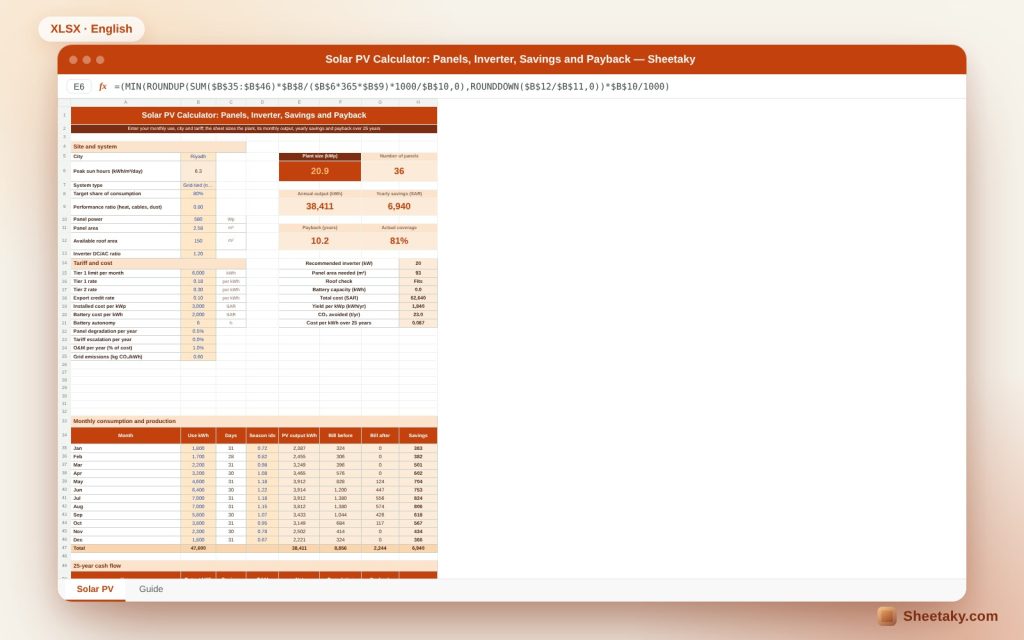
A Riyadh villa using 47,600 kWh a year (up to 7,000 a month in summer), with 6.3 peak sun hours, a 0.8 performance ratio and an 80% target.
- Required size is 20.7 kWp, so 36 panels of 580 W (20.88 kWp) are chosen, 92.9 m² fitting a 150 m² roof, with a 20 kW inverter.
- Annual output is 38,411 kWh (1,840 kWh per kWp) and the bill falls from 8,856 to 2,244, saving 6,940 a year.
- At a cost of 62,640 (3,000 per kWp) payback is 10.2 years, the 25-year cost per kWh is about 0.09 and the plant avoids 23 tonnes of CO₂ a year.
Why payback can be long in the Gulf
Low electricity tariffs mean every kWh you produce saves little, so payback is longer than where power is expensive. That does not make solar pointless; it means the decision must be made with your own bill numbers, not sales promises.
The sheet shows the numbers as they are: it does not price power higher or assume rising tariffs unless you enter them.
Seasonality changes the picture
Summer use is two or three times winter use, while winter output is lower. You may produce more than you use in winter, exporting the surplus at the credit rate, and buy from the grid in summer. The monthly table shows this instead of a misleading annual average.
Performance ratio
It captures heat, cable, inverter and dust losses; 0.75 to 0.85 is a reasonable range. In dusty areas lower it or add panel cleaning to the maintenance plan.
Hybrid or off-grid
Choose hybrid or off-grid and the sheet adds batteries covering the autonomy hours you set and adds them to cost. Remember an off-grid system needs a generous design because you depend on it entirely.
Tips for best results
- Collect 12 bills instead of one.
- Check roof orientation and shading before confirming the area.
- Ask the installer for a PVGIS or Global Solar Atlas report for your site.
- Apply your utility net-metering rules.
Frequently asked questions
Are the peak sun hours exact?
They are approximate city values; use your actual site data before buying.
Does it include taxes and subsidies?
No, edit cost and tariff to include them.
How is exported surplus handled?
Enter the credit rate your utility gives; set zero if it does not credit you.
Does it work for cities not in the list?
Yes, edit a PSH value or add your city.
Download the sheet
Press the download button at the top of the page to get the Excel file. It includes a full guide sheet, yellow input cells and formulas protected from accidental edits. The sheet is also available in Arabic from the language switcher.
The sheet is an estimating tool; tariffs and costs are editable examples, not a commercial offer.
Related sheets
Electrical engineering
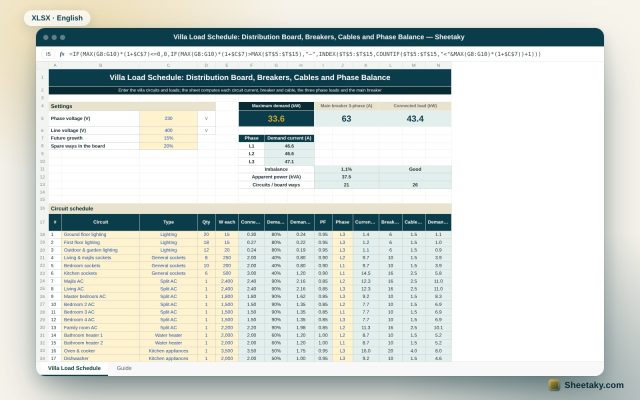
Villa Load Schedule in Excel: Distribution Board, Breakers, Cables and Phase Balance
An Excel villa load schedule: enter the circuits and it computes each circuit current, breaker and cable, sums…
Electrical engineering
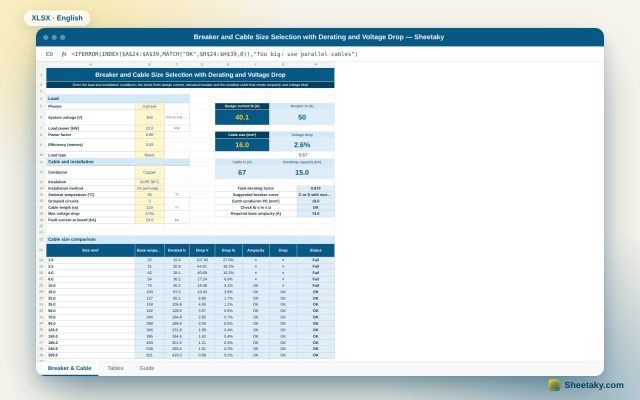
Breaker and Cable Selection Sheet in Excel: Derating, Voltage Drop and Breaking Capacity
An Excel sheet that computes design current, picks the standard breaker, applies temperature, grouping and installation factors to…
Electrical engineering
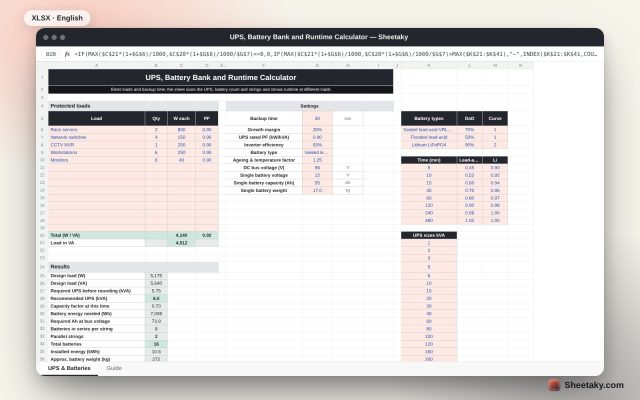
UPS, Battery Bank and Runtime Calculator in Excel
An Excel sheet that sizes a UPS from your loads, then the batteries and strings for your backup…