Tender Price Build-Up and BOQ Pricing in Excel: Direct Cost, Overheads, Profit and Unit Rate
- XLSX
- 11 KB
- Version 1.0
- English
- October 23, 2026
Ready to download
Editable Excel file
This sheet is also available in: العربية
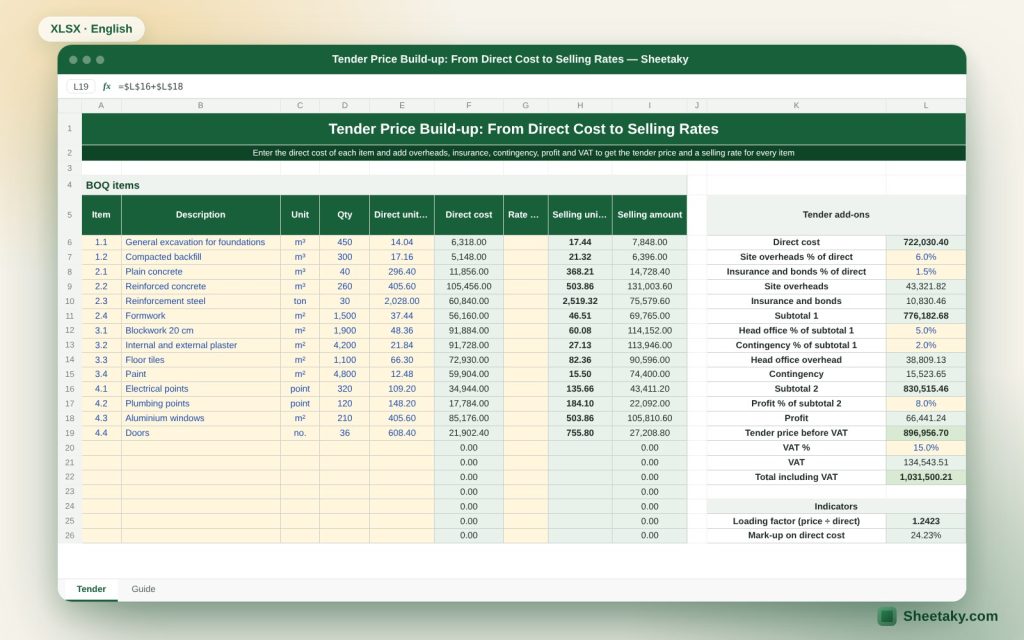
Pricing a tender is one of a contractor’s riskiest jobs: a high price loses the tender and a low price wins it and loses the owner money. The commonest mistake is forgetting indirect costs such as insurance, bank guarantees and general site costs, or confusing the profit percentage on cost with the margin on price.
This sheet builds the price from the bottom up. You enter the direct cost (materials, labour, plant and subcontractors) and it adds step by step the site overheads, insurance, tender and performance bonds, head office expenses, contingency, profit and VAT, and computes a loading factor that it spreads over the BOQ items to give a selling rate for each, then checks that the items add up to the tender price.
Who is it for?
- Estimating and tendering engineers at contractors
- Project and finance managers
- Small contractors pricing on their own
- Students
What is inside the sheet?
- A direct cost sheet by sections
- Percentages for site overheads, insurance, bonds, head office and contingency
- Profit and VAT
- The final tender price and its component analysis in percent
- The loading factor on direct cost
- BOQ item pricing with a match check
- Conversion of profit from a markup on cost to a margin on price
- A guide sheet
How to use it
- Enter the direct cost of each section from the take-off and supplier quotations.
- Adjust the overhead, insurance and bond percentages from your company’s reality.
- Enter the contingency, profit and VAT percentages.
- Read the tender price and its analysis.
- On the BOQ sheet enter the direct cost of each item to get its selling rate through the loading factor.
Formulas used
Tender price = (direct cost + overheads, insurance and bonds + head office + contingency) × (1 + profit) × (1 + VAT)Loading factor = (cost before profit and VAT) ÷ direct costItem selling price = its direct cost × the overall factorMargin = markup on cost ÷ (1 + markup on cost)
Worked example from the sheet itself
An illustration: direct cost of 1,000,000.
- Site overheads 8%, insurance and bonds 2%, head office 5% and contingency 3% give a total of 1,180,000.
- Profit of 10% on cost gives 1,298,000 before VAT, and with 15% VAT it becomes 1,492,700.
- A 10% markup on cost is equivalent to a 9.09% margin on price.
The structure of tender cost
Direct cost is what ties to a specific item: materials, labour, plant and subcontractors. Indirect costs are of two kinds: general site expenses (supervision, camp, utilities, transport, security), which scale with the project duration, and head office expenses (management, rent, accounting), which are spread over projects. Tender and performance bonds and contract works insurance also represent real costs.
Estimators often forget items such as the cost of bank guarantees (annual fees) and works insurance, rework of rejected work, late payment and finance costs. Put everything you expect in one of the cells or it eats your profit.
Markup on cost and margin on price
A 10% profit on cost (markup) is not a 10% margin on price. The relation is: margin = markup ÷ (1 + markup). So a 10% markup gives a 9.09% margin, and a 25% markup gives a 20% margin. To achieve a 10% margin on price you need an 11.1% markup on cost.
Confusing the two causes a profit gap when comparing companies or management targets. The sheet shows both percentages together.
The loading factor and spreading it over items
After computing the total tender price it must be spread over the BOQ items so each has a selling rate. The simplest way is a uniform factor: the tender price divided by direct cost, multiplied by each item’s cost. This guarantees the items add up to the total price.
Some estimators use different factors, raising the price of items executed early (to improve cash flow) and lowering later ones. This is called an unbalanced bid and it carries risk: many employers reject bids where it shows, and if actual quantities rise on cheap items the contractor loses. So use the uniform factor unless you have experience and a clear policy.
Contingency and tender risk
Contingency is an amount to meet unspecific risks: price rises, ground conditions, take-off errors. Its percentage scales with the amount of risk and how complete the documents are: a project with full design and short duration needs less than a long one with incomplete design. It is better to list the main risks as items and estimate each.
For long projects add price adjustment or ask for a price adjustment clause in the contract if possible.
Reviewing the tender before submission
- Review the scope against the tender documents item by item.
- Confirm that supplier and subcontractor quotes are valid for the period and include transport and tax.
- Compare major unit rates with indicators from previous projects.
- Confirm that overheads cover the full project duration.
- Review payment terms, bonds and damages and their effect on finance.
- Ask a colleague who did not take part in the pricing to review.
Common mistakes
- Forgetting the tender bond, performance bond and works insurance.
- Estimating overheads as a percentage without tying them to project duration.
- Computing profit on price instead of cost or the reverse.
- Applying VAT in the wrong place.
- Not updating prices after new quotes arrive.
Tips for best results
- Keep a copy of every priced tender to feed your own indicators.
- Tie overheads to the project duration.
- Choose the uniform loading factor unless you have a clear policy.
Frequently asked questions
Are the default percentages right for my company?
No, they are examples. Set them from your actual cost records.
Does it compute VAT?
Yes, at a rate you enter per your country’s system.
How many BOQ items?
Up to 60 items.
Does it check the match?
Yes, it compares the item prices total with the tender price and shows the difference.
Download the sheet
Press the download button at the top of the page to get the Excel file. It includes a full guide sheet, yellow input cells and formulas protected from accidental edits. The sheet is also available in Arabic from the language switcher.
The sheet is a calculation aid. The percentages shown are examples and should be set from your company and project.
Related sheets
Quantity takeoff & pricing
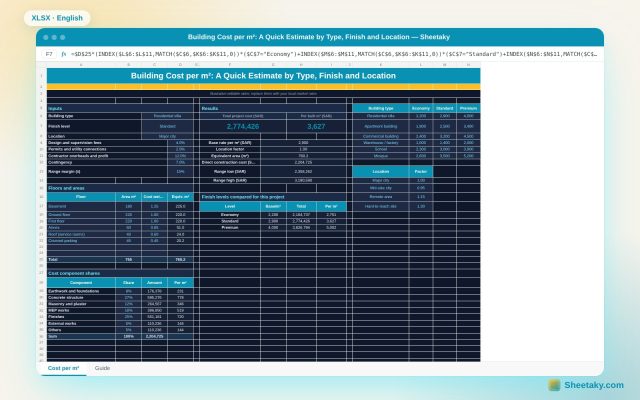
Building Cost per m² Calculator in Excel: A Quick Estimate by Type, Finish and Location
An Excel sheet that estimates building cost per square metre: pick building type, finish level and location, enter…
Quantity takeoff & pricing
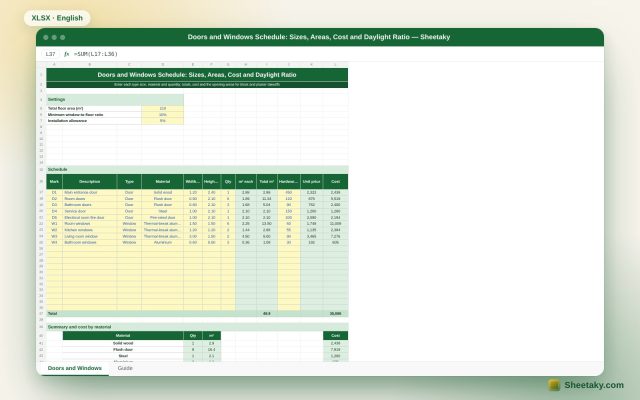
Doors and Windows Schedule in Excel: Sizes, Areas, Cost and Daylight Ratio
An Excel doors and windows schedule: enter mark, material, size and quantity and it computes areas, cost by…
Quantity takeoff & pricing
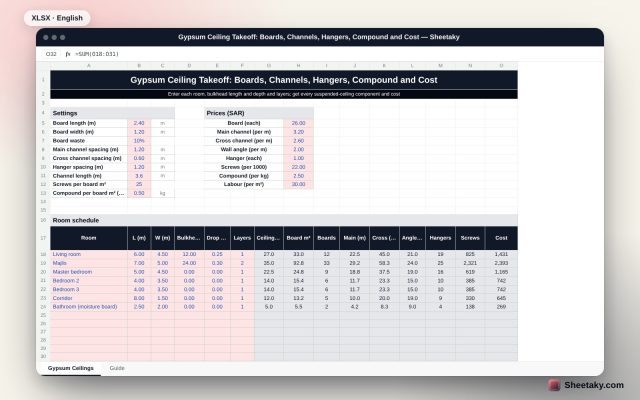
Gypsum Ceiling Takeoff in Excel: Boards, Channels, Hangers, Compound and Cost
An Excel suspended gypsum ceiling takeoff: enter room sizes, bulkhead length and drop and layers and it computes…