Building Cost per m² Calculator in Excel: A Quick Estimate by Type, Finish and Location
- XLSX
- 14 KB
- Version 1.0
- English
- October 23, 2026
Ready to download
Editable Excel file
This sheet is also available in: العربية
Every owner asks before starting: what will the building cost? An answer of “so much per m²” ignores that a basement costs more than an annex, a remote site costs more than a city, a premium finish doubles the cost, and fees, permits and contingency sit on top of construction cost.
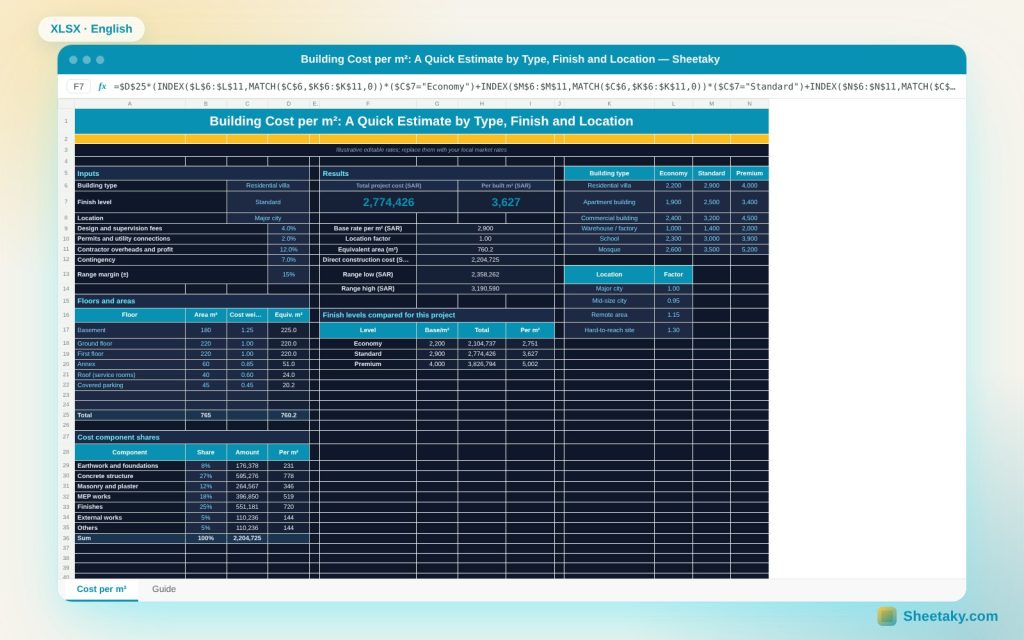
This sheet builds an orderly early estimate: it takes the base rate for the building type and finish level, multiplies it by a location factor and the equivalent floor area, then adds overheads and profit, contingency, fees and permits, and gives the total, range, split by component and a three-level comparison.
Who is it for?
- Owners before design and tendering
- Developers and feasibility analysts
- Consulting engineers in early studies
- Contractors giving quick estimates
What is inside the sheet?
- A base-rate table for six building types at three finish levels
- Location factors for major cities, mid-size cities and remote areas
- A floor table with cost weights (basement, annex, parking)
- Percentages for overheads and profit, contingency, fees and permits
- Total, cost per m² and low and high range
- A cost split over seven components with editable shares and a pie chart
- An economy, standard and premium comparison, a chart and a guide
How to use it
- Pick building type, finish level and location.
- Enter floor areas and a cost weight for each.
- Edit the overhead, contingency and fee percentages.
- Read the total, range, split and comparison.
Formulas used
Equivalent area = Σ (floor area × cost weight)Direct cost = equivalent area × base rate × location factorTotal = direct × (1 + profit) × (1 + contingency) + direct × (fees + permits)Range = total × (1 ± margin)Cost per m² = total ÷ built area
Worked example from the sheet itself
A villa of 765 m² built area (basement 180, two floors of 220, annex 60, roof 40 and parking 45) with a standard finish in a major city.
- Equivalent area is 760.25 m² and the base rate 2,900, so direct cost is 2,204,725.
- After profit, contingency, fees and permits the total is 2,774,426, or 3,627 per built m², with a range of 2.36 to 3.19 million.
- An economy finish is 2.10 million and premium 3.83 million for the same building.
Equivalent area
A basement costs more because excavation, waterproofing and ventilation are harder, so its weight is 1.25. Covered parking costs less (0.45). Instead of multiplying all area by one rate, the sheet multiplies each floor by its weight and sums.
The rates are examples
Base rates in the table are illustrative to show the method. Replace them with local market rates from contractors and real quotes, and update them every few months because prices move.
A range, not one number
An early estimate carries uncertainty because the design is incomplete, so the sheet gives a ± range (15% by default) that you set by design maturity: 20% at concept stage and 10% after drawings.
Cost split
The shares (structure 27%, finishes 25%, MEP 18% and so on) are examples that help you negotiate offers and compare against past projects. They must total 100% and the sheet warns you if not.
Tips for best results
- Use total built area, not plot area.
- Update base rates from recent quotes.
- Keep contingency at 5 to 10% in early stages.
- Compare the estimate with a detailed bill of quantities once drawings are complete.
Frequently asked questions
Are the rates real?
No, they are illustrative; replace them with your market rates.
Does it include land?
No, only construction, fees and permits.
How do I add a building type?
Edit a row in the type rate table.
Is the range precise?
It is an approximate margin reflecting uncertainty.
Download the sheet
Press the download button at the top of the page to get the Excel file. It includes a full guide sheet, yellow input cells and formulas protected from accidental edits. The sheet is also available in Arabic from the language switcher.
An early estimate with illustrative rates; it does not replace a bill of quantities and real quotes.
Related sheets
Quantity takeoff & pricing
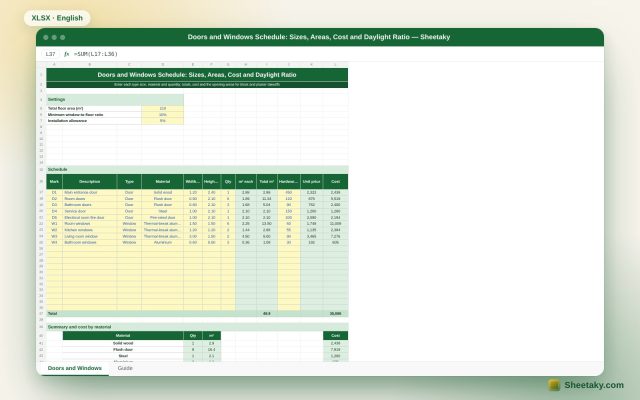
Doors and Windows Schedule in Excel: Sizes, Areas, Cost and Daylight Ratio
An Excel doors and windows schedule: enter mark, material, size and quantity and it computes areas, cost by…
Quantity takeoff & pricing
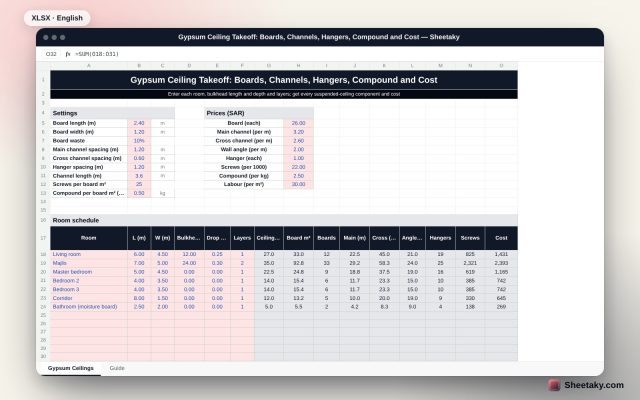
Gypsum Ceiling Takeoff in Excel: Boards, Channels, Hangers, Compound and Cost
An Excel suspended gypsum ceiling takeoff: enter room sizes, bulkhead length and drop and layers and it computes…
Quantity takeoff & pricing
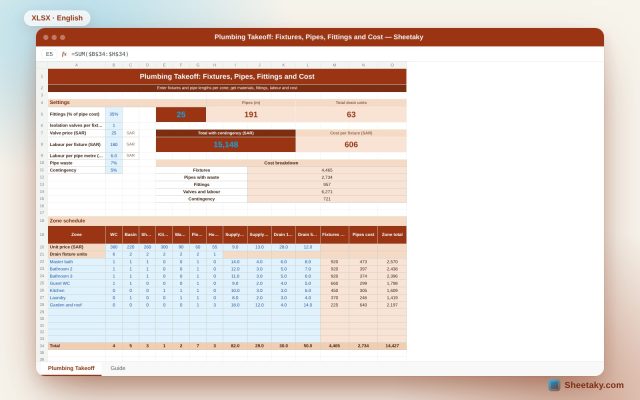
Plumbing Takeoff in Excel: Fixtures, Pipes, Fittings and Cost
An Excel plumbing takeoff by zone: enter the sanitary fixtures and supply and drain pipe lengths for each…