Plastering Takeoff in Excel: Wall, Ceiling and Facade Areas and Mortar
- XLSX
- 12 KB
- Version 1.0
- English
- October 23, 2026
Ready to download
Editable Excel file
This sheet is also available in: العربية
Plaster consumes a lot of cement, sand and labour among finishing items, and it cannot be estimated by eye. Every room has its own size, doors and windows; facades use thicker plaster and ceilings a different thickness.
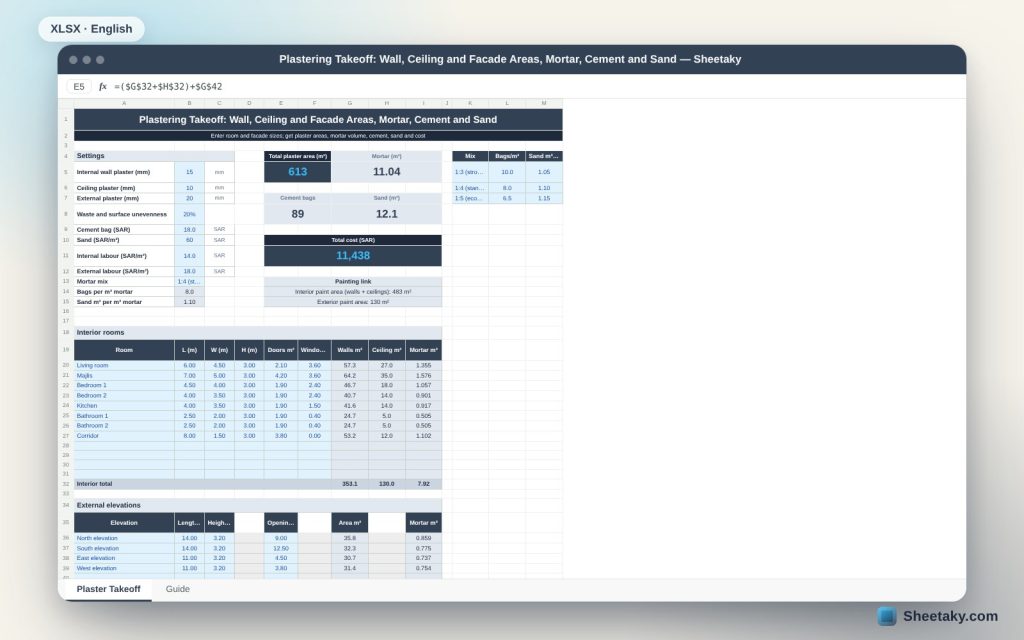
This sheet takes room sizes with openings and facade sizes, computes the plaster area for each part, then mortar volume at each thickness with a waste factor for uneven surfaces, and converts it to cement bags, sand and cost. It also gives paint areas ready for the next takeoff.
Who is it for?
- Finishing contractors and supervisors
- Quantity surveyors and estimators
- Home owners comparing contractor offers
- Students doing takeoff projects
What is inside the sheet?
- Wall, ceiling and facade plaster thicknesses and a surface waste factor
- A mortar mix list with cement bags and sand per m³
- A 12-room table with length, width, height, doors and windows
- A 6-facade table with length, height and openings
- Wall, ceiling and facade areas and mortar volume for each row
- Cards for total area, mortar, cement, sand and cost
- Interior and exterior paint areas, a chart and a guide
How to use it
- Set plaster thicknesses, mortar mix and rates.
- Enter each room: length, width, height and door and window areas.
- Enter each facade: length, height and openings.
- Read quantities and cost and carry paint areas to the next takeoff.
Formulas used
Wall area = 2 × (length + width) × height − doors − windowsCeiling area = length × widthFacade area = length × height − openingsMortar = (area × thickness ÷ 1000) × (1 + waste)Cement = mortar × bags/m³, sand = mortar × m³/m³
Worked example from the sheet itself
Eight rooms with 353.1 m² of walls and 130 m² of ceilings, plus four facades of 130.2 m² after openings.
- Total area is 613.3 m² and mortar is 11.04 m³ at 15, 10 and 20 mm with 20% waste.
- Cement is 89 bags and sand 12.1 m³ at a 1:4 mix.
- Cost is 11,438 with the assumed labour and prices; interior paint area is 483 m² and exterior 130 m².
Why ceilings use a different thickness
Ceiling plaster is thinner (10 mm) than walls (15 mm) and facades (20 mm) because it goes on relatively smooth concrete. You can change each thickness to follow your specification.
Waste for uneven surfaces
The 20% waste in the example covers loss and extra thickness on uneven surfaces and varies with block and concrete quality. Lower it for good work and raise it for old buildings.
Linking paint
Paint area equals plaster area, so the sheet shows interior (walls and ceilings) and exterior paint totals to carry straight into a painting takeoff.
Limits
The sheet does not compute corners, projections, cornices or protruding columns. Add them as separate lines in the room table if needed.
Tips for best results
- Measure room height slab to slab net of finishes.
- Enter doors and windows at their real areas.
- Keep facades separate from rooms as in the sheet.
- Use a mortar mix suited to external walls.
Frequently asked questions
Does the sheet deduct openings?
Yes, enter door and window areas and they are deducted from wall area.
Can I change thicknesses?
Yes, in the settings.
Does it include painting?
It gives the areas only; use the painting takeoff sheet for pricing.
How many rooms fit?
12 rooms and 6 facades.
Download the sheet
Press the download button at the top of the page to get the Excel file. It includes a full guide sheet, yellow input cells and formulas protected from accidental edits. The sheet is also available in Arabic from the language switcher.
A quantity estimate; prices and thicknesses are editable examples.
Related sheets
Civil & structural
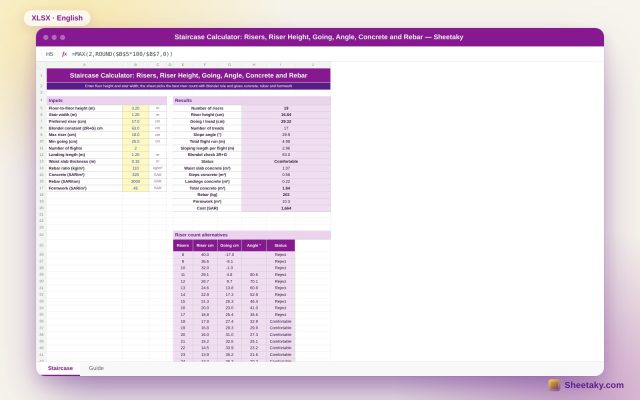
Staircase Calculator in Excel: Risers, Riser Height, Going, Angle and Concrete
An Excel sheet that designs a stair: from the floor height it proposes the riser count using Blondel…
Civil & structural
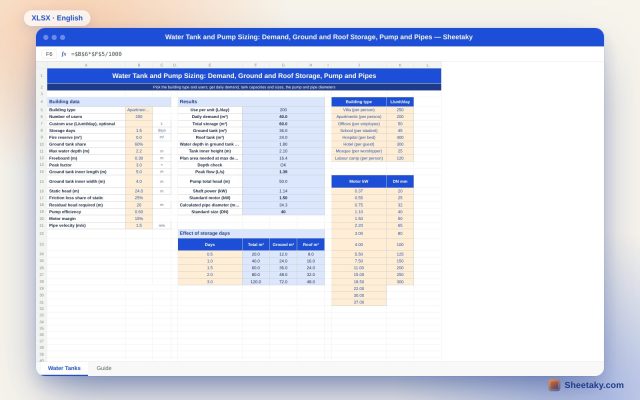
Water Tank and Pump Sizing in Excel: Demand, Capacity, Dimensions and Motor
An Excel sheet that computes a building daily water demand from its type and users, then ground and…
Civil & structural
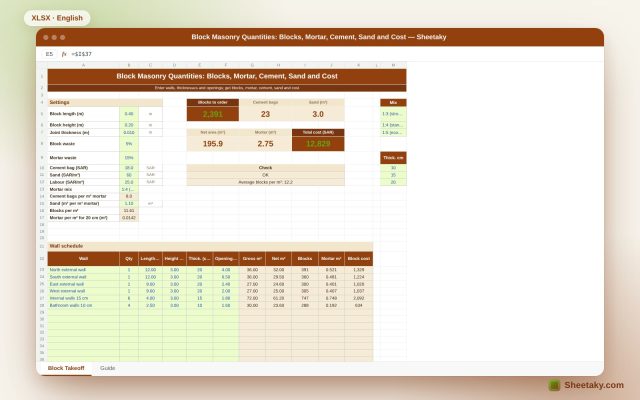
Block Masonry Takeoff in Excel: Blocks, Mortar, Cement, Sand and Cost
An Excel sheet for block masonry takeoff: enter walls, thicknesses and openings and it gives block count, mortar,…