Sales & Monthly Profit Tracker in Excel for Shops and Small Businesses
- XLSX
- 82 KB
- Version 1.0
- English
- October 22, 2026
Ready to download
Editable Excel file
This sheet is also available in: العربية
Many small businesses know their sales but not their real profit, or which products actually make money. The usual reason is the lack of a simple log that links selling price to cost.
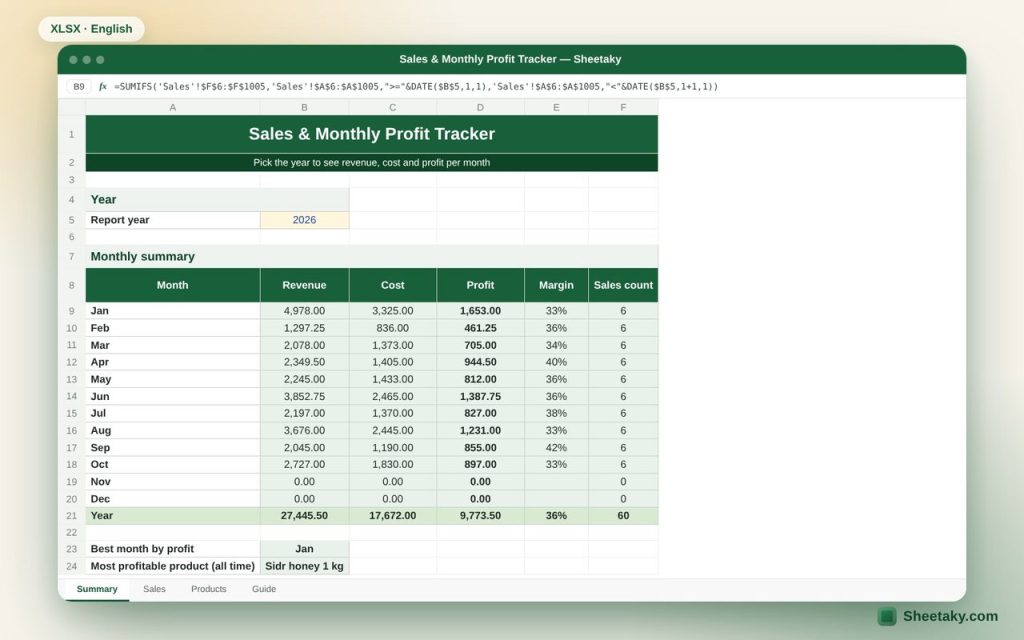
This sheet uses three sheets: products and prices, a sales log, and a monthly summary with a chart. You enter each sale once and the sheet does the rest.
Who is it for?
- Shop owners and home businesses
- Online and social media sellers
- Accountants in small companies
What is inside the sheet?
- Products sheet: cost, price, margin, and quantity, revenue and profit per product
- Sales sheet: pick the product from a list, automatic price and cost, discount
- Monthly summary for any year: revenue, cost, profit, margin, count
- Revenue and profit chart
- Best month and most profitable product
How to use it
- List your products with cost and selling price.
- Log every sale: date, product, quantity and discount.
- Open the summary and pick the year.
Formulas used
Revenue = quantity × price × (1 − discount)Cost = quantity × cost price, profit = revenue − costMargin = profit ÷ revenue
Worked example from the sheet itself
The sample has 5 products and 60 sales from January to October 2026:
- Total revenue is 27,445.50, cost 17,672 and profit 9,773.50, a 36% margin.
- The best month is January with 1,653 profit, and the most profitable product is Sidr honey.
Tips for best results
- Log sales daily; the summary is only as good as the data.
- If a price changes, add it as a new product so past months stay unchanged.
- Review or reprice products with a low margin.
Frequently asked questions
Does it handle VAT?
No. Enter all prices either before or after VAT, consistently.
What if I sell at a different price?
Use the discount column, or add the product with its new price under a different name.
How many sales does it hold?
One thousand sales and sixty products; a new file per year works best.
Download the sheet
Press the download button at the top of the page to get the Excel file. It includes a full guide sheet, yellow input cells and formulas protected from accidental edits. The sheet is also available in Arabic from the language switcher.
Related sheets
Business & sales
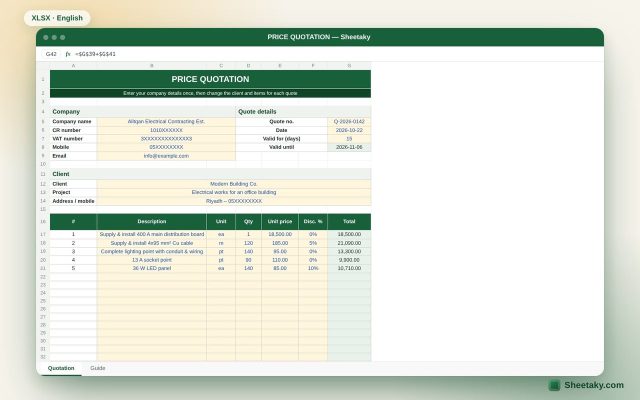
Professional Price Quotation Template in Excel with 15% VAT
A quotation template ready to print or save as PDF: company and client details, up to 20 items…
Business & sales
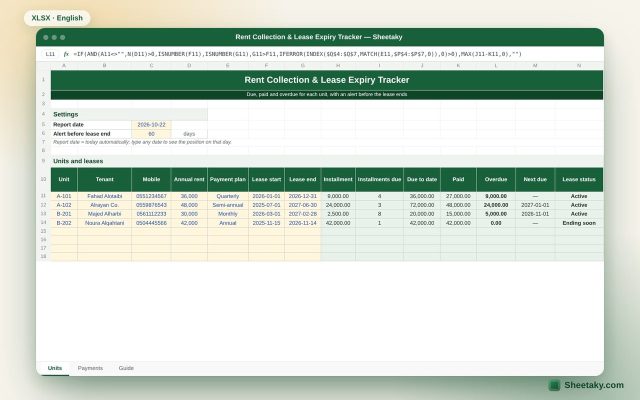
Rent Collection & Lease Expiry Tracker in Excel for Landlords
An Excel sheet for landlords: amount due to date, paid and overdue for each unit, next due date…
Business & sales
Tax Invoice Template in Excel with 15% VAT Calculation
A tax invoice template in Excel that calculates item totals, 15% VAT and the amount due automatically.