Site Material Inventory in Excel: In, Out, Balance & Reorder Level
- XLSX
- 33 KB
- Version 1.0
- English
- October 22, 2026
Ready to download
Editable Excel file
This sheet is also available in: العربية
Running out of a small item like breakers or conduit can idle a whole crew for a day, and without a log it is hard to know where materials went.
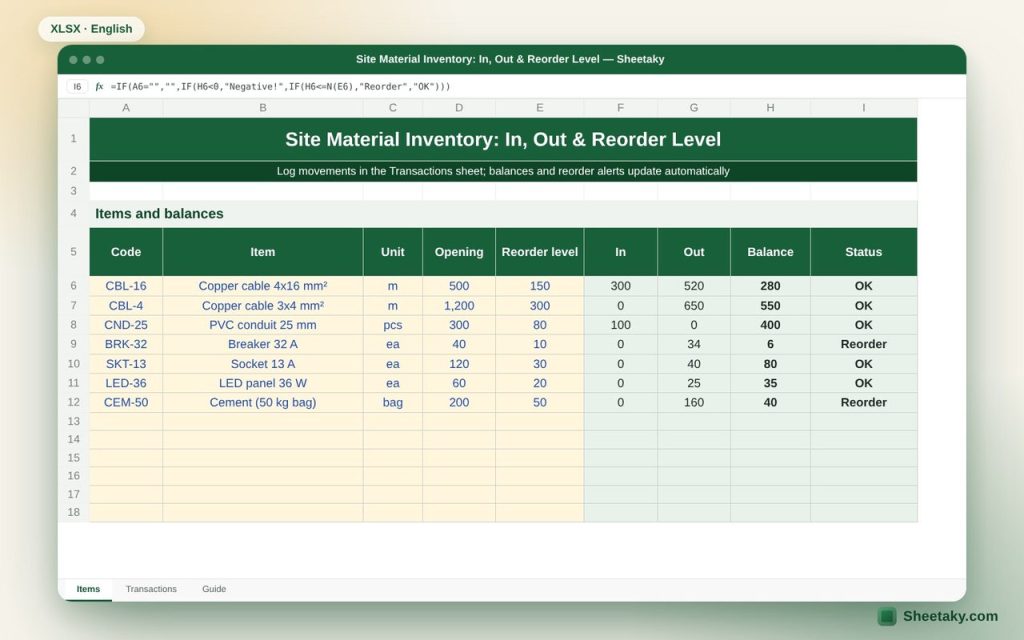
This sheet splits the work into two sheets: the items list with opening balances and reorder levels, and the movements log where you record every receipt and issue. Balances and status update automatically.
Who is it for?
- Site storekeepers
- Site engineers and project managers
- Small contractors managing their own materials
What is inside the sheet?
- Items sheet: code, item, unit, opening, reorder level, in, out, balance, status
- Transactions sheet: date, code from a list, automatic item name, type, quantity, reference
- Color alerts for “Reorder” and “Negative!”
- Duplicate codes highlighted
- Capacity: 100 items and 500 movements
How to use it
- In the Items sheet give each item a unique code, name, unit, opening balance and reorder level.
- In the Transactions sheet log every receipt (IN) and issue (OUT) with its document number.
- Check the Items sheet: yellow needs a purchase request, red is a logging error.
Formulas used
In = sum of IN quantities for the codeBalance = opening + in − outStatus = "Reorder" when balance ≤ reorder level
Worked example from the sheet itself
4×16 mm² cable: opening 500 m, in 300 m, out 520 m, so the balance is 280 m, above the 150 m reorder level: “OK”.
- 32 A breakers: opening 40, issued 34, balance 6, below the reorder level of 10: “Reorder”.
- Cement: opening 200 bags, issued 160, balance 40: “Reorder”.
Tips for best results
- Use short, fixed codes; the code links movements to items.
- Log movements daily from the documents, not from memory at the end of the week.
- Do a physical count monthly and compare with the sheet.
Frequently asked questions
What if I type a code that does not exist?
The Transactions sheet shows “Unknown code” in red and the movement is not counted.
Can I add columns such as price?
Yes, after unprotecting the sheet (no password).
Does it work for several sites?
Use one file per site so balances stay separate.
Download the sheet
Press the download button at the top of the page to get the Excel file. It includes a full guide sheet, yellow input cells and formulas protected from accidental edits. The sheet is also available in Arabic from the language switcher.
Related sheets
Project management & contracting
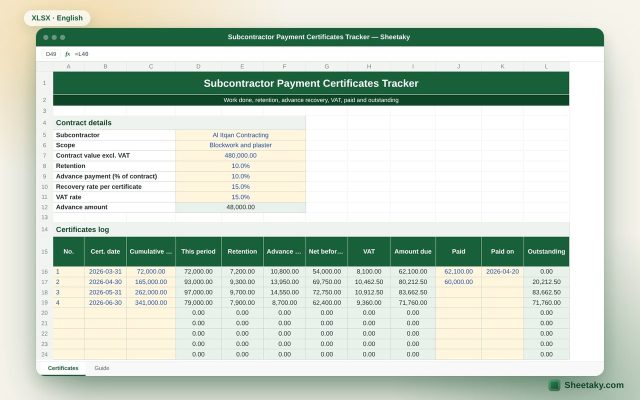
Subcontractor Payment Certificates Tracker in Excel: Retention, Advance and Payments
An Excel tracker for subcontractor certificates: this period from cumulative, retention, advance recovery, VAT, amount due, paid and…
Project management & contracting
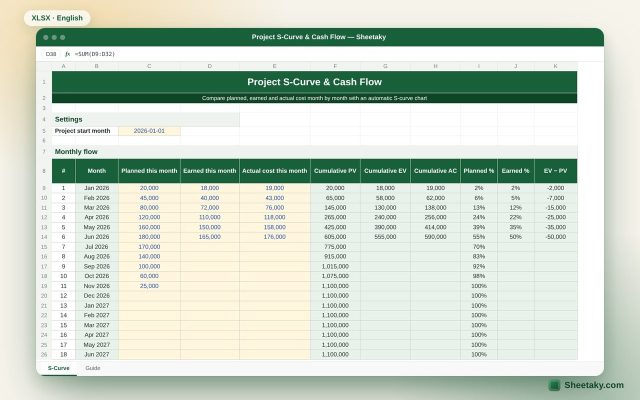
Project S-Curve & Cash Flow in Excel with Automatic Chart
An Excel sheet that draws the project S-curve from monthly planned, earned and actual cost, and calculates cumulative…
Project management & contracting
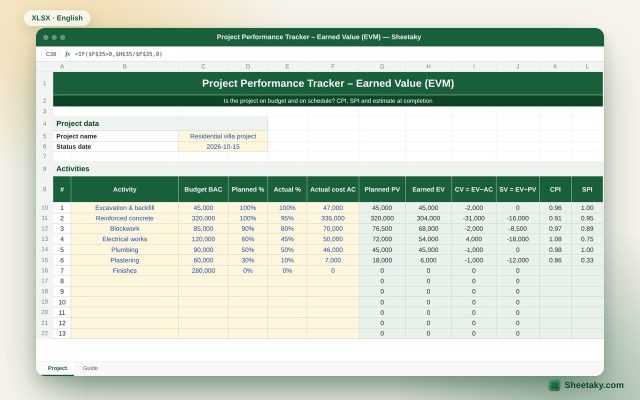
Earned Value Management (EVM) Tracker in Excel: CPI, SPI and EAC
An Excel sheet to measure project performance with earned value: PV, EV and AC per activity, CPI and…