Subcontractor Payment Certificates Tracker in Excel: Retention, Advance and Payments
- XLSX
- 16 KB
- Version 1.0
- English
- October 22, 2026
Ready to download
Editable Excel file
This sheet is also available in: العربية
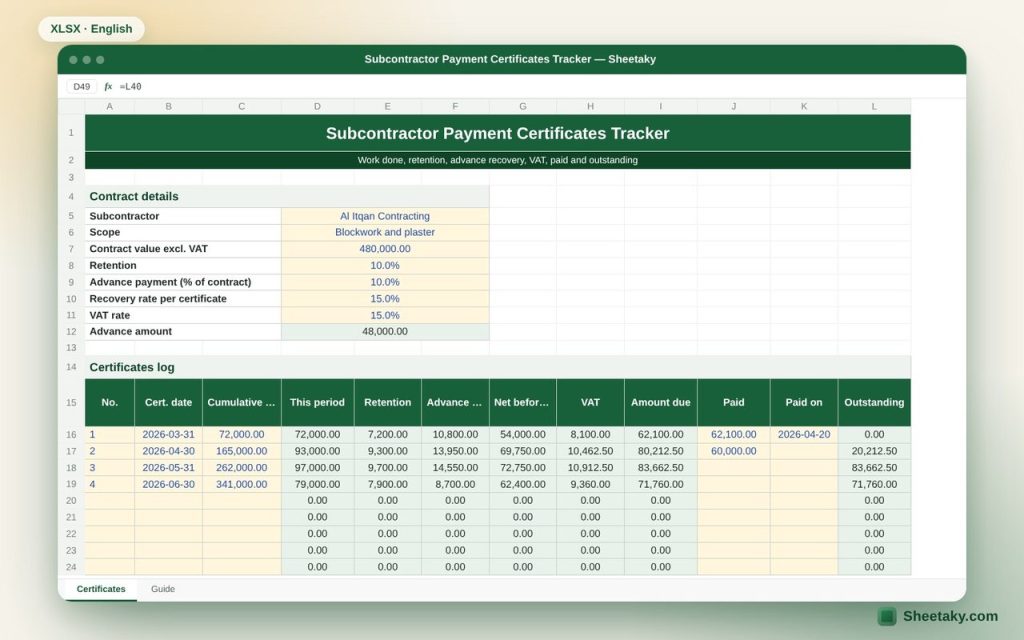
Every subcontractor certificate repeats the same calculations: this period work, retention, part of the advance recovered, then VAT. After a few months it gets hard to see at a glance how much you paid, how much is left and how much retention you hold.
This sheet turns each certificate into one row. Enter the cumulative work done and the rest is calculated; record payments and the outstanding balance appears. The summary gives the full picture in a moment.
Who is it for?
- Project engineers and site managers
- Accountants in contracting companies
- Quantity surveyors preparing and checking certificates
What is inside the sheet?
- Contract details: subcontractor, scope, value, retention, advance, recovery and VAT rates
- A log for twenty-four certificates: date, cumulative, this period, retention, recovery, net, VAT, due, paid, outstanding
- Highlights for unpaid balances and a warning when a cumulative is lower than before
- Summary: work done, progress, retention held, advance to recover, paid, outstanding, contract remaining
- A chart of cumulative work done
How to use it
- Enter the contract details and rates.
- For each certificate enter its number, date and the cumulative work done.
- Record the amount and date when you pay.
- Check the summary before approving a new certificate.
Formulas used
This period = current cumulative − highest previous cumulativeRetention = this period × retention rateRecovery = MIN(this period × recovery rate, advance still due)Net = this period − retention − recoveryDue = net × (1 + VAT rate)
Worked example from the sheet itself
A blockwork and plaster subcontract of SAR 480,000 with 10% retention and a 10% advance (SAR 48,000) recovered at 15% of each certificate.
- After four certificates the work done is SAR 341,000, or 71% of the contract.
- Retention held is SAR 34,100, and the advance is fully recovered in certificate 4.
- Total due incl. VAT SAR 297,735, paid SAR 122,100 and outstanding SAR 175,635.
Tips for best results
- Enter the cumulative from the approved certificate, not the subcontractor claim, so figures can be audited.
- Record the retention release at handover as a separate certificate with the released amount.
- Use one file per subcontractor and keep a PDF of every approved certificate.
Frequently asked questions
Why is this period calculated from the highest previous cumulative?
So the same work is never counted twice if a certificate is entered late or out of order.
When does advance recovery stop?
When total recovery reaches the advance amount; recovery then becomes zero automatically.
Is VAT before or after retention?
The sheet applies it on the net after retention and recovery. If your contract differs, check with your accountant.
Download the sheet
Press the download button at the top of the page to get the Excel file. It includes a full guide sheet, yellow input cells and formulas protected from accidental edits. The sheet is also available in Arabic from the language switcher.
Tax and accounting treatment of retention and advances follows the contract and local VAT rules; check with your accountant.
Related sheets
Project management & contracting
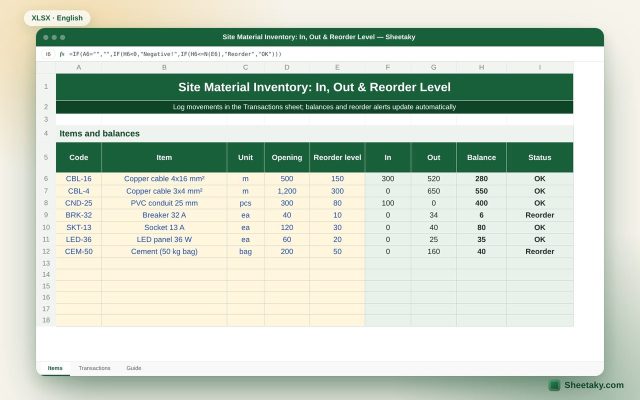
Site Material Inventory in Excel: In, Out, Balance & Reorder Level
An Excel sheet for site store stock: an items list and an IN/OUT log. It calculates current balances…
Project management & contracting
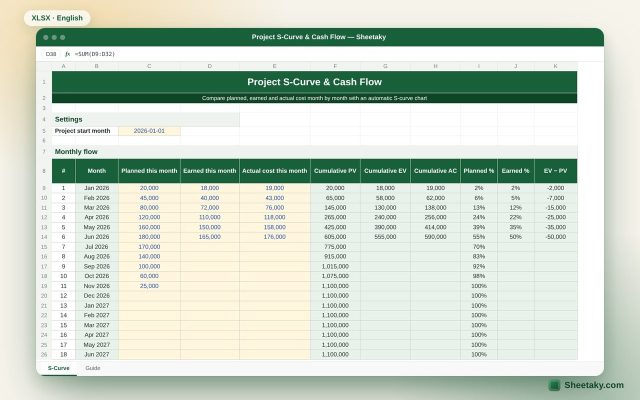
Project S-Curve & Cash Flow in Excel with Automatic Chart
An Excel sheet that draws the project S-curve from monthly planned, earned and actual cost, and calculates cumulative…
Project management & contracting
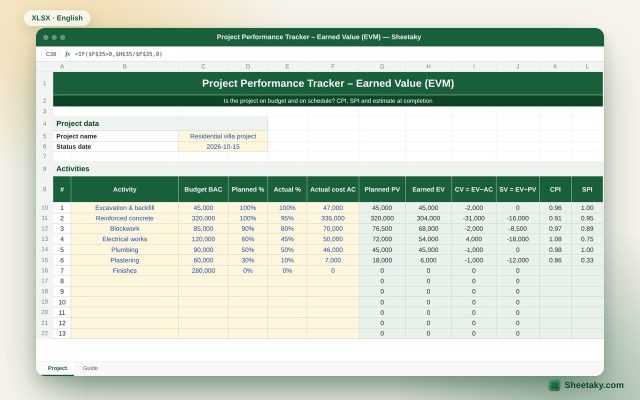
Earned Value Management (EVM) Tracker in Excel: CPI, SPI and EAC
An Excel sheet to measure project performance with earned value: PV, EV and AC per activity, CPI and…