Bills & Subscriptions Tracker in Excel with Due Date Alerts
- XLSX
- 14 KB
- Version 1.0
- English
- October 22, 2026
Ready to download
Editable Excel file
This sheet is also available in: العربية
Small subscriptions add up without notice, and bills with different cycles (monthly, quarterly, yearly) are easy to forget until the late notice arrives.
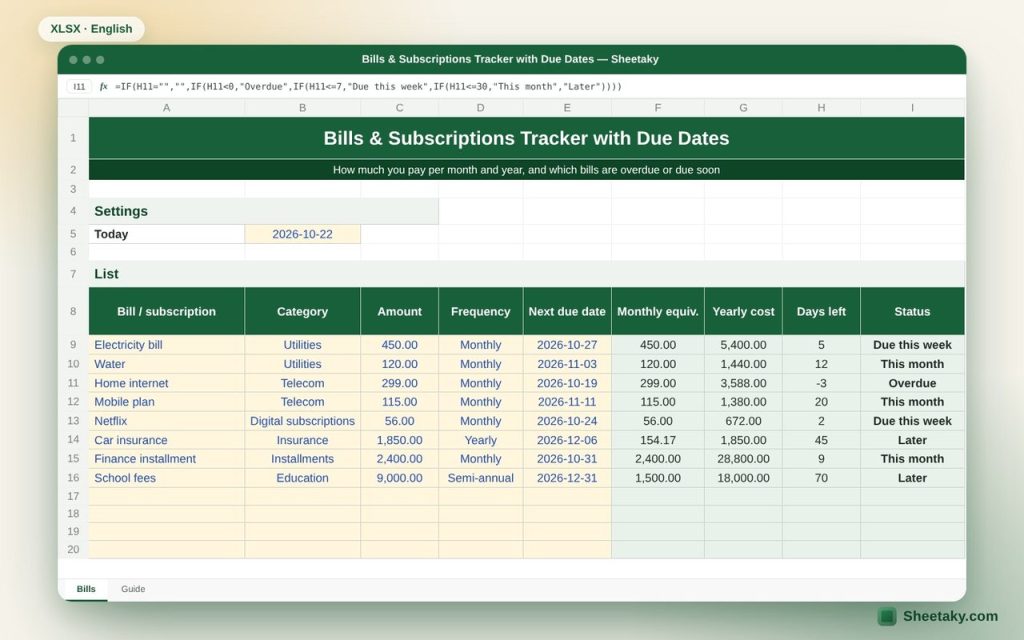
This sheet puts them in one place: amount, frequency and next due date. It calculates the monthly equivalent of every item, even yearly bills, and tells you what you really pay each month and year.
Who is it for?
- Families controlling fixed expenses
- People with many digital subscriptions
- Small offices tracking utility bills
What is inside the sheet?
- A list of forty bills or subscriptions with category, frequency and due date
- Monthly equivalent and yearly cost per item
- Days left and status: overdue, due this week, this month, later
- Summary by category, monthly and yearly
- Count and amount of overdue and upcoming bills
How to use it
- Enter the bill name and pick a category.
- Enter the amount and pick the frequency.
- Enter the next due date.
- After paying, update the date to the following one.
Formulas used
Monthly equivalent = amount ÷ months in the cycleYearly cost = monthly equivalent × 12Days left = due date − today
Worked example from the sheet itself
The sample has eight bills including electricity, internet, Netflix, yearly car insurance and semi-annual school fees.
- Car insurance of 1,850 a year equals 154.17 a month.
- Total fixed commitments are 5,094.17 a month, or 61,130 a year.
Tips for best results
- Review digital subscriptions every three months and cancel what you do not use.
- Set aside the monthly equivalent of yearly bills in a separate account.
- Use auto-pay for fixed bills where you can.
Frequently asked questions
Why calculate a monthly equivalent?
Yearly and semi-annual bills disappear from monthly budgets and then surprise you; the monthly equivalent shows their real weight.
Does the due date roll forward automatically?
No, update it after each payment and the status resets.
Can I add categories?
Yes, after unprotecting the sheet and editing the category list.
Download the sheet
Press the download button at the top of the page to get the Excel file. It includes a full guide sheet, yellow input cells and formulas protected from accidental edits. The sheet is also available in Arabic from the language switcher.
Related sheets
Personal finance
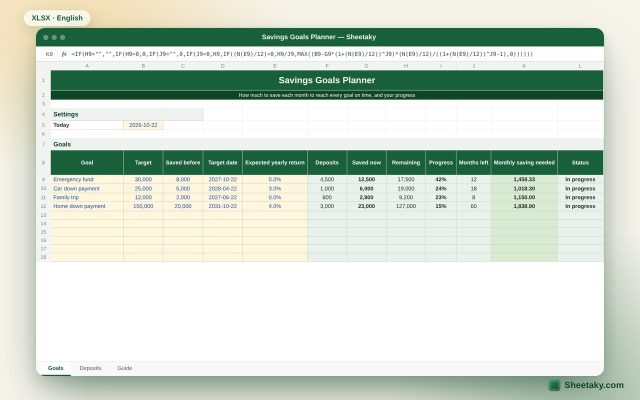
Savings Goals Planner in Excel: How Much to Save Each Month
An Excel sheet for your money goals: target amount and date, a deposits log, and it calculates savings,…
Personal finance
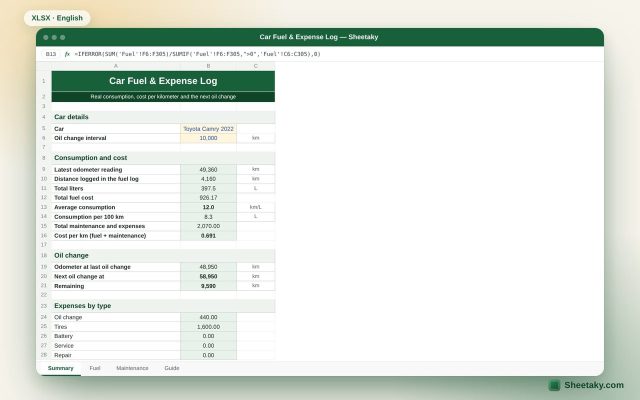
Car Fuel & Expense Log in Excel: Real Consumption and Cost per km
An Excel sheet that calculates your real fuel consumption (km/L and L/100 km) from the fill log, the…
Personal finance
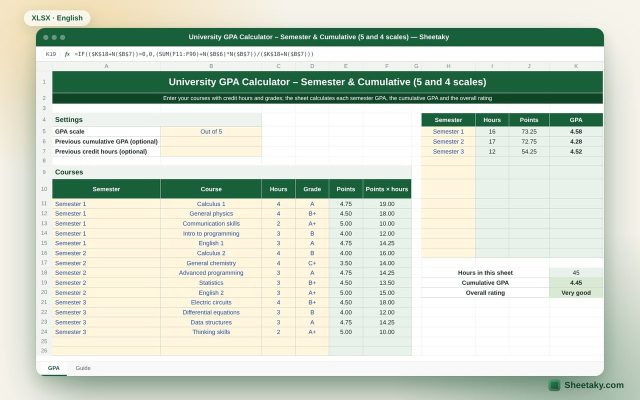
University GPA Calculator in Excel: Semester and Cumulative (5 and 4 Scales)
An Excel sheet that calculates each semester GPA, the cumulative GPA and the overall rating on the 5-point…