Savings Goals Planner in Excel: How Much to Save Each Month
- XLSX
- 30 KB
- Version 1.0
- English
- October 22, 2026
Ready to download
Editable Excel file
This sheet is also available in: العربية
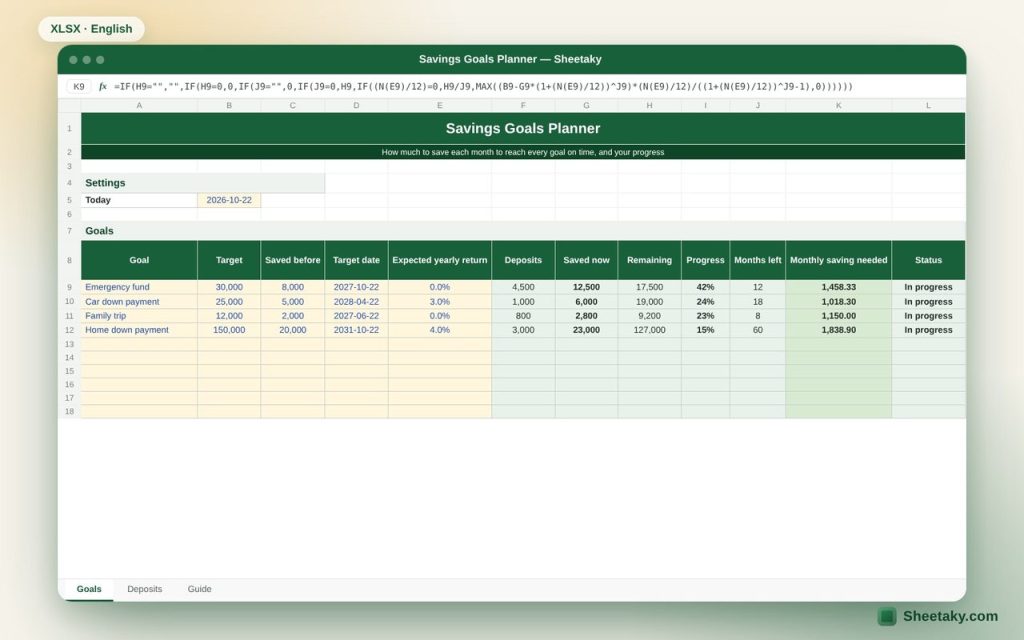
Saving without a clear target stops at the first unexpected expense. When you know you need 1,458 a month to finish your emergency fund in a year, the decision gets much easier.
This sheet turns each goal into a monthly number. Enter the target, date and what you already saved, log your deposits, and it calculates progress, the remaining amount and the monthly saving needed, including any return if the money is in a deposit or investment.
Who is it for?
- People and families planning for a car, a home or travel
- Anyone building an emergency fund
- Anyone interested in personal financial planning
What is inside the sheet?
- Twenty goals: target, saved before, date, expected return
- Deposits from the log, saved now, remaining, progress with a data bar
- Months left and monthly saving needed
- Status: in progress, reached, past due
- A deposits and withdrawals log with the goal picked from a list
How to use it
- Enter each goal, its amount, date and what you already saved.
- Enter the expected yearly return if any.
- Log every deposit in the Deposits sheet and pick the goal.
- Set up the monthly amount as an automatic transfer.
Formulas used
Without return: monthly saving = remaining ÷ months leftWith monthly return i: saving = (target − saved × (1+i)^n) × i ÷ ((1+i)^n − 1)Progress = saved now ÷ target
Worked example from the sheet itself
An emergency fund of 30,000 within 12 months, with 12,500 saved (42%):
- The monthly saving needed is 1,458.33.
- A car down payment of 25,000 within 18 months in an account earning 3% a year, with 6,000 saved, needs 1,018.30 a month.
Tips for best results
- Build the emergency fund (3 to 6 months of expenses) before other goals.
- Schedule the savings transfer on payday.
- Do not overestimate the return; conservative values are safer.
Frequently asked questions
How do I record a withdrawal?
Enter the amount as a negative number in the Deposits sheet.
What happens when the goal date passes?
The status shows “Past due”; extend the date or adjust the amount.
Is the return guaranteed?
No, it is your assumption and the result changes with it.
Download the sheet
Press the download button at the top of the page to get the Excel file. It includes a full guide sheet, yellow input cells and formulas protected from accidental edits. The sheet is also available in Arabic from the language switcher.
Related sheets
Personal finance
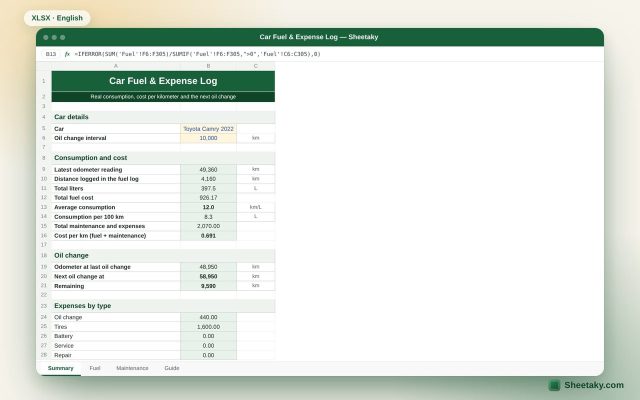
Car Fuel & Expense Log in Excel: Real Consumption and Cost per km
An Excel sheet that calculates your real fuel consumption (km/L and L/100 km) from the fill log, the…
Personal finance
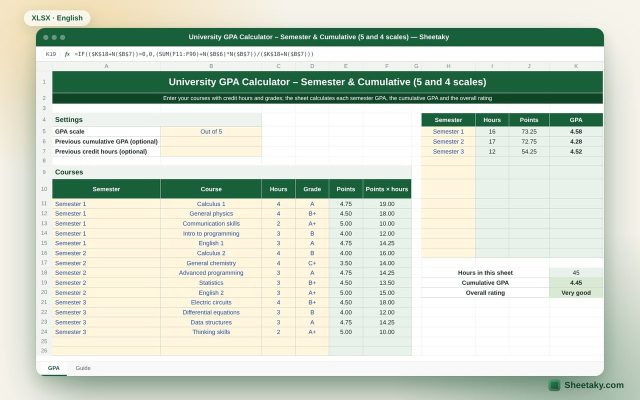
University GPA Calculator in Excel: Semester and Cumulative (5 and 4 Scales)
An Excel sheet that calculates each semester GPA, the cumulative GPA and the overall rating on the 5-point…
Personal finance
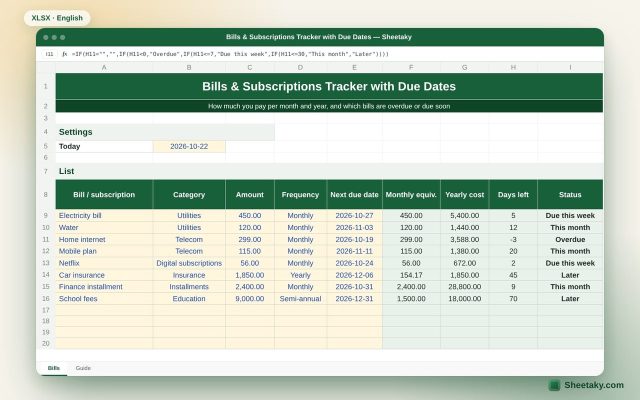
Bills & Subscriptions Tracker in Excel with Due Date Alerts
An Excel sheet that lists all your bills and subscriptions, calculates the monthly and yearly cost per item…