Indoor Lighting Calculator in Excel (Lumen Method): Fittings per Room
- XLSX
- 13 KB
- Version 1.0
- English
Ready to download
Editable Excel file
This sheet is also available in: العربية
How many fittings does a room need? It comes up in every project, and guessing gives you dark rooms or wasted fittings and energy.
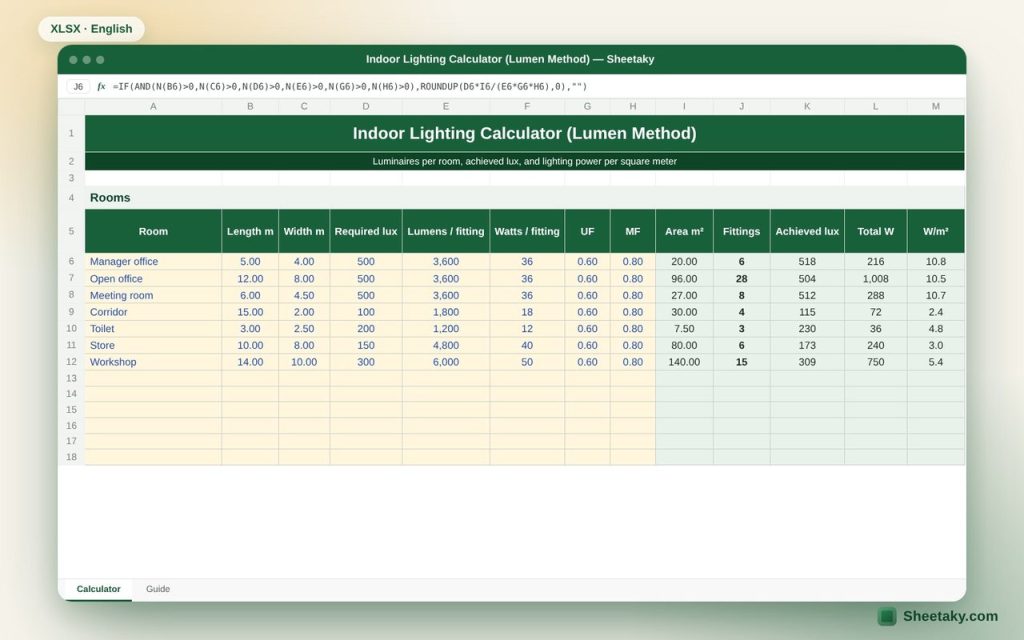
This sheet applies the lumen method to twenty rooms in one table. Enter the dimensions, required lux and luminaire data, and it calculates the number of fittings, the achieved lux after rounding, the total load and the power density (W/m²) you need for energy-efficiency checks.
Who is it for?
- Electrical and interior designers
- Lighting contractors estimating quantities
- Office and shop owners who want proper lighting
What is inside the sheet?
- A table for twenty rooms: dimensions, required lux, lumens and watts per fitting, UF and MF
- Area and number of fittings rounded up
- Achieved lux after rounding
- Total load and W/m² per room and for the project
- Typical lux values for offices, corridors, stores and more
How to use it
- Enter the room name, length and width in meters.
- Enter the required lux, using the typical values table.
- Enter the luminaire lumens and watts from the catalogue.
- Adjust the utilization factor UF and maintenance factor MF if needed, then read the results.
Formulas used
Fittings = (required lux × area) ÷ (lumens per fitting × UF × MF), rounded upAchieved lux = fittings × lumens × UF × MF ÷ areaPower density = (fittings × watts per fitting) ÷ area
Worked example from the sheet itself
A 5 × 4 m manager office (20 m²) needs 500 lux, with 3600 lm, 36 W fittings, UF = 0.6 and MF = 0.8:
- Fittings = (500 × 20) ÷ (3600 × 0.6 × 0.8) = 5.79, rounded up to 6, giving 518 lux.
- The load is 216 W, or 10.8 W/m². The full sample of seven rooms needs 70 fittings and 2610 W.
Tips for best results
- Use efficient luminaires (high lumens per watt) to cut W/m².
- Spread fittings evenly; the right number is not enough if they cluster in one part of the room.
- For high ceilings or dark finishes use a lower UF.
Frequently asked questions
What is the utilization factor UF?
The share of the luminaire light that reaches the working plane. It depends on room shape, colors and luminaire type; 0.5 to 0.7 is common.
What is the maintenance factor MF?
It allows for light loss from dirt and lamp aging, usually 0.7 to 0.8.
Does it replace simulation software like DIALux?
It is good for quick estimates and pricing. Check exact layout and uniformity with simulation software.
Download the sheet
Press the download button at the top of the page to get the Excel file. It includes a full guide sheet, yellow input cells and formulas protected from accidental edits. The sheet is also available in Arabic from the language switcher.
Related sheets
Engineering sheets
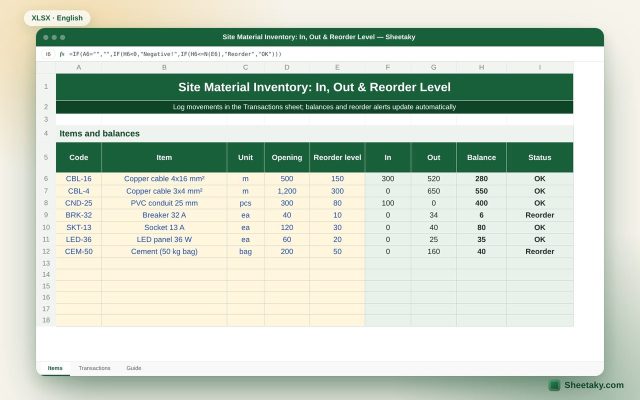
Site Material Inventory in Excel: In, Out, Balance & Reorder Level
An Excel sheet for site store stock: an items list and an IN/OUT log. It calculates current balances…
Engineering sheets
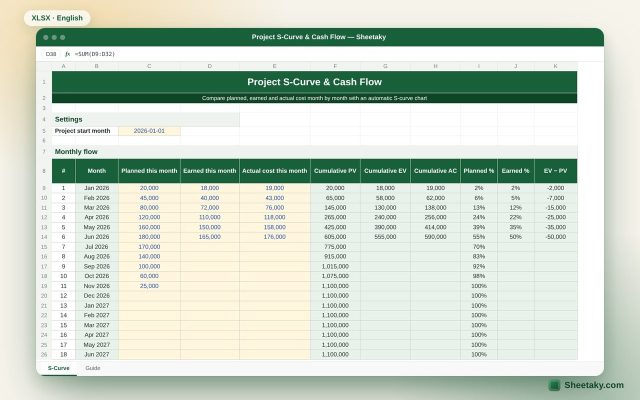
Project S-Curve & Cash Flow in Excel with Automatic Chart
An Excel sheet that draws the project S-curve from monthly planned, earned and actual cost, and calculates cumulative…
Engineering sheets
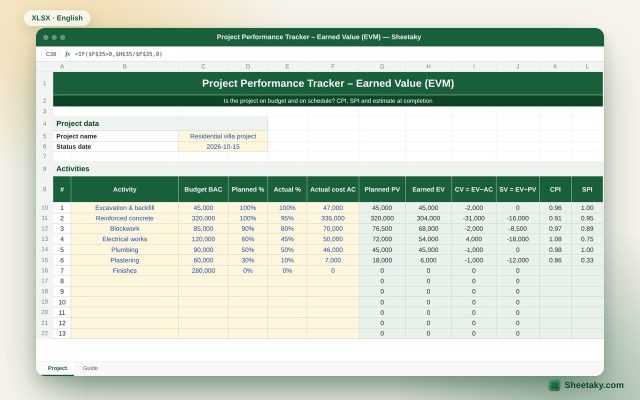
Earned Value Management (EVM) Tracker in Excel: CPI, SPI and EAC
An Excel sheet to measure project performance with earned value: PV, EV and AC per activity, CPI and…