Cable Tray Fill Calculator in Excel: Fill Ratio and Tray Width
- XLSX
- 12 KB
- Version 1.0
- English
- October 22, 2026
Ready to download
Editable Excel file
This sheet is also available in: العربية
An overfilled cable tray heats up the cables, makes pulling new cables hard and may be rejected at handover. Calculating fill by hand for several cable types takes time.
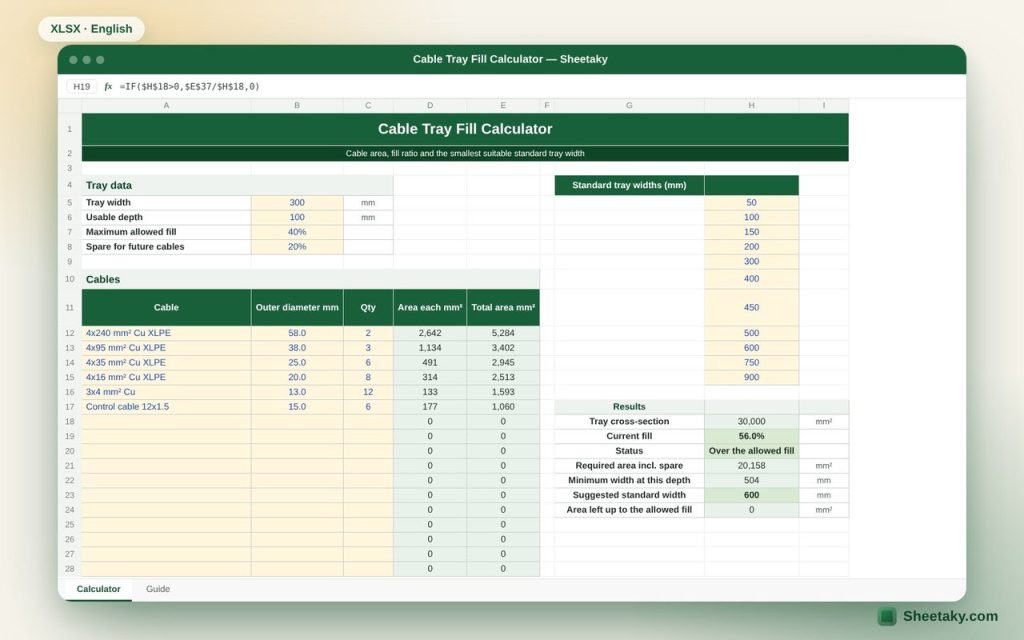
This sheet calculates the cross-section of each cable from its outer diameter, adds them up, compares the total with the tray area and the allowed limit, and suggests the smallest standard width that fits the cables with a spare for the future.
Who is it for?
- Electrical designers preparing cable route drawings
- Site engineers checking installations
- Contractors pricing trays
What is inside the sheet?
- Tray data: width, usable depth, allowed fill, spare
- A table for twenty-five cable types with diameter and quantity
- Total cable area, fill ratio and status
- Minimum required width and suggested standard width
- An editable list of standard widths
How to use it
- Enter the tray width and usable depth in millimeters.
- Set the maximum fill (40% is common) and the spare.
- Enter the cables: description, outer diameter from the datasheet and quantity.
- Read the fill ratio and the suggested standard width.
Formulas used
Cable area = π × diameter² ÷ 4Fill = total cable area ÷ (width × usable depth)Minimum width = (cable area × (1 + spare)) ÷ (depth × allowed fill)
Worked example from the sheet itself
A 300 mm wide tray with 100 mm usable depth carries cables with a total area of 16,798 mm²:
- The fill is 56%, above the 40% limit, so the sheet warns that the tray is over the allowed fill.
- With 20% spare, the minimum width is 504 mm and the suggested standard width is 600 mm.
Tips for best results
- Take the outer diameter from the manufacturer datasheet; the same size can differ between makers.
- Large single-layer cables may need a different calculation method per the code.
- Keep a spare for future cables; adding a tray later is much harder.
Frequently asked questions
Why 40%?
It is a common limit for multiple cables in trays. The code or specification may set another value depending on tray and cable type, so change it in the settings.
Does it apply grouping derating?
No, it checks physical fill only. Derating belongs to cable sizing.
What if the required width exceeds the largest size?
The sheet tells you to use two trays or a deeper tray.
Download the sheet
Press the download button at the top of the page to get the Excel file. It includes a full guide sheet, yellow input cells and formulas protected from accidental edits. The sheet is also available in Arabic from the language switcher.
Related sheets
Electrical engineering
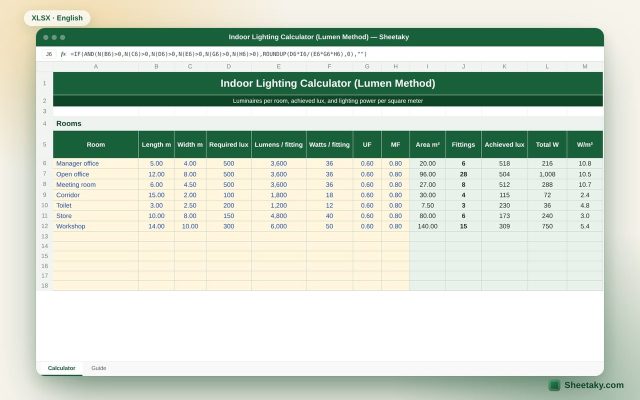
Indoor Lighting Calculator in Excel (Lumen Method): Fittings per Room
An Excel sheet that uses the lumen method to calculate the luminaires needed per room, the achieved lux…
Electrical engineering
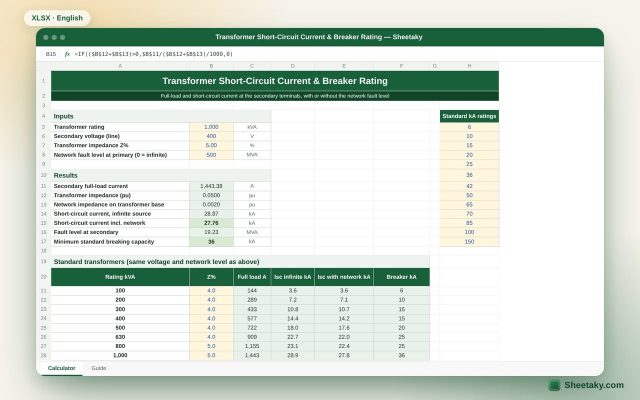
Transformer Short-Circuit Current & Breaker Rating Calculator in Excel
An Excel sheet that calculates full-load and short-circuit current at the transformer secondary, with or without the network…
Electrical engineering
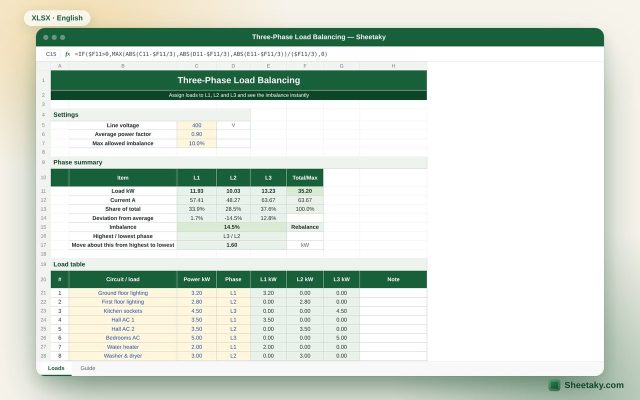
Three-Phase Load Balancing Sheet in Excel with Imbalance Percentage
An Excel sheet to spread panel loads across L1, L2 and L3. It calculates load and current per…